
EPISODE · Aug 14, 2025 · 15 MIN
Dataverse Deep Dive: How to Design Scalable Data Models for Fast Power Platform and Model‑Driven Apps
from M365.FM - Modern work, security, and productivity with Microsoft 365 · host Mirko Peters - Founder of m365.fm, m365.show and m365con.net
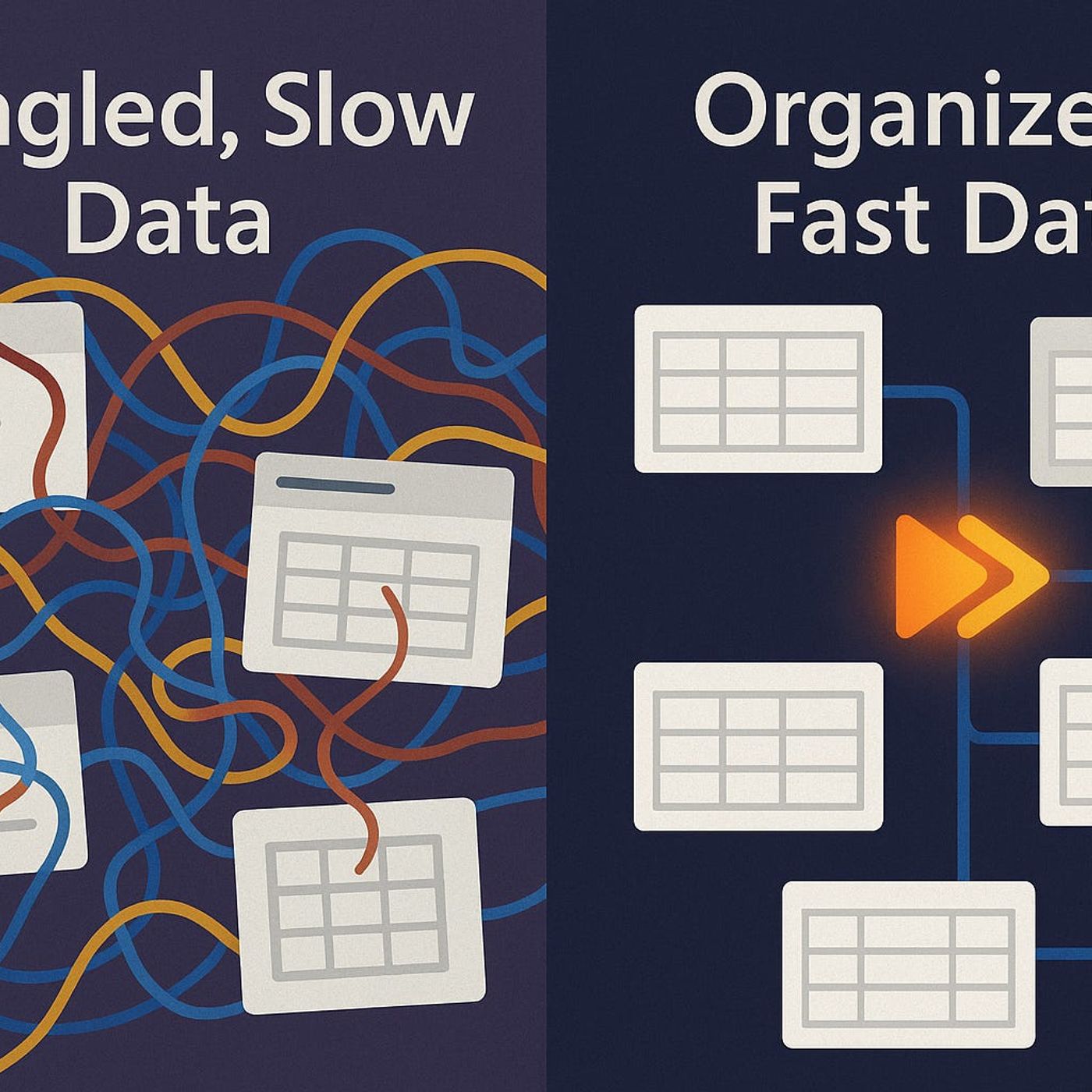
What if the reason your Dataverse app slows to a crawl isn’t the size of your data, but the way your tables and relationships are wired? In this episode, we connect the dots between schema design and real‑world responsiveness—and show why many Power Platform makers unknowingly lock themselves into poor performance from day one. Instead of blaming “the cloud” or tenant throttling every time a form feels sluggish, you’ll learn how table layout, relationships and indexing quietly decide whether your model‑driven apps feel snappy or stuck in wet cementWe start with the hidden performance traps inside your tables. You’ll hear why a bloated schema with hundreds of “just in case” columns can make a small table feel slower than one with millions of rows, and how over‑normalization creates join patterns that hurt Dataverse long before you hit any official limits. Using examples like 250‑field customer tables and over‑engineered attribute splits, we explain how to trim non‑critical fields, balance normalization with real‑world queries, and design lean tables that give forms, lookups and flows a fighting chance to perform under load.Then we move from single tables to the relationship web that sits on top of them. Many‑to‑many links, cascades on busy lookups and overly chatty relationships can turn into rush‑hour junctions where every query bottlenecks. We walk through scenarios where relationship choices look clean on paper but explode in complexity at scale, and show how alternatives—simpler lookups, smarter choice fields, selective cascades—can cut form load times dramatically without losing the business meaning of your data.Finally, we zoom in on indexing as the quiet performance multiplier. You’ll learn why relying only on default indexes leaves complex filters and dashboards scanning far more data than necessary, and how over‑indexing piles extra cost onto every write operation. We outline a practical way to pick the right columns to index, watch query patterns over time, and keep your model‑driven apps responsive as environments grow instead of slowly grinding down with each new feature request.WHAT YOU’LL LEARNWhy table design and field bloat can hurt Dataverse performance long before you hit platform limits.How relationship choices (many‑to‑many, cascades, joins) quietly turn into performance roadblocks at scale.How smart indexing turns slow views and queries into predictable, repeatable operations.Practical patterns for designing Dataverse models that stay fast as your Power Platform apps grow.THE CORE INSIGHTThe core insight of this episode is that scalable Dataverse performance doesn’t come from throwing more resources at the platform—it starts with a data model designed for how your apps actually run. Once you align tables, relationships and indexes with real query patterns instead of theoretical “perfect” schemas, your model‑driven apps feel faster today and stay responsive as your data and user base grow.WHO THIS EPISODE IS FORPower Platform and Dataverse makers who want their apps to stay fast as they scale.Solution architects designing data models for model‑driven apps and complex automations.Developers and admins troubleshooting “Dataverse is slow” complaints without clear root causes.ABOUT THE AUTHOR / HOSTMirko Peters is a Microsoft 365 and Power Platform consultant and host of the M365.FM podcast, helping organizations design Dataverse and low‑code solutions that perform reliably in real‑world environments instead of just in small test tenants. He works with teams to align schema design, relationships and automation so their Power Apps, flows and model‑driven apps stay responsive, maintainable and ready for production scale.Become a supporter of this podcast: https://www.spreaker.com/podcast/m365-fm-modern-work-security-and-productivity-with-microsoft-365--6704921/support.
Embed this episode
NOW PLAYING
Dataverse Deep Dive: How to Design Scalable Data Models for Fast Power Platform and Model‑Driven Apps
No transcript for this episode yet
Similar Episodes
Feb 4, 2026 ·18m
Similar Podcasts
No similar podcasts found.