
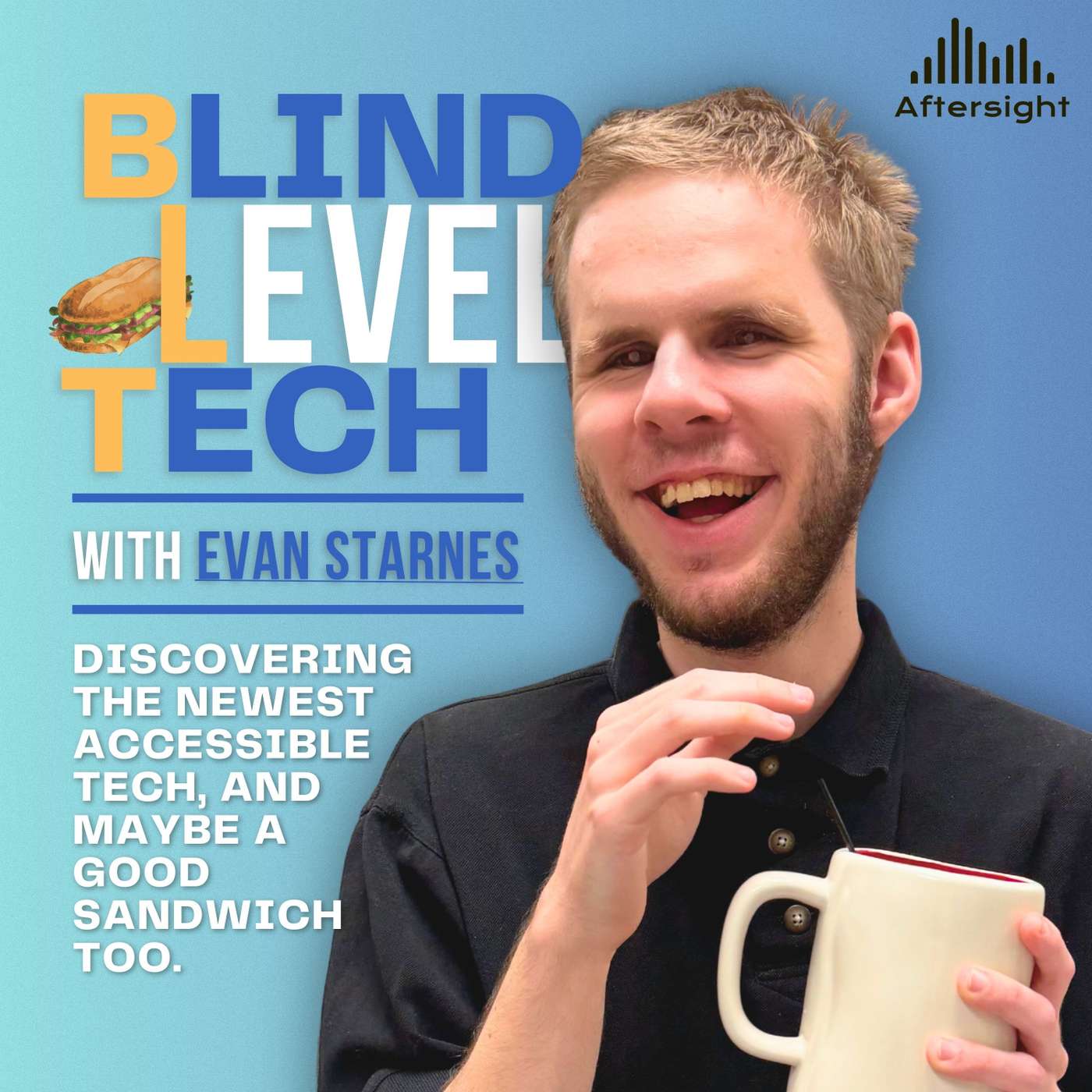
EPISODE · May 27, 2026 · 1H 6M
David Ward Part 2: Screen Readers, Sound Cues, and Smart AI
from Blind Level Tech · host Aftersight
David Ward returns to Blind Level Tech for part two of a wonderfully nerdy and practical conversation about accessibility, AI, screen readers, and the tools that make daily life just a little smoother. Evan and David pick up from their previous discussion and dive into Braille Sonar, David’s braille reference app that has been revived as a web app with help from modern AI coding tools.From there, the conversation moves into real-world AI use cases, including JAWS Picture Smart, Be My AI, PDF workflows, command-line tools, PowerShell scripts, Lisi for JAWS, and the surprisingly powerful role of sound cues in accessibility. David shares how AI has helped him solve problems that once required sighted assistance, while also pointing out where these tools still fall short and why human backup through services like Be My Eyes and Aira still matters.Evan and David also geek out over screen reader history, Android versus iOS, NVDA add-ons, startup sounds, text-to-speech voices, and why technology becoming “silent” is not always a good thing for blind and low vision users. (00:40) - – Welcome Back to Part Two with David Ward (02:00) - – Energy Drinks, Coffee, and “Healthy” Caffeine (04:05) - – Introducing Braille Sonar (05:17) - – The Origins of Braille Sonar and UEB Braille (07:13) - – Learning PHP and Building an iOS App Before AI (10:08) - – Why the Original App Was Sunsetted (11:10) - – Reviving Braille Sonar Using AI Coding Tools (13:55) - – Braille, Math Symbols, and AI Improvements (16:00) - – JAWS Picture Smart and PDF Accessibility (17:05) - – Automating PDF Signatures with Command Line Tools (21:13) - – What Is Lisi for JAWS? (24:00) - – Be My AI, Accessibility Testing, and OCR (29:53) - – Making Screen Readers More Human (31:21) - – Sticky Notes, Web Navigation, and Productivity Features (34:12) - – Depending on AI for Everyday Tasks (35:25) - – What AI Still Gets Wrong (38:14) - – Fighting Hallucinations with Multiple AI Models (40:47) - – AI Integration in VoiceOver and iOS (42:55) - – Access Tech Frustrations and OCR Complaints (46:03) - – Live Recognition and Modern OCR Tools (48:47) - – Open Source Accessibility and NVDA Plugins (51:33) - – Why Silent Technology Can Hurt Accessibility (53:02) - – Using Sound Cues for Productivity (57:22) - – NVDA Add-Ons and Fun Sound Customization (58:18) - – David’s Android and Nexus Era (01:03:34) - – Echo Tips Podcast and Braille Sonar Plug (01:05:16) - – Listener Feedback and Wrapping Up ★ Support this podcast ★
Embed this episode
NOW PLAYING
David Ward Part 2: Screen Readers, Sound Cues, and Smart AI
No transcript for this episode yet
Similar Episodes
No similar episodes found.
Similar Podcasts
No similar podcasts found.