
EPISODE · Sep 5, 2025 · 21 MIN
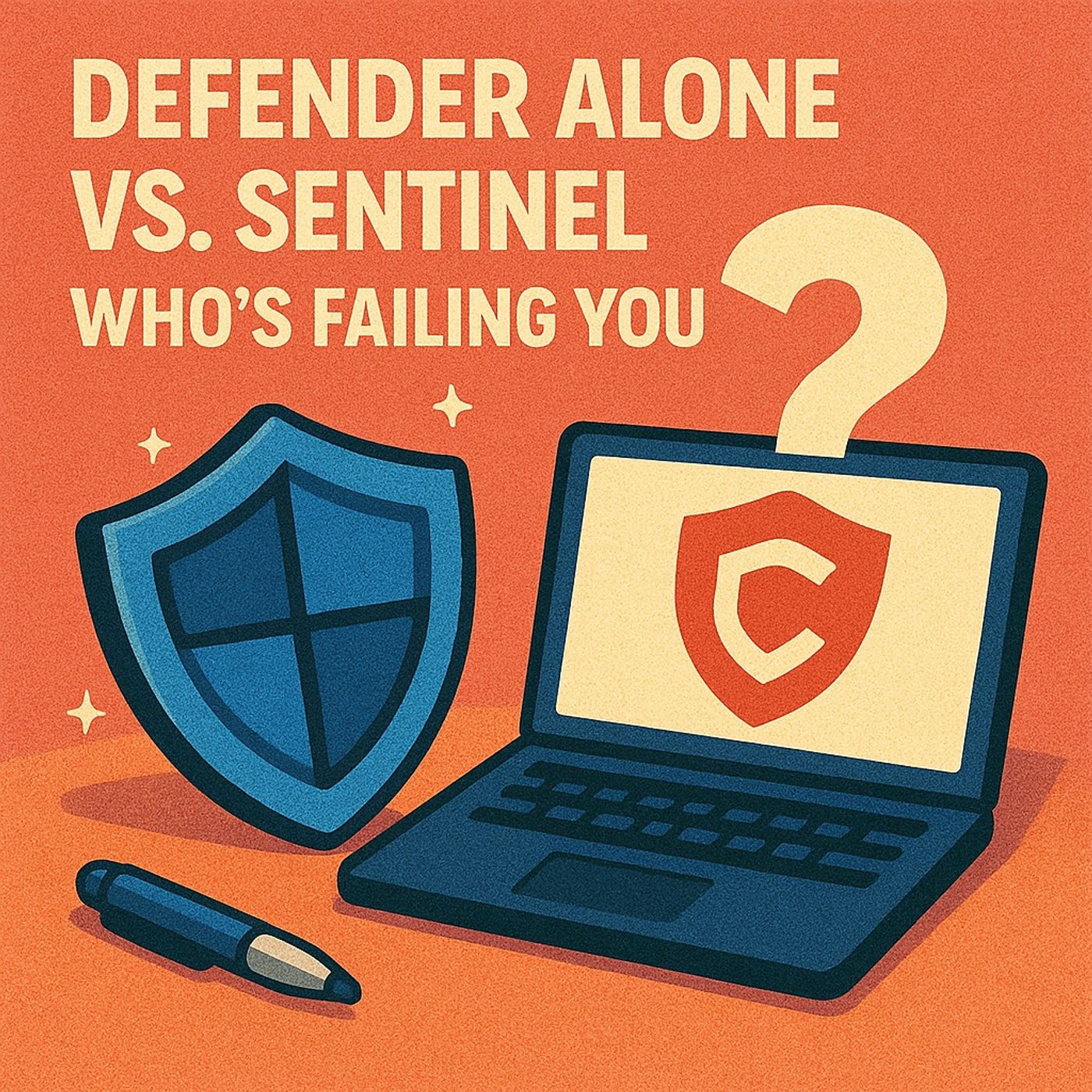
Defender Alone vs. Sentinel: When Microsoft 365 XDR Isn’t Enough for Security, Forensics and Complian
from M365.FM - Modern work, security, and productivity with Microsoft 365 · host Mirko Peters - Founder of m365.fm, m365.show and m365con.net
Here’s the truth many IT teams only discover during an incident: Microsoft Defender protects more than you think, but much less than you assume. Its cross‑signal visibility inside Microsoft 365 is strong for day‑to‑day threats, yet the short retention windows and Microsoft‑only focus mean long‑running attacks and non‑M365 activity can unfold completely outside your investigative view. In this episode, we break down where Defender shines, where its memory and scope fall short, and when relying on it alone quietly sets you up for trouble with both attackers and auditors.We start in the Defender comfort zone. Defender for Office, Endpoint and Identity work together to catch phishing, malware and suspicious sign‑ins, correlating signals across mailboxes, devices and accounts in ways that feel like full coverage. But we show why that picture is incomplete: key logs roll off after 30–90 days, multi‑cloud and network activity stay outside the story, and “we didn’t see anything” often just means “we no longer have the data.” You’ll hear a relatable example of a privileged account breach that lies low for months—exactly the kind of slow burn modern attacks use—and how, by the time damage is visible, much of the early evidence Defender once had is already gone.Then we look at the moment when “good enough” fails: compliance. Auditors don’t care how slick your real‑time detections look; they ask for six, twelve or more months of consistent, tamper‑resistant logs that can reconstruct incidents from the very first suspicious event. We walk through what happens when they request a one‑year trail and Defender can only show the last 30–90 days, why advanced auditing alone still doesn’t equal a SIEM, and how this gap turns into both regulatory risk and painful conversations with customers who expect stronger proof of monitoring.Finally, we explain where Microsoft Sentinel fits and how to decide if it’s worth it for you. Sentinel doesn’t replace Defender’s protections; it extends them with long‑term storage, cross‑platform correlation and serious investigation tools that reach beyond Microsoft 365. You’ll learn when a SIEM becomes non‑negotiable (compliance obligations, complex environments, higher‑tier threat hunting) and when a tuned Defender‑only setup can still be a reasonable starting point—plus one simple question to ask yourself: “If someone breached us six months ago, could we prove what happened?”WHAT YOU’LL LEARNWhere Microsoft Defender really ends: retention limits, Microsoft‑only focus and investigation gaps.Why compliance and long‑term forensics push you toward Sentinel or another SIEM.How to think about Defender as daily shield and Sentinel as long‑term memory and correlation brain.A practical way to decide if “Defender alone” is still enough for your size, risk and regulatory reality.THE CORE INSIGHTThe core insight of this episode is that Defender isn’t failing you—your expectations are, if you treat it like a full SIEM and compliance archive. Once you see Defender as a powerful but short‑memory shield, and Sentinel as the system that stores and connects the longer story, you can finally design a monitoring strategy that matches both modern threats and the questions auditors will ask later.WHO THIS EPISODE IS FORSecurity and IT teams currently relying on Defender alone for Microsoft 365 protection.Compliance, risk and audit stakeholders who expect long‑term, provable monitoring.Leaders evaluating if Sentinel is an expensive luxury or a necessary layer in their security stack.ABOUT THE AUTHOR / HOSTMirko Peters is a Microsoft 365 security and monitoring consultant and host of the M365.FM podcast, helping organizations turn scattered Defender alerts into a coherent security strategy with the right mix of XDR, SIEM and compliance logging. He works with teams on Microsoft 365, Sentinel and Azure to design monitoring architectures that balance cost, retention and visibility—so you’re not discovering gaps for the first time in the middle of an incident or an audit.Become a supporter of this podcast: https://www.spreaker.com/podcast/m365-fm-modern-work-security-and-productivity-with-microsoft-365--6704921/support.
Embed this episode
NOW PLAYING
Defender Alone vs. Sentinel: When Microsoft 365 XDR Isn’t Enough for Security, Forensics and Complian
No transcript for this episode yet
Similar Episodes
No similar episodes found.
Similar Podcasts
No similar podcasts found.