
EPISODE · May 29, 2026 · 3 MIN
Detail's On-Device Audio Enhancement
from Femous
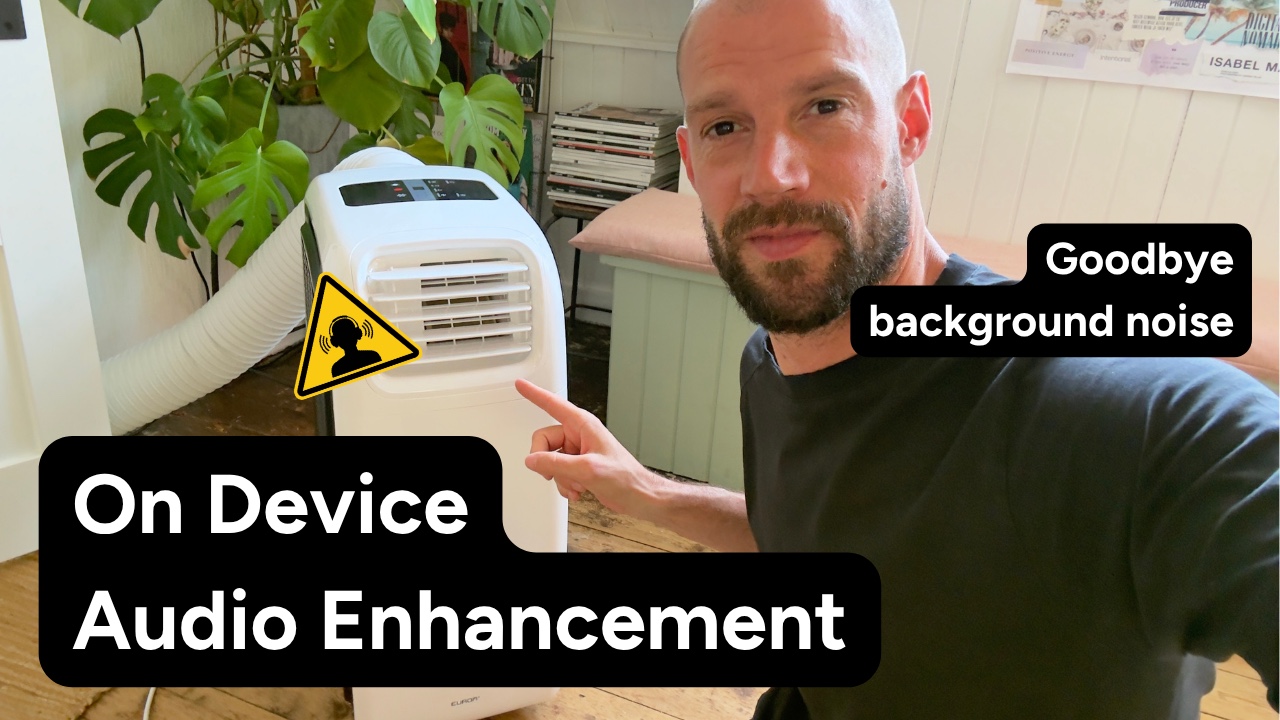
Frank from Detail recorded a demo in his studio in the Netherlands with a mobile air conditioner running at its loudest fan setting, using the internal iPhone microphone on purpose to stress-test the new audio enhancement feature. The result is clean, present voice audio with the AC noise gone, processed entirely on-device with no server upload and no network connection required. The workflow is a single tap. After recording, you open the timeline, scroll to the audio section, and tap Enhance. For clips under a minute the processing is near-instant, and a slider lets you compare the original and processed audio side by side so you can hear exactly what changed. Detail trained the underlying models on their own audio data, which is why the results feel calibrated rather than generic. Audio enhancement is a pro feature in Detail. For anyone recording on an iPhone in less than ideal conditions, it removes the need to re-record in a quieter space, open a separate audio editor, or accept noisy footage. You get clean audio without changing how or where you record. Published on Subwave https://subwave.app/@femous/post/details-on-device-audio-enhancement-2
Embed this episode
NOW PLAYING
Detail's On-Device Audio Enhancement
No transcript for this episode yet
Similar Episodes
No similar episodes found.
Similar Podcasts
No similar podcasts found.