
EPISODE · Mar 21, 2026 · 38 MIN
Discreet Smart Home Automation Checklist: Protocol Requirements & Device Placement
from The Smart Home Setup Podcast
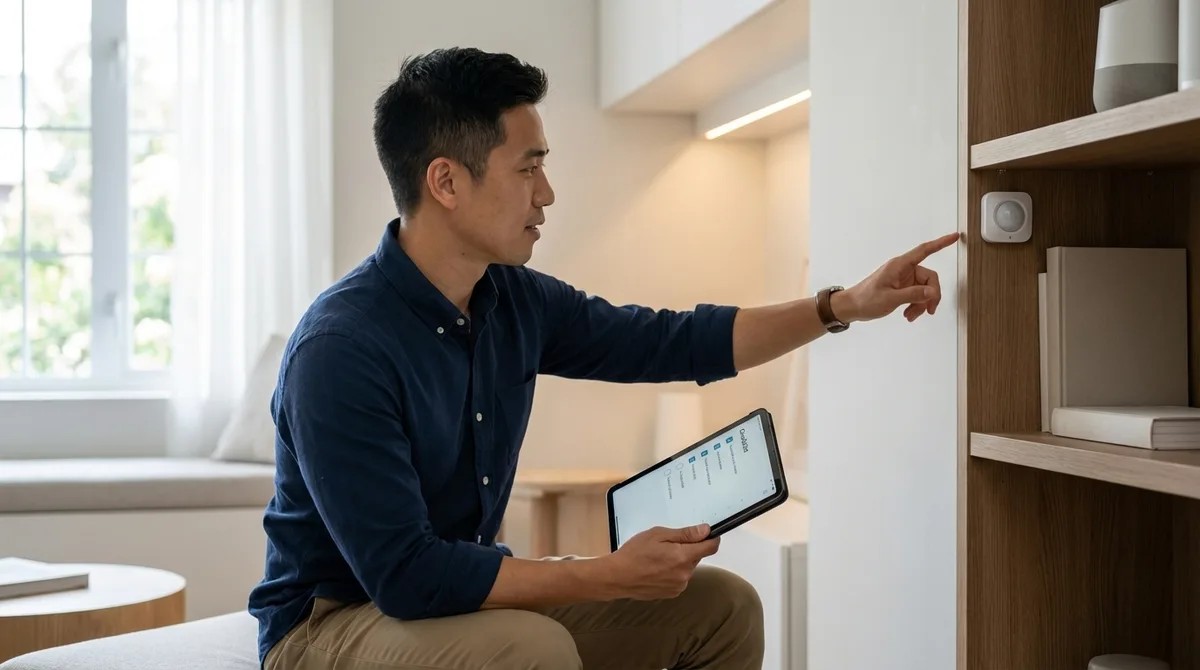
You've carefully hidden motion sensors behind picture frames and tucked your smart home hub into a closet for that clean, invisible aesthetic—only to watch half your automations fail two weeks later. This episode tackles the frustrating reality that not all wireless protocols handle concealed placement equally, and poor hub positioning can turn your sleek setup into a troubleshooting nightmare. Marcus Chen breaks down exactly which protocols maintain signal strength behind walls and inside furniture, where to position your hub for reliable mesh performance, and the planning steps that separate seamless hidden automation from constant connectivity drops. Whether you're building a new smart home or retrofitting an existing one, this guide ensures your devices stay invisible and actually keep working. Thread-enabled Matter devices and Zigbee 3.0 handle hidden placement best because they create self-healing mesh networks that route around obstacles—concealing mains-powered devices can actually extend your network rather than weaken it. Z-Wave's lower frequency (908 MHz in the US) penetrates walls and furniture better than 2.4 GHz protocols, requiring fewer repeaters for hidden installations—roughly one every 50-60 feet compared to Zigbee's 30-40 feet. Wi-Fi devices struggle most with concealed placement, especially behind metal surfaces or inside electrical boxes; if you must hide them, ensure line-of-sight to your access point even when visually obscured. Hub placement should prioritize central positioning over aesthetics—hiding your hub in a basement corner or metal utility closet creates single-point-of-failure scenarios that doom your entire setup. Zigbee hubs generate significant heat, so hiding them inside furniture without at least two inches of clearance on all sides can cause thermal throttling and mysterious connection drops. For Matter over Thread setups, your Thread border router needs reliable power and strong Ethernet or Wi-Fi backhaul—tucking it behind furniture on spotty Wi-Fi undermines your entire network's remote access capability. Read the full article: https://mysmarthomesetup.com/discreet-smart-home-automation-checklist
Embed this episode
NOW PLAYING
Discreet Smart Home Automation Checklist: Protocol Requirements & Device Placement
No transcript for this episode yet
Similar Episodes
No similar episodes found.
Similar Podcasts
No similar podcasts found.