
EPISODE · May 27, 2026 · 22 MIN
DIY Smart Home Projects vs Professional Installation: Which Is Better?
from The Smart Home Setup Podcast
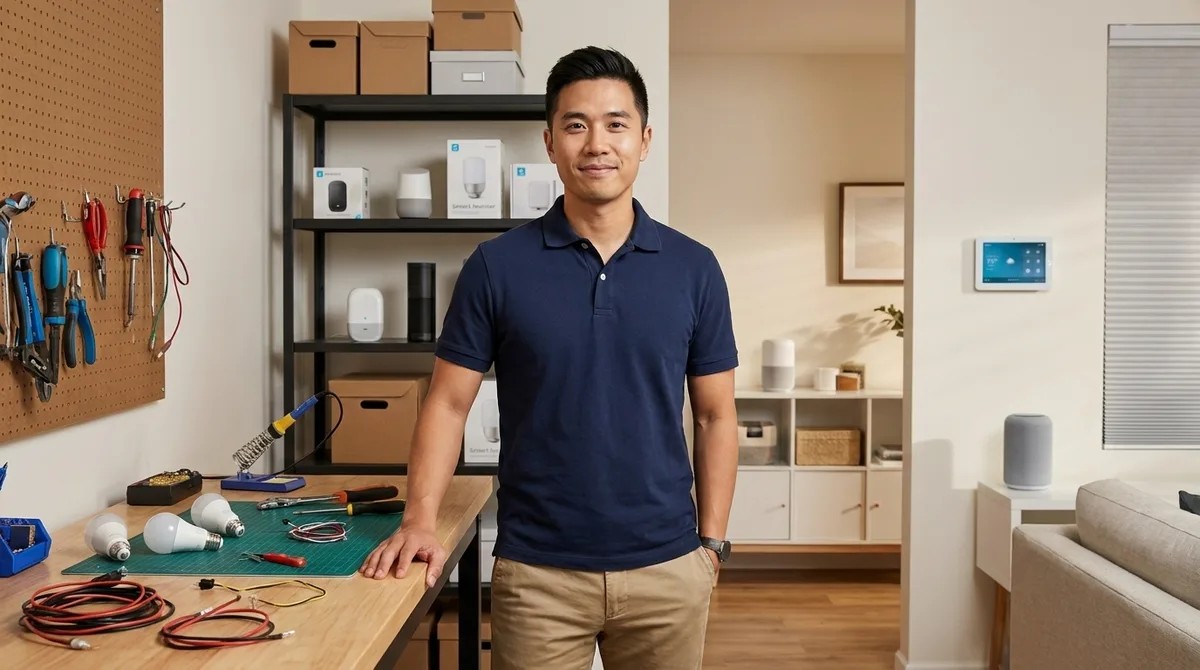
Trying to decide whether to install your smart home yourself or hire a professional? It's not as simple as "pros are always better." In this episode, Marcus Chen breaks down exactly when DIY makes sense and when you really need to call in an expert. You'll learn how cost, complexity, and reliability change depending on which protocols you're using, what hidden expenses to watch out for, and how to avoid the most common mistakes people make when choosing between these two approaches. DIY smart home installation costs way less upfront, usually three hundred to two thousand dollars with no labor fees, but you might spend another two hundred to four hundred dollars on network upgrades if your router can't handle all those devices, plus you'll invest fifteen to forty hours learning and troubleshooting—basically, you're trading money for time. Wi-Fi and Matter devices are super beginner-friendly and take just five to ten minutes to set up, Zigbee is a bit harder but still doable if you're willing to learn about mesh networks, and Z-Wave is where most people should hire a pro because if you install the devices in the wrong order, they won't talk to each other properly and you'll waste hours fixing routing problems. Professional installation starts around fifteen hundred to three thousand dollars for basic systems and goes up to fifteen thousand for complex whole-home setups, but you're paying for immediate reliability, proper network design, and someone who'll fix things when they break—think of it like buying time and peace of mind instead of doing the work yourself. Professionally installed Z-Wave systems fail only two to three percent of the time over two years because the installer sets up the mesh correctly from the start, while DIY Z-Wave systems fail twelve to eighteen percent of the time because most people don't understand how to sequence the installation—Wi-Fi devices are the opposite, with DIY and pro failure rates being pretty similar since they're easier to set up. Most homeowners get the best results with a hybrid approach: DIY the easy Wi-Fi and Zigbee stuff, hire an electrician to add neutral wires and install hardwired switches, and pay a smart home expert three hundred to five hundred dollars for a one-time consultation to design your network before you buy anything—you'll avoid expensive compatibility mistakes while keeping control over your automations. Show Links Affiliate Disclosure: As an Amazon Associate I earn from qualifying purchases. Full article SmartThings Station Amazon Echo Hub Kasa Smart Plug KP125M Related Articles Smart Home Backup Power Solutions: Complete Guide to Uninterruptible Automation Smart Home Power Monitoring: Real-Time Energy Tracking with Matter & Zigbee Sensors Home Automation Ideas: Smart Solutions for Every Room How to Choose Smart Lighting: Protocol, Ecosystem Lock-In & Budget Guide Smart Light Bulb Protocols Explained: Zigbee vs Z-Wave vs Matter vs Wi-Fi
NOW PLAYING
DIY Smart Home Projects vs Professional Installation: Which Is Better?
No transcript for this episode yet
Similar Episodes
Mar 26, 2026 ·1m
Mar 19, 2026 ·34m
Feb 18, 2026 ·11m
Feb 11, 2026 ·45m