
EPISODE · Aug 10, 2019 · 54 MIN
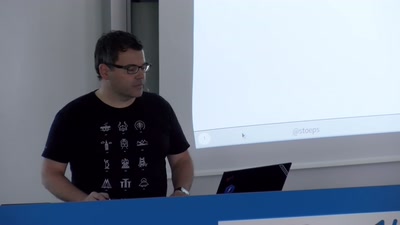
Documentation with any editor (froscon2019)
from Chaos Computer Club - archive feed (high quality) · host Christoph Stoettner
Creating documentation is often boring and needs a lot of copy&paste to update the different output formats. I'll show you my workflow creating textbased documentation with asciidoctor and convert it through a pipeline to html, pdf and some more formats. Creating professional documentation with asciidoctor and some other opensource tools, using the editor of your choice. I create a pipeline (Jenkins or Gitlab CI/CD) to convert a simple ascii text to any documentation format. So when your project needs html that's fine, when your customer needs some PDF and you want to use your company logo that's nearly the same. You can create multiple outputs from one source, update screenshots automatically and still edit it on any of your devices or editors. Using a pipeline and containers after commiting to a version control system can be used on any operating system, or directly in the cloud. So there is nothing between you and your documentation. about this event: https://programm.froscon.de/2019/events/2389.html
Embed this episode
Ready to play
Documentation with any editor (froscon2019)
No transcript for this episode yet
Similar Episodes
No similar episodes found.
Similar Podcasts
No similar podcasts found.