
EPISODE · Jul 22, 2023 · 4 MIN
Episode 30: Samsung Galaxy Tips | How To Change Video Brightness From Normal (Default) To Bright!
from PIXELS CRACKED · host Leon McDaniels
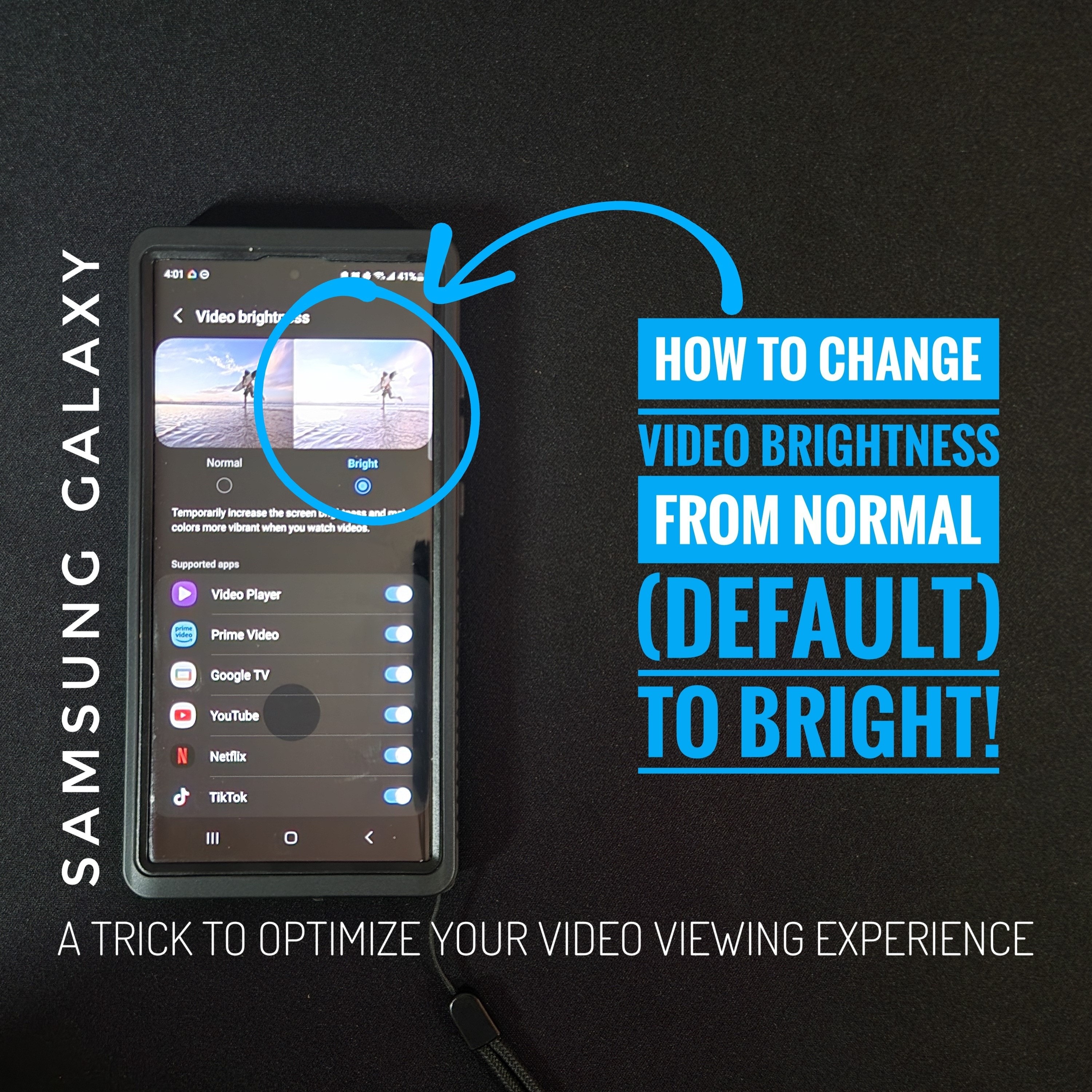
What is goin’ on everyone? Leon checkin' in & we are at it again with another episode!Today’s content is an increased focus on Samsung Galaxy devices which brings us to “How To Change Video Brightness From Normal (Default) to Bright!All things said… Let's go ahead… And get into it!Steps & Notes: 1. Pull down from top of display to reveal the notification shade and look for the gear icon in the top right hand corner and tap on it. 2. Now if we scroll down, you'd think this feature is going to be in "Display", which we'll pass, but it's actually going to be in the topic of "Advanced Features," which we'll tap on.3. We'll then scroll down on the refreshed page until we see the option "Video Brightness", which is set to the default "Normal." We'll tap on the option. 4. Once the page refreshes, we can choose been the "Normal" default or the "Bright" option. 5. Once the "Bright" option is selected we get a better description of what the feature does.What I like about this feature is that it TEMPORARILY increases video brightness, which sounds like it should be automatic, but should return display brightness back to normal after viewing video. We also get a list of supported apps which you can toggle on or off. As a side note, I'm not sure if this list expands if you download more video apps... It is possible. Also keep in mind, this may negatively affect battery performance if you view a lot of video content. But interesting note: some apps are missing here that I do have installed that I would have expected to be here. For example, Instagram or the Chrome browser doesn't show, which aren't necessarily dedicated video players, but they are capable of playing video. Looking to build the ultimate Samsung Galaxy load out? Find items shown in this content and a comprehensive list of related items at the Amazon Storefront HERE: https://www.amazon.com/shop/pixelscracked?ref=ac_inf_tb_vhYou can find items in Instagram highlights as well as helpful tech videos at the YouTube link in the Instagram bio @Pixels_Cracked. Over 300 videos, over 12,000 subscribers, due diligence for the people. Shop the Amazon Storefront today!: https://www.amazon.com/shop/pixelscracked . As an Amazon Associate I earn from qualifying purchases. #CommissionsEarnedListen to the Pixels Cracked Podcast!: https://spotifyanchor-web.app.link/e/YMoiUIsvlubWhy You Can Trust Me: I review items I am truly interested in, and either buy myself or receive through brand communication, which I aim to communicate clearly and honestly. We post videos to TikTok & Instagram, so you don’t have to click the link in the bio. Find me @Pixels_CrackedEmail: [email protected]∆TCH, L3∆RN, PL∆Y... & BE VICTORIOUS! 📺📚🎮#Android #AdvancedFeatures #Battery #Bright #Brightness #Demo #Display #Education #GoogleTV #HowTo #Information #Netflix #News #Normal #PrimeVideo #Samsung #SamsungGalaxy #S23Ultra #Settings #Smartphone #Tech #Technology #TikTok #Tip #Tips #Tutorial #Video #VideoBrightness #VideoPlayer #WalkThrough #YouTube #ZFold4 #ZFold5
Embed this episode
NOW PLAYING
Episode 30: Samsung Galaxy Tips | How To Change Video Brightness From Normal (Default) To Bright!
No transcript for this episode yet
Similar Episodes
No similar episodes found.
Similar Podcasts
No similar podcasts found.