
EPISODE · Sep 17, 2023 · 10 MIN
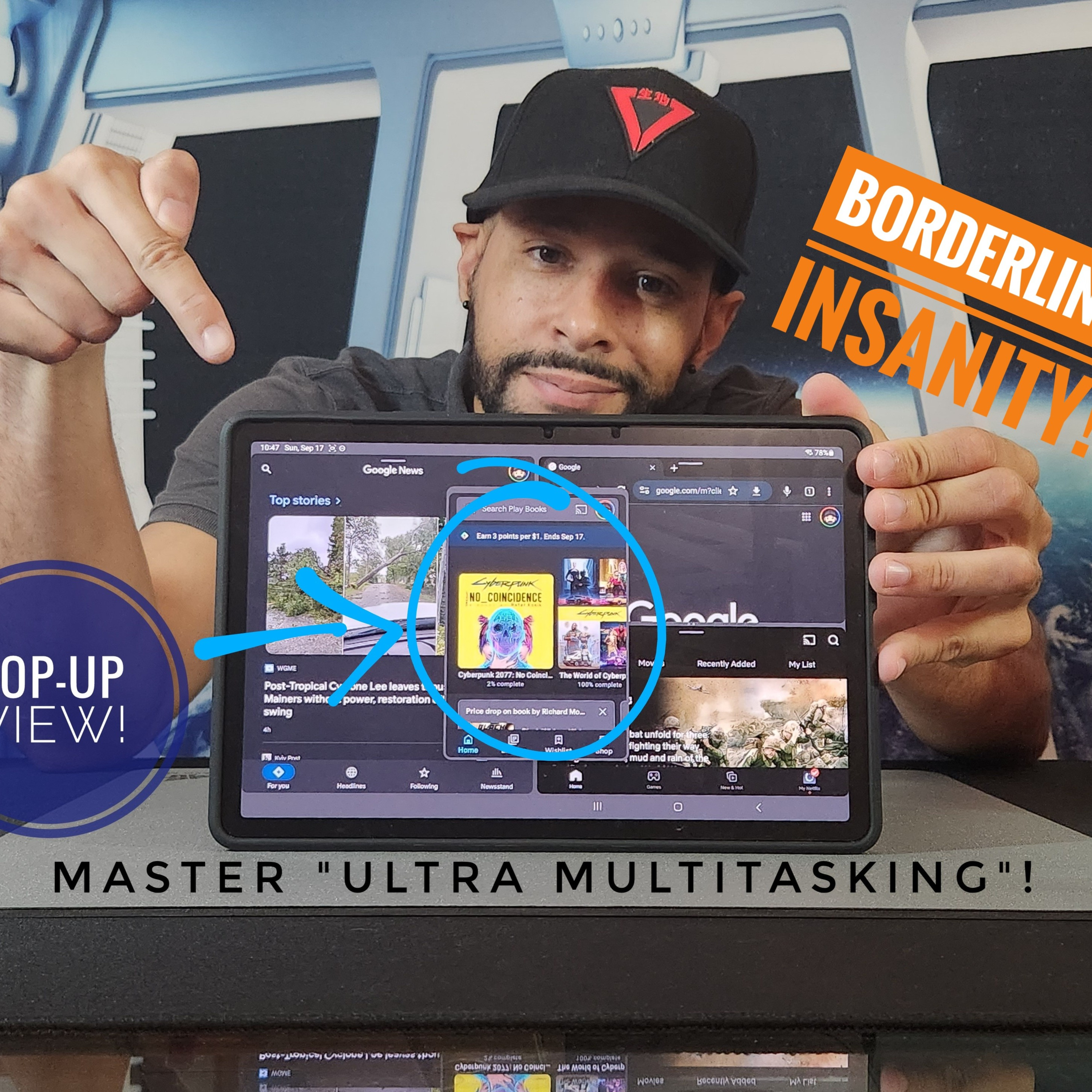
Episode 45: Samsung Galaxy Tab S9 11” | How To Open An App In Pop Up View & Advanced Multitasking!
from PIXELS CRACKED · host Leon McDaniels
Looking to build the ultimate load out? Find items shown in this content and a comprehensive list of related items at the Amazon Storefront HERE:https://www.amazon.com/shop/pixelscracked/list/2H88YUAMHOF00?ref_=cm_sw_r_cp_ud_aipsflist_aipsfpixelscracked_EJ69JVTCRKH9KCFKBYV2As always, clarity and authenticity are important to the content. That being said, I did purchase the Samsung Galaxy Tab S9 11” myself. This means my interest was not influenced by free product or payment, which leads to more authentic content. What is goin’ on everyone? Leon checkin’ in and we are at it again with the Samsung Galaxy Tab S9 11”, a truly wonderful device. Today we are going to talk how to open an App in Pop-Up View which also leads us into some advanced multitasking I call “Ultra Multitasking” because it’s borderline insanity… But it’s there if you want it and builds off of basic multitasking you can do on Samsung’s Galaxy devices!All things said.. Let’s go ahead… And get into it! HIGHLIGHTS: Create a floating Pop-Up View Window of your favorite supported apps. Boost productivity by using the Pop-Up view to create an advanced split screen multitasking setup!Save the advanced split screen multitasking setup to the Edge Panel!You can find items in Instagram highlights as well as helpful tech videos at the YouTube link in the Instagram bio @Pixels_Cracked. 400+ videos / 13,000+ subscribers, due diligence for the people. Shop the Amazon Storefront today!: https://www.amazon.com/shop/pixelscracked . As an Amazon Associate I earn from qualifying purchases. #CommissionsEarnedListen to the Pixels Cracked Podcast!: https://spotifyanchor-web.app.link/e/YMoiUIsvlubWhy You Can Trust Me: I review items I am truly interested in, and either buy myself or receive through brand communication, which I aim to communicate clearly and honestly. We post videos to TikTok & Instagram, so you don’t have to click the link in the bio. Find me @Pixels_CrackedEmail: [email protected] | CHROMEBOOK | WEAROS | GAMING#Android #AppPair #BackToSchool #College #Demo #Demostration #EdgePanel #Education #HowTo #Multitask #Multitasking #Organization #PopUp #PopUpView #Productivity #SamsungGalaxy #SamsungGalaxyTabS9 #SamsungGalaxyTabS911 #School #SplitScreen #Tab #Tablet #TabS9 #TabS911 #Tutorial #UltraMultitasking
Embed this episode
NOW PLAYING
Episode 45: Samsung Galaxy Tab S9 11” | How To Open An App In Pop Up View & Advanced Multitasking!
No transcript for this episode yet
Similar Episodes
No similar episodes found.
Similar Podcasts
No similar podcasts found.