
EPISODE · Apr 14, 2025 · 5 MIN
Episode 9: The powerful Google Notebook LM
from Tech Break by Friday · host Paraskevi Kivroglou
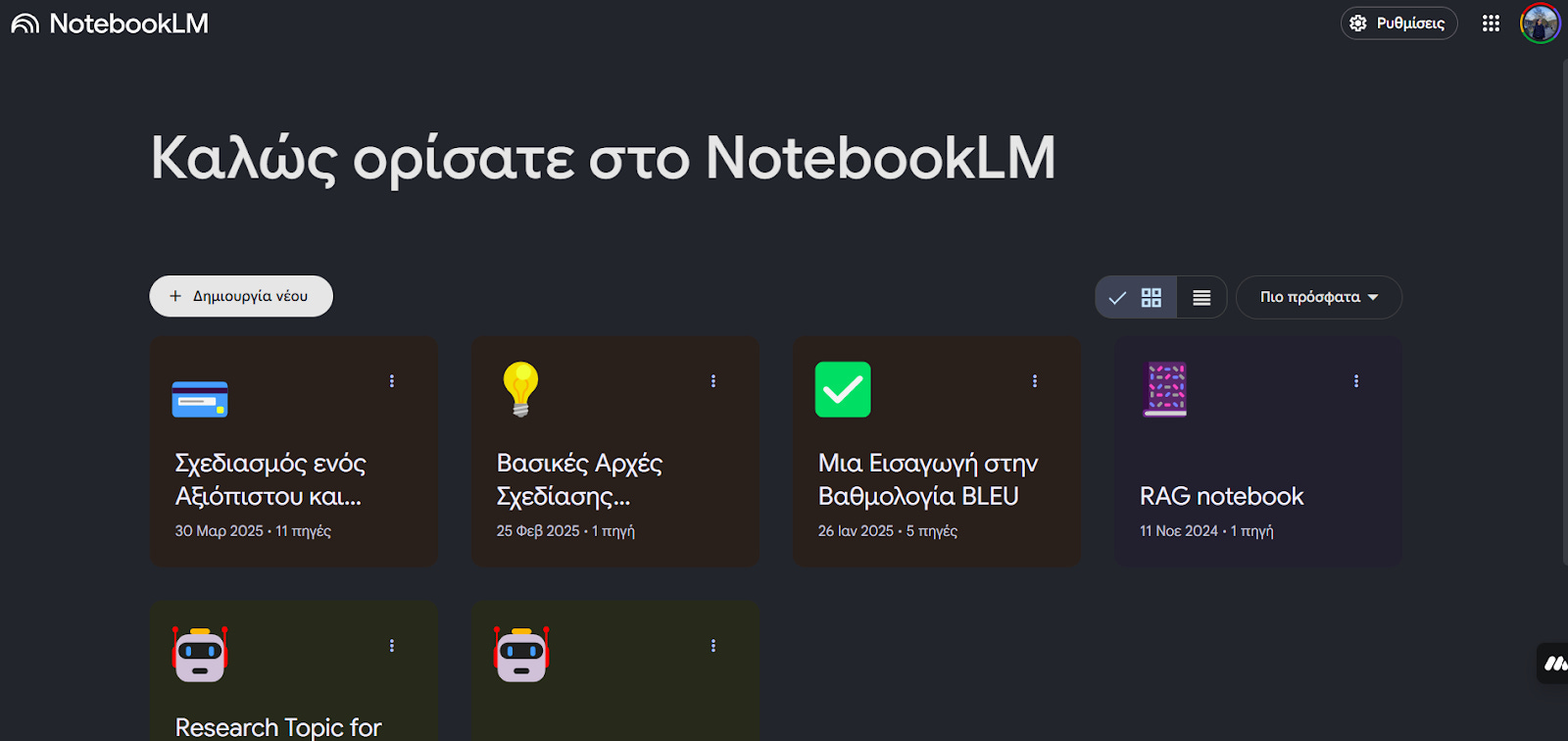
You want to save notes, create mind maps, and record podcasts to increase your productivity, and this is the tool you've been waiting for. In today’s episode, I will share one of my favorite tools for learning a new topic. Notebook LM was released by Google a year ago as an experiment. You can view it under your Google account products or by searching for it. So, what is special about this product?Personal Notebook LM Screenshot.You can create a notebook that will hold information from various sources. For example, let‘s create a notebook on Systems Design Engineering, which is where I have been trying to improve my personal skills lately. I added some YouTube videos (using the + button) I have found before as sources. If you use the Search button (magnifying glass icon), you can let Google Gemini look up sources for you based on a specific topic you would like. If you are a student or someone who loves mind maps, the latest version of Notebook LM 2.0 allows you to create one by clicking the button in the middle tab. I like the idea of a mind map when I am learning something so I can visualise how each topic connects to one another. If you don’t have time to read or watch all of your sources, you can click the button that has (voice fluctuation). That will create an AI-based podcast from your sources. This is really cool if you would like to save it and listen to it on the go. From the right-side tab, you can save your own notes for later, create a study plan, time plan (how everything evolved over time), and more. This has been a perfect tool for collecting a variety of information and learning step by step. I hope you actually use it. Let me know what you think. I hope you liked today’s episode and learned something new. Let me know your thoughts, and if you want to learn more about this, please subscribe.I have a free guide with pictures on how to use NotebookLM. You can download it below. Have a great week until the next one.Resources:1. Mindful Maps in Notebook LM: https://www.perplexity.ai/page/notebooklm-introduces-interact-AG6Ijc1IT0mzAyXGj8aBiw2. Notebook LM: https://notebooklm.google.com/3. Free Guide:https://api.leadconnectorhq.com/widget/form/rMDfVOjTt54AZuUkmKB8 Get full access to Tech Break by Friday at kivroglouparaskevi.substack.com/subscribe
Embed this episode
Ready to play
Episode 9: The powerful Google Notebook LM
No transcript for this episode yet
Similar Episodes
No similar episodes found.
Similar Podcasts
No similar podcasts found.