
EPISODE · Jul 28, 2016 · 1H 8M
Everything You Need to Know to Get Started on YouTube with Tim Schmoyer (ARCHIVE EPISODE)
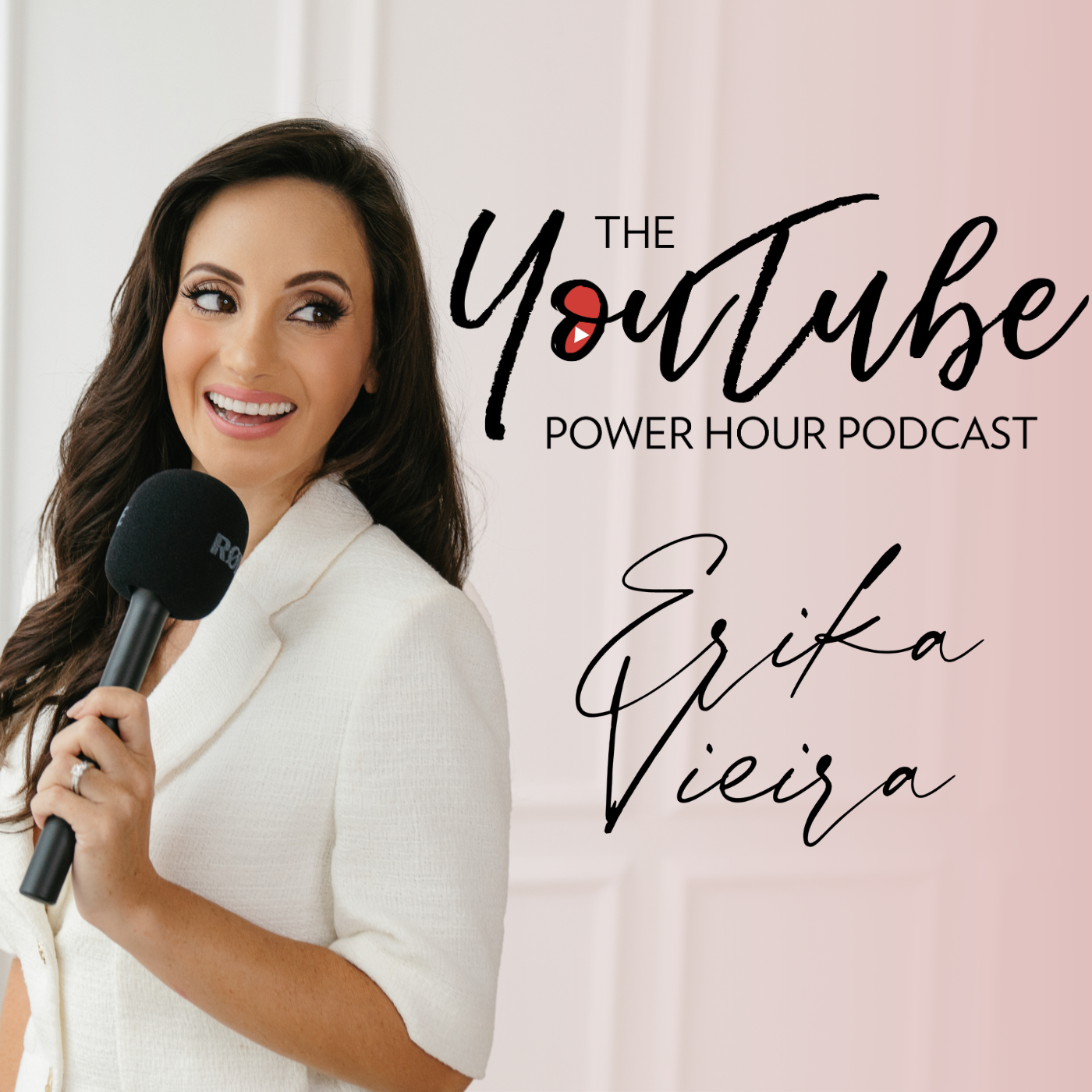
from The YouTube Power Hour Podcast · host Erika Vieira
Enjoy this encore episode of my interview with YouTube expert Tim Schmoyer. I was sick this week, so no new episode. BUT, this was one of my most informative interviews so I wanted to highlight it in case you had never heard it before! On March 2, 2006, Tim created his first YouTube channel and started making videos with the girl who later became his wife. Since then he's created and published over 2,000 videos, amassed millions of views, hundreds of thousands of subscribers, won video contests, worked with some of the country's top brands, and became officially certified by YouTube in "Audience Growth." In 2013 he started Video Creators to train other creators to master the YouTube platform and use it as a place to spread messages that change lives. Check out the show notes HERE Join our Facebook group HERE Sign up for our newsletter an get your FREE YouTuber tools guide HERE
Embed this episode
NOW PLAYING
Everything You Need to Know to Get Started on YouTube with Tim Schmoyer (ARCHIVE EPISODE)
No transcript for this episode yet
Similar Episodes
No similar episodes found.
Similar Podcasts
No similar podcasts found.