
EPISODE · Dec 1, 2025 · 27 MIN
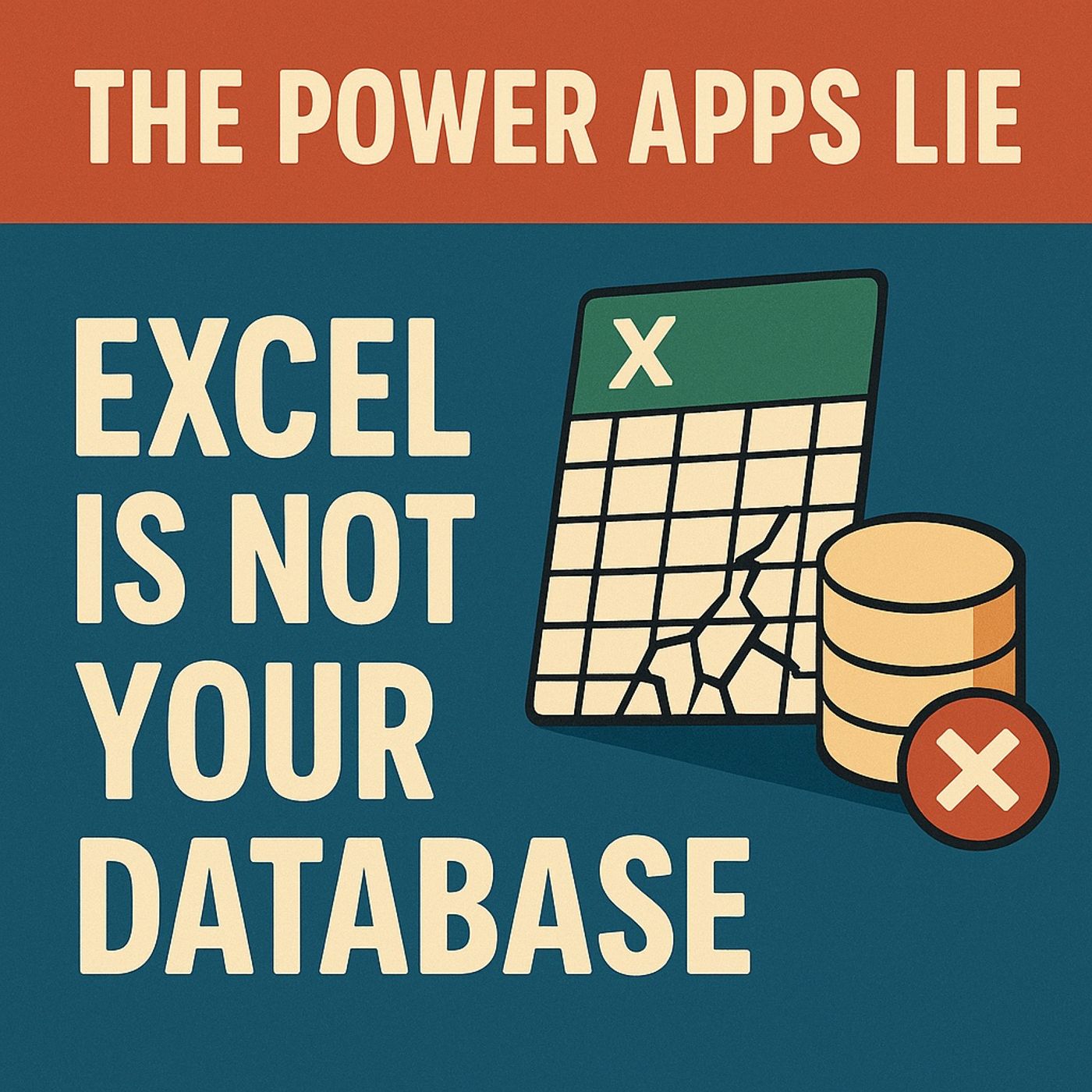
Excel Is Not a Database: Power Apps Dataverse Migration Explained
from M365.FM - Modern work, security, and productivity with Microsoft 365 · host Mirko Peters - Founder of m365.fm, m365.show and m365con.net
(00:00:00) The Excel Dilemma (00:00:29) The Hidden Dangers of Spreadsheets (00:02:58) Excel vs. Databases: A Fundamental Difference (00:04:07) The Three Fatal Failures of Excel (00:07:49) Introducing Data Verse: A New Paradigm (00:09:24) Data Verse Features and Benefits (00:12:30) The Correct Migration Strategy (00:16:35) Data Landscape and Tool Selection (00:20:10) The Ten-Step Migration Plan (00:26:05) The Crucial Decision for Success In this episode of M365.fm, Mirko Peters explains why Excel is great for analysis but fundamentally broken as the data backbone of a Power App — and how Dataverse fixes the mess before it explodes in production.WHAT YOU WILL LEARNWhy Excel collapses the moment your Power App goes from one user to a real teamHow silent data corruption, last‑save‑wins, and broken formulas destroy trust in your appWhy structure drift (columns changing, copies everywhere) is the real enemy of governanceHow Dataverse brings schema, transactions, security roles, and auditing into your Power AppsHow to think about Dataverse vs Fabric Lakehouse vs SQL vs “just keep it in Excel”A practical 10‑step path to migrate an existing Excel‑backed app into DataverseTHE CORE INSIGHTExcel feels safe because it’s forgiving — anyone can change anything, anytime. That freedom is perfect for modeling and individual analysis, but lethal when your spreadsheet becomes an operational system. When multiple users edit the same file, you get last‑save‑wins, silent overwrites, and drift between versions that only show up months later as “unexplainable” numbers.Dataverse solves the problems Excel was never designed to handle: required fields, proper data types, relationships, role‑based security, ACID transactions, and a real audit trail. Instead of hoping your spreadsheet behaves, you let the platform enforce rules, integrity, and access while Power Apps focuses on the experience.WHY EXCEL FAILS AS A BACKENDNo concurrency control: two saves at once means valid updates are silently lostNo schema enforcement: columns, types, and IDs mutate as people improviseNo referential integrity: relationships exist only in formulas and people’s headsNo real audit log: you can’t prove who changed what, when, or whyConstant drift between “master” files, emailed copies, and SharePoint versionsWHAT DATAVERSE GIVES YOU INSTEADReal schema: required fields, data types, keys, and lookupsReal security: role‑based access, row‑level ownership, and field‑level controlReal integrity: transactions, referential constraints, and server‑side validationReal governance: audit trail, DLP, environments, and predictable APIsReal performance: multi‑user concurrency and scalable, queryable storageYOUR MIGRATION PATH (HIGH LEVEL)Inventory Excel‑backed apps and classify the riskExtract real entities, keys, and relationships from your workbookDesign a Dataverse schema that matches how the business actually worksSet up environments, security roles, and DLP policiesTransform and load your data, then validate and dedupePoint your Power App at Dataverse, run a staged cutover, and finally deprecate Excel as the source of truthWHO THIS EPISODE IS FORThis episode is ideal for Power Apps makers, Power Platform admins, solution architects, and business owners whose critical processes still run on “just a spreadsheet” behind a canvas app. If your Power Apps read or write to Excel — especially in SharePoint — this conversation gives you the language and roadmap to move to Dataverse before your luck runs out.ABOUT THE HOSTMirko Peters is a Microsoft 365 consultant and digital workplace architect who helps organizations move from spreadsheet‑driven operations to governed, scalable platforms on Power Platform, Dataverse, and Fabric. Through M365.fm, Mirko shares practical migration stories, data‑model patterns, and governance approaches that help IT and business teams replace fragile Excel “systems” with resilient applications that stand up to real users and real audits.Become a supporter of this podcast: https://www.spreaker.com/podcast/m365-fm-modern-work-security-and-productivity-with-microsoft-365--6704921/support.
Embed this episode
NOW PLAYING
Excel Is Not a Database: Power Apps Dataverse Migration Explained
No transcript for this episode yet
Similar Episodes
No similar episodes found.
Similar Podcasts
No similar podcasts found.