
EPISODE · Jun 22, 2026 · 8 MIN
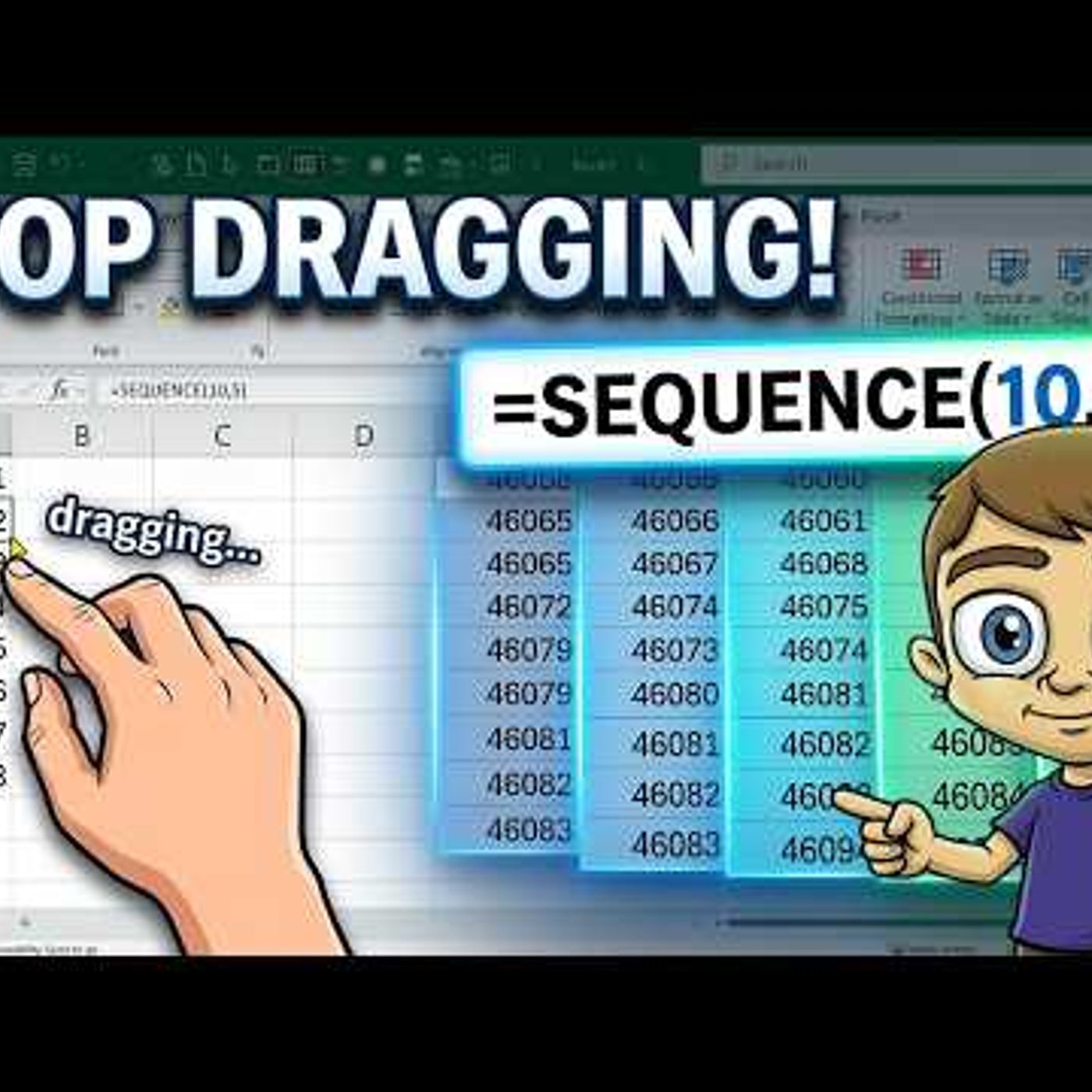
Excel SEQUENCE Function | Numbers, Dates & Custom Ranges
from Technology for Teachers and Students · host ytr
Stop manually dragging numbers to create lists and start using the Excel SEQUENCE function. This quick tutorial shows how to generate a range from 1 to 30 in seconds using a single formula. Manual data entry is prone to error and consumes unnecessary time when you just need a straightforward list of digits. This video demonstrates how to use the Excel SEQUENCE function to replace the old-school fill handle method. By adopting dynamic array formulas, you can build smarter, more responsive spreadsheets that update automatically without needing to re-drag your data ranges. We focus specifically on the basics of getting a sequence set up. If you deal with large data sets where you need to generate number lists on the fly, this method provides a cleaner alternative to traditional typing. Mastering spreadsheet efficiency starts with understanding these built-in tools that do the heavy lifting for you. Subscribe for weekly Excel tips and comment below with a specific formula you want to see explained in the next video. Join this channel to get access to perks: https://www.youtube.com/channel/UCYUPLUCkMiUgiyVuluCc7tQ/join ***Consider supporting Technology for Teachers and Students on Patreon***: https://www.patreon.com/technologyforteachersandstudents Here\'s my entire playlist of Excel tutorials: HTTP://bit.ly/tech4excel Please say \"Thanks\" by clicking the Thanks button below the video. #excel #exceltutorials #microsoft365 #microsoftexcel #excelfunctions #excelformula
Embed this episode
Ready to play
Excel SEQUENCE Function | Numbers, Dates & Custom Ranges
No transcript for this episode yet
Similar Episodes
No similar episodes found.
Similar Podcasts
No similar podcasts found.