
EPISODE · Jul 7, 2025 · 57 MIN
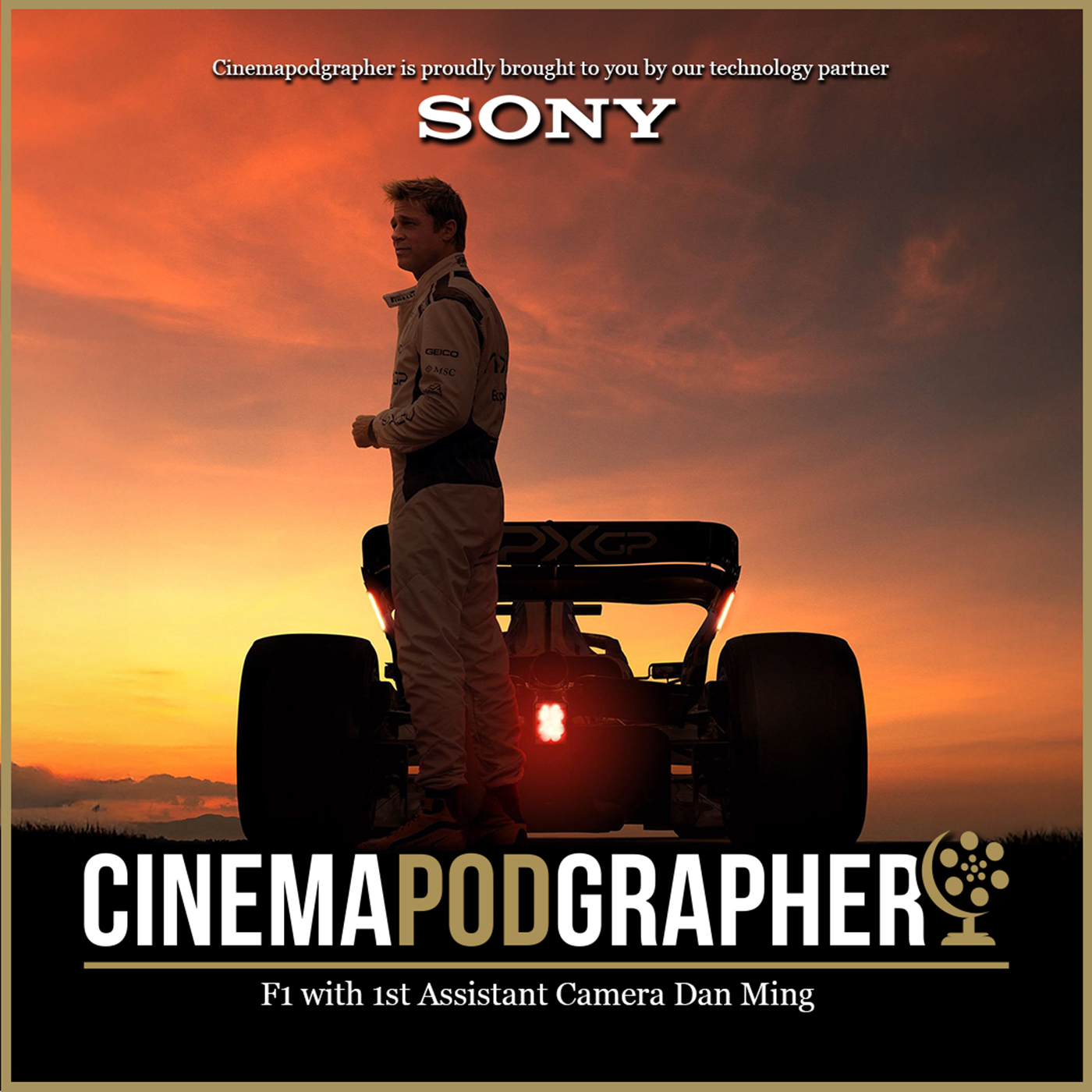
F1 with 1st Assistant Camera Dan Ming
from Cinemapodgrapher · host Lucas Tomoana SOC
From fighter jets to race cars, Dan Ming is a world-class 1st AC who loves tech. Dan Ming and his team are known for their work on Top Gun: Maverick, and now they've taken those lessons, pushing the boundaries even further, to bring you F1. We talk about the collaboration with some of the biggest brands in the game: Sony, Apple, and Panavision, and the camera builds that came out of it: Sony's Carmen (a custom-built car mount camera), Apple's Wing Camera, and Panavision's custom Pan Head. Plus, how they built a full Mercedes F2 car, from scratch, just for the film. Dan answers all your questions and more. From micro managing race track schedules, global logistics of shipping gear across multiple countries, wiring up race cars with metres of cabling, right down to the design of custom screws, and somehow, keeping it all working at 300km/h during a real F1 season! This is an episode you don't want to miss! Proudly brought to you by our technology partners Sony Produced by Deb Van Dieren Hosted and edited by Lucas Tomoana SOC
Embed this episode
Ready to play
F1 with 1st Assistant Camera Dan Ming
No transcript for this episode yet
Similar Episodes
No similar episodes found.
Similar Podcasts
No similar podcasts found.