
EPISODE · Nov 6, 2025 · 22 MIN
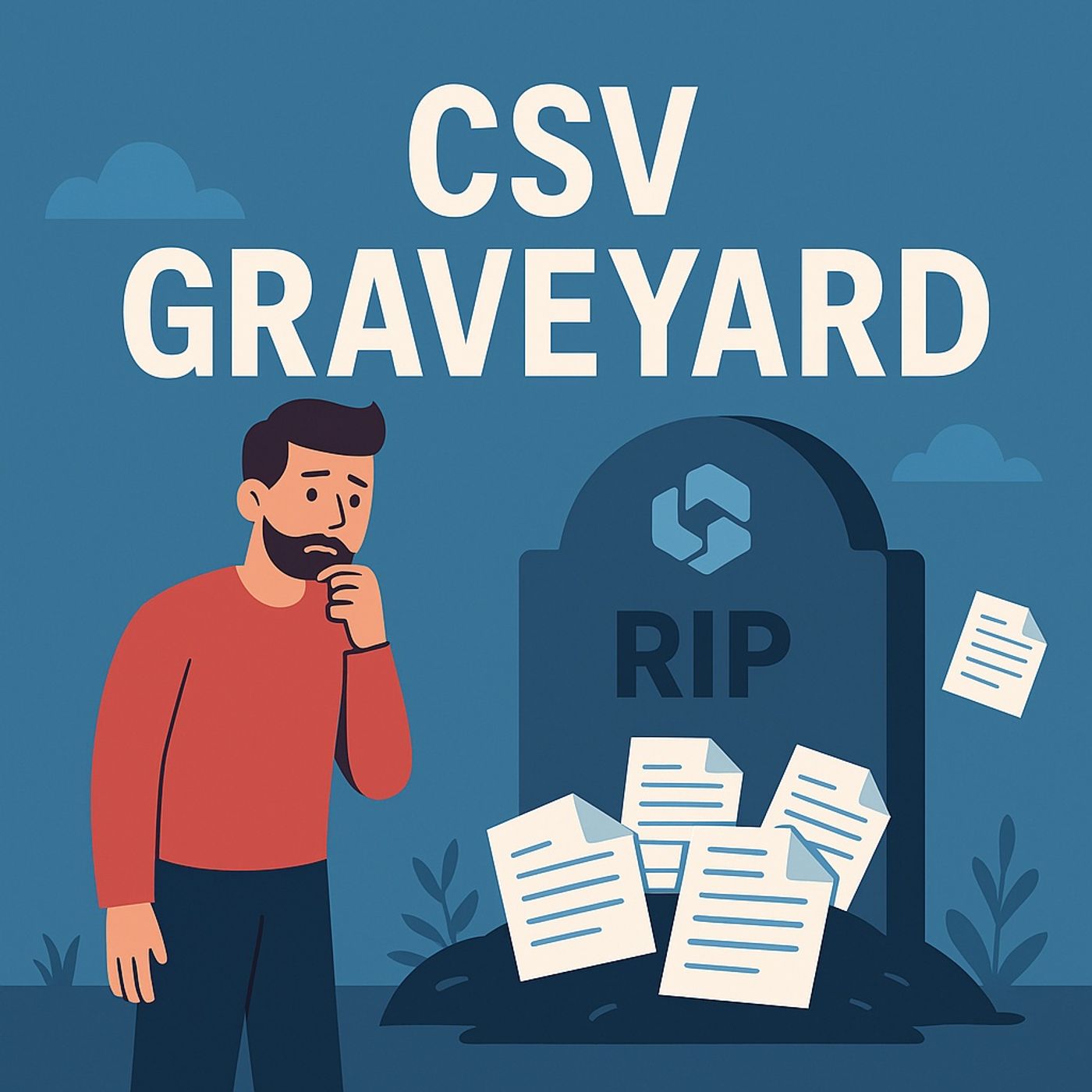
Fabric data warehouse AI: stop turning OneLake into a CSV graveyard
from M365.FM - Modern work, security, and productivity with Microsoft 365 · host Mirko Peters - Founder of m365.fm, m365.show and m365con.net
Fabric data warehouse AI: in this episode of M365.fm, Mirko Peters explains why your Fabric data warehouse has quietly become a CSV graveyard and how to turn it back into a living, AI‑ready decision system. He shows how legacy ETL habits—nightly CSV exports, cold tables, and snapshot thinking—turn OneLake into digital Tupperware instead of the real‑time lakehouse and intelligence fabric it was designed to be.Mirko breaks down the “dead data” problem: static CSV dumps with no semantic model, no relationships, and almost no metadata, so Sales, Marketing, and Finance files sit side by side without ever talking to each other. He explains why Copilot and other AI tools cannot answer basic questions like “What drove last quarter’s revenue?” when you never told the system what “revenue,” “region,” or “customer” mean in your semanticmodel. You will learn why OneLake should be your organization’s circulatory system—continuous, context‑rich, and streaming—not a museum of frozen numbers.The episode then introduces the missing intelligence layer: dataagents. Mirko explains how Data Agents, Azure AI, and Model Context Protocol turn Fabric from storage into a reasoning engine, where agents can connect datasets, apply business rules, and spot anomalies across realtime streams. Instead of just drawing prettier dashboards, agents read patterns, compare them to expectations, and draft the “so what now?”—making Fabric behave less like a reporting system and more like an operational brain for your data.You also get a practical activation playbook. Mirko walks through how to move beyond CSV dumps: designing semanticmodels, defining business terms, wiring Real‑Time Intelligence, and connecting Data Agents through Azure AI Foundry and Model Context so they can reason over live data. He shares concrete examples—like agents that detect mismatches between sales spikes and supply‑chain delays—and shows how Purview, governance, and role‑based access keep this new intelligence layer auditable and compliant.WHAT YOU WILL LEARNWhy OneLake full of CSVs is “cold storage,” not a real aiwarehouse.How semantic models, governance, and relationships turn dead tables into living, AI‑ready datasets.What Fabric dataagents and Model Context Protocol actually do for reasoning and automation.How Real‑Time Intelligence and streaming break the snapshot mindset and enable realtime insight.How to explain to leadership why Fabric is an intelligence platform, not just cheaper storage.THE CORE INSIGHTFabric is not just a place to park CSVs—it is an intelligence platform. Until you stop treating OneLake as a file graveyard and start activating semantic models, streaming, and dataagents, your warehouse will keep answering “what happened” while your competitors’ systems are already asking “what’s happening—and what should we do next?”.WHO THIS EPISODE IS FORThis episode is ideal for data platform owners, analytics leaders, Fabric and lakehouse architects, and CIOs who invested in Microsoft Fabric but still see CSV‑based ETL and static reports everywhere. It is especially valuable if your CFO is questioning Fabric ROI and you need a clear, AI‑focused roadmap that turns your warehouse from a CSV archive into a living insight engine.ABOUT THE HOSTMirko Peters is a Microsoft 365 and data platform consultant focused on building governed, scalable analytics architectures with Microsoft Fabric, Power Platform, OneLake, and Azure AI. Through M365.fm, he shares practical governance models, semantic modeling patterns, and AI activation stories that help organizations turn CSV graveyards into intelligent analytics platforms.Become a supporter of this podcast: https://www.spreaker.com/podcast/m365-fm-modern-work-security-and-productivity-with-microsoft-365--6704921/support.
Embed this episode
NOW PLAYING
Fabric data warehouse AI: stop turning OneLake into a CSV graveyard
No transcript for this episode yet
Similar Episodes
No similar episodes found.
Similar Podcasts
No similar podcasts found.