
EPISODE · Nov 4, 2011 · 9 MIN
First Look at Adobe Photoshop Touch with Russell Brown
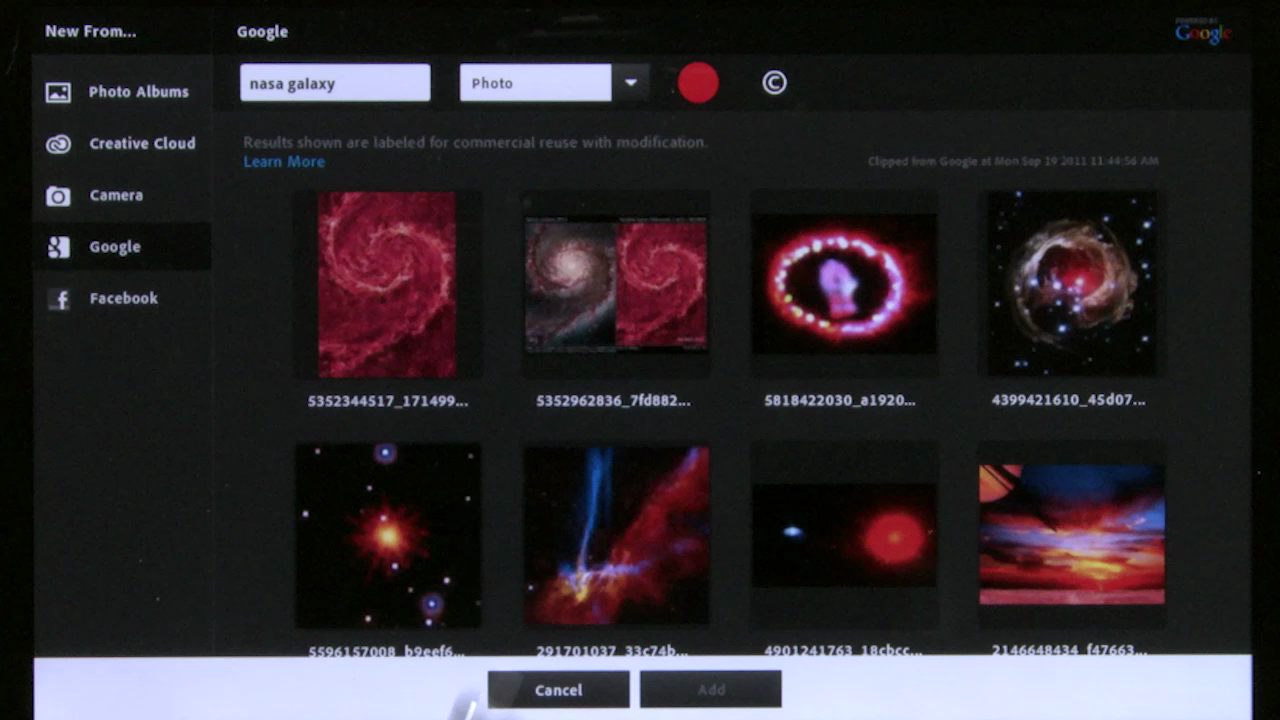
Normal 0 false false false EN-US X-NONE X-NONE /* Style Definitions */ table.MsoNormalTable {mso-style-name:"Table Normal"; mso-tstyle-rowband-size:0; mso-tstyle-colband-size:0; mso-style-noshow:yes; mso-style-priority:99; mso-style-qformat:yes; mso-style-parent:""; mso-padding-alt:0in 5.4pt 0in 5.4pt; mso-para-margin-top:0in; mso-para-margin-right:0in; mso-para-margin-bottom:10.0pt; mso-para-margin-left:0in; line-height:115%; mso-pagination:widow-orphan; font-size:11.0pt; font-family:"Calibri","sans-serif"; mso-ascii-font-family:Calibri; mso-ascii-theme-font:minor-latin; mso-fareast-font-family:"Times New Roman"; mso-fareast-theme-font:minor-fareast; mso-hansi-font-family:Calibri; mso-hansi-theme-font:minor-latin; mso-bidi-font-family:"Times New Roman"; mso-bidi-theme-font:minor-bidi;} Russell Brown uses Adobe Photoshop Touch for the first time and creates a composite image with layers, gradients, and text while using several different special effects. For more helpful Adobe tutorials, visit Adobe TV, http://tv.adobe.com
Embed this episode
Ready to play
First Look at Adobe Photoshop Touch with Russell Brown
No transcript for this episode yet
Similar Episodes
No similar episodes found.