Funeral Program Templates for Beginners (No Stress)
from The Funeral Channel Podcast Hosted by The Funeral Program Site
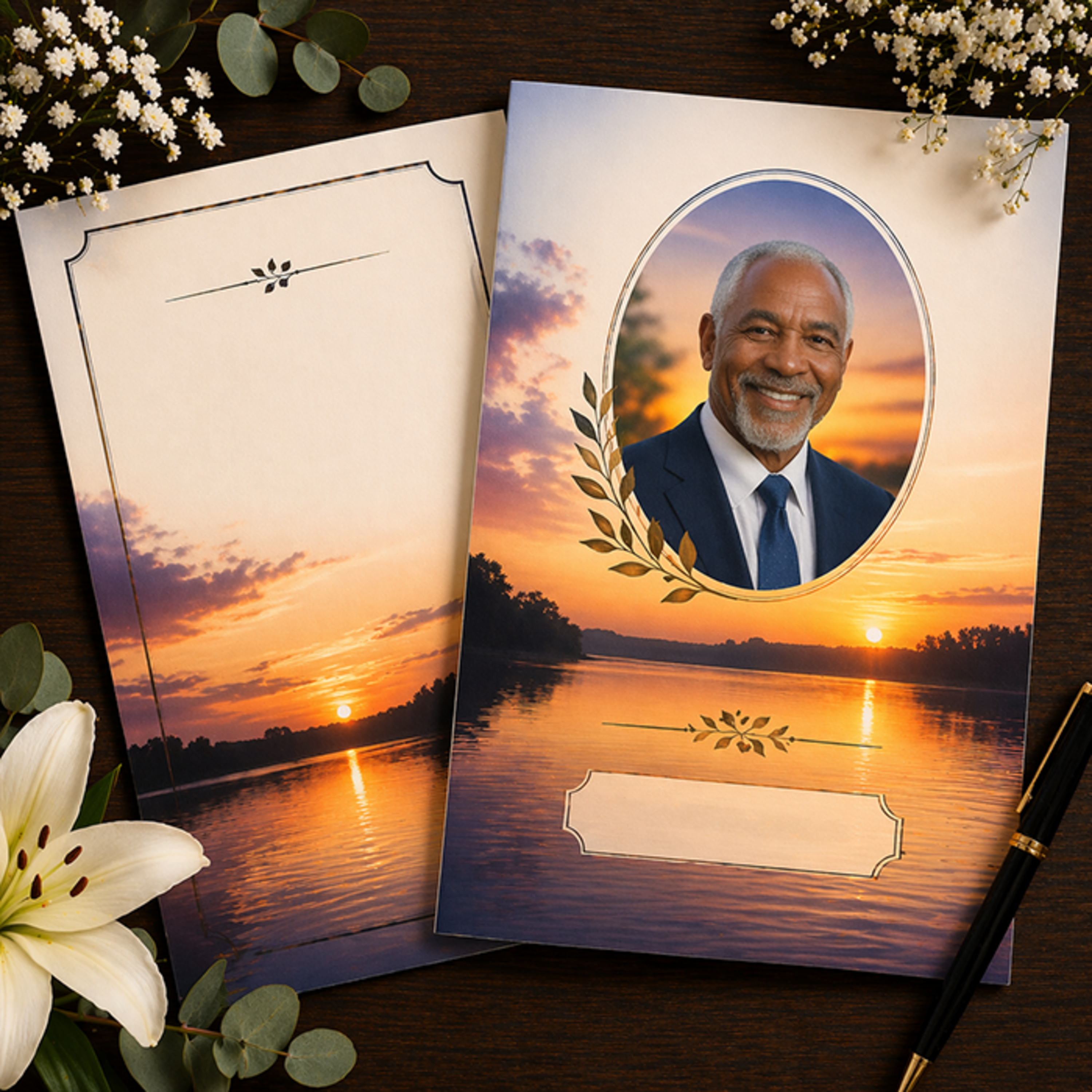
The Funeral Channel Network, brought to you by The Funeral Program Site — your trusted source for funeral education, memorial products, and compassionate guidance. In this episode, we focus on funeral program templates designed specifically for beginners—making it possible to create a beautiful, professional tribute with no stress or design experience. These templates come pre-formatted with placeholders for service details, photos, and written content, so all you have to do is fill in the information. Whether you're working in Google Docs or Microsoft Word, beginner-friendly templates are easy to edit, helping you avoid formatting issues while still achieving a polished, elegant look. We also share simple tips to help you get started quickly, like choosing a clean layout, limiting fonts, and using high-quality images for the best results. Bifold templates are often the easiest for beginners, while more advanced options like trifolds or booklets offer extra space once you feel more comfortable. The Funeral Program Site offers a wide selection of user-friendly designs that guide you step by step, so you can focus on creating a meaningful tribute without feeling overwhelmed. With the right template, anyone can design a heartfelt program that honors their loved one with dignity and care.
Embed this episode
No transcript yet.