
EPISODE · Aug 11, 2025 · 23 MIN
Fusion Development with Power Apps and Azure Functions: How to Break Low‑Code Limits Without Breaking Your Architecture
from M365.FM - Modern work, security, and productivity with Microsoft 365 · host Mirko Peters - Founder of m365.fm, m365.show and m365con.net
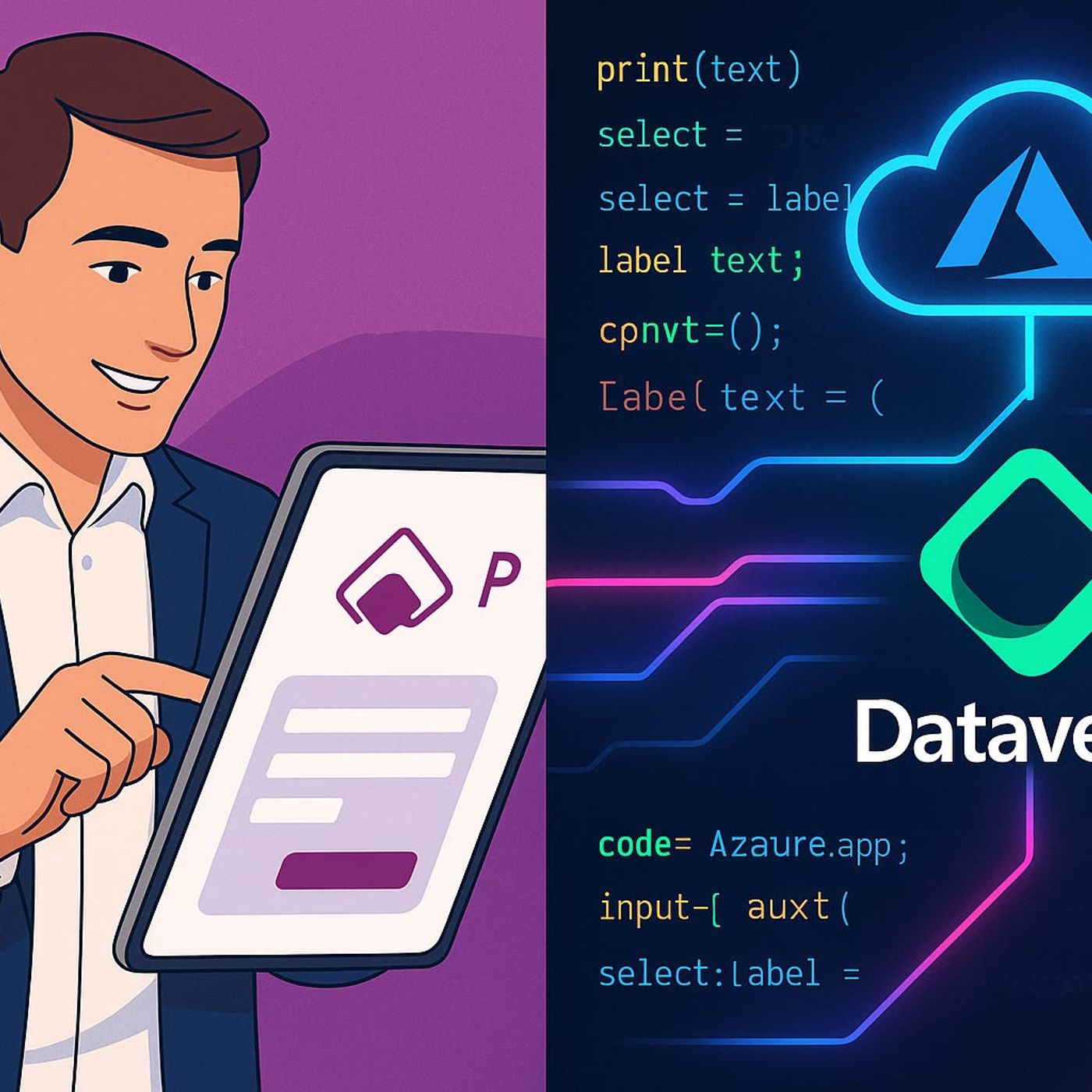
Most Power Apps projects hit a ceiling the moment you need heavy logic, complex calculations, or deep integration with systems outside Microsoft 365—and that’s exactly where Azure Functions change the game. In this episode, we start from the reality of delegation warnings, slow screens, and CSV workarounds, and show how fusion development lets you keep the low‑code experience users love while offloading serious processing and integrations to serverless code in Azure.We walk through when Power Apps alone is enough and when you should reach for Azure Functions instead of stretching formulas and flows past their breaking point. You’ll hear concrete scenarios—from proprietary risk models and large‑scale data transforms to calls into legacy ERPs and external APIs—where a slim Power Apps front end, Dataverse as the system of record, and Azure Functions as the “engine room” give you the best of both worlds. Along the way, we talk about how to avoid turning functions into undocumented spaghetti by drawing clear boundaries: interface in Power Apps, structure in Dataverse, heavy lifting in Azure.From there, we zoom into what really matters once you start wiring these pieces together: secure, reliable communication. Instead of dropping raw function URLs into apps, you’ll learn why managed identities, OAuth, and proper API design are non‑negotiable for protecting sensitive data and keeping auditors happy. We discuss how a single poorly secured endpoint can undermine an otherwise well‑designed solution, and how to design your functions and connectors so tokens, secrets, and data flows stay under control.By the end, “fusion development” will feel less like a buzzword and more like a practical pattern. You’ll have a clear mental model for when to keep things purely low‑code, when to add targeted custom code with Azure Functions, and how to connect everything in a way that scales, stays supportable, and doesn’t blow up your security model.WHAT YOU LEARNWhere Power Apps and Dataverse hit natural limits with complex logic, scale, or external integrations.How Azure Functions extend Power Apps with custom code for heavy calculations, legacy systems, and third‑party APIs.How to structure fusion solutions so Power Apps handles UX, Dataverse handles data, and Functions handle compute.Why secure communication (managed identities, OAuth, proper API design) is critical once apps call Azure Functions.How to avoid “function sprawl” and keep your fusion architecture maintainable as apps and requirements grow.CORE INSIGHTThe core insight of this episode is that Power Apps doesn’t have to do everything—it just has to sit on top of an architecture where each component does what it’s best at. When you pair low‑code interfaces and Dataverse with carefully designed Azure Functions behind secure endpoints, fusion development turns Power Apps from a limited form builder into a front end for serious, scalable business systems.WHO THIS IS FORPower Apps makers who feel blocked by delegation limits, performance issues, or missing connectors.Developers and architects looking for a clean pattern to bring Azure Functions into Power Platform projects.IT and security teams who want custom code and low‑code to coexist without blowing up governance and access control.Product owners who need business‑critical apps that combine fast delivery with real backend power.ABOUT THE HOSTMirko Peters is a Microsoft 365 consultant and podcast host who helps organizations blend low‑code and pro‑code into coherent, governed solutions. He works with teams to design context‑driven architectures on Microsoft 365, Power Platform, and Azure where Power Apps, Dataverse, and Azure Functions share the load instead of fighting each other. In M365.FM, Mirko turns real fusion development projects—successes, mistakes, and all—into practical patterns listeners can copy into their own environments.Become a supporter of this podcast: https://www.spreaker.com/podcast/m365-fm-modern-work-security-and-productivity-with-microsoft-365--6704921/support.
Embed this episode
NOW PLAYING
Fusion Development with Power Apps and Azure Functions: How to Break Low‑Code Limits Without Breaking Your Architecture
No transcript for this episode yet
Similar Episodes
No similar episodes found.
Similar Podcasts
No similar podcasts found.