
EPISODE · Aug 3, 2025 · 2 MIN
Getting Started with Orca Slicer for Windows – Installation & Requirements
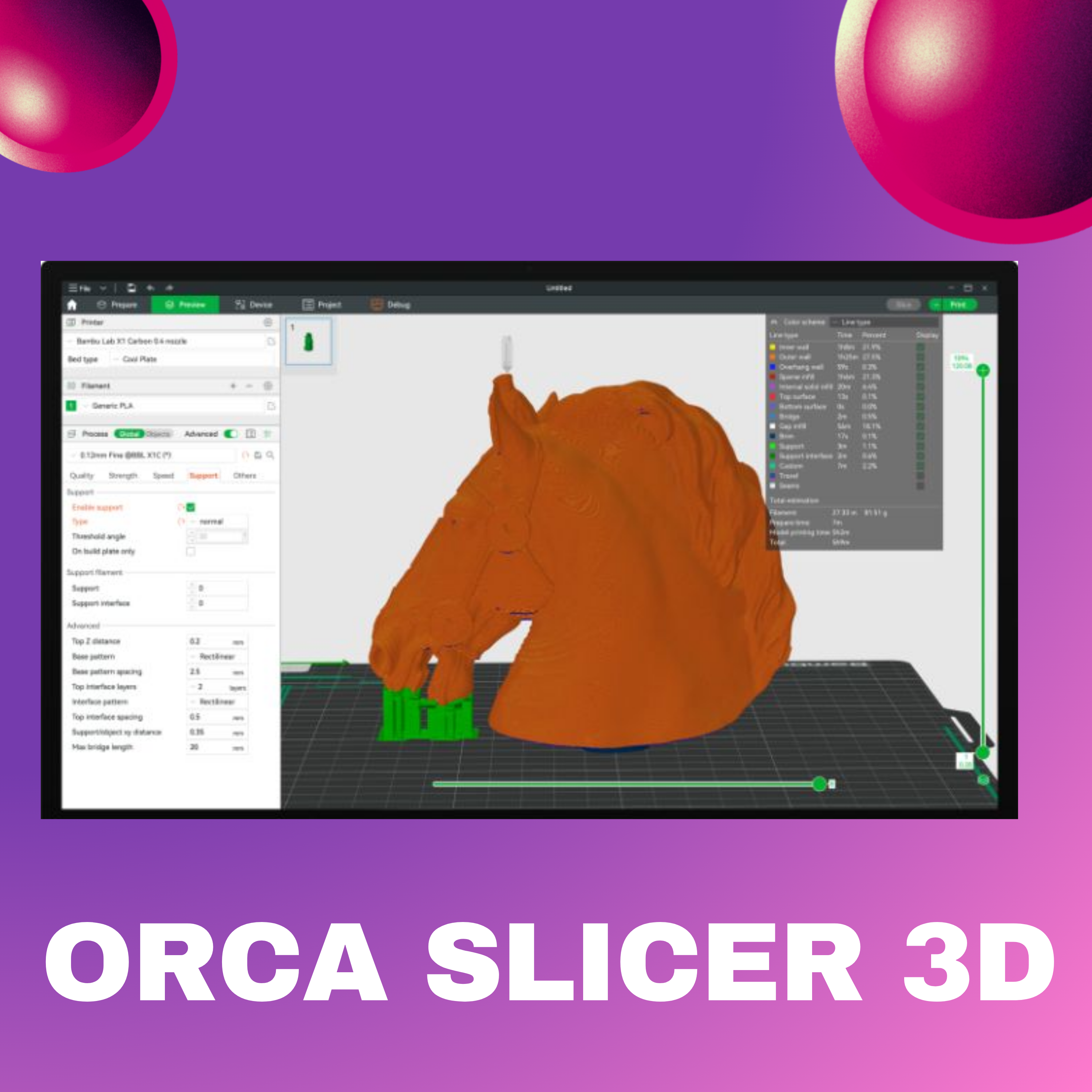
In this episode, we guide you through how to install Orca Slicer 3d on Windows. We cover the system requirements, download size, and step-by-step installation process for beginners and hobbyists.Minimum requirements:- OS: Windows 7 or newer- Processor: Intel Core i3 or equivalent- RAM: 4 GB minimum- Graphics: DirectX 11 compatible- Storage: 500 MB free space- File size: 86.2 MB (64-bit only)Learn how to get started, what to prepare before installation, and where to find the official download.🎧 Listen now and subscribe for more 3D printing tips!🌐 Official website: https://orcaslicer3d.com
NOW PLAYING
Getting Started with Orca Slicer for Windows – Installation & Requirements
No transcript for this episode yet
Similar Episodes
Apr 21, 2026 ·13m
Apr 19, 2026 ·16m
Apr 17, 2026 ·13m
Apr 13, 2026 ·11m
Apr 11, 2026 ·16m