
EPISODE · Aug 17, 2026 · 33 MIN
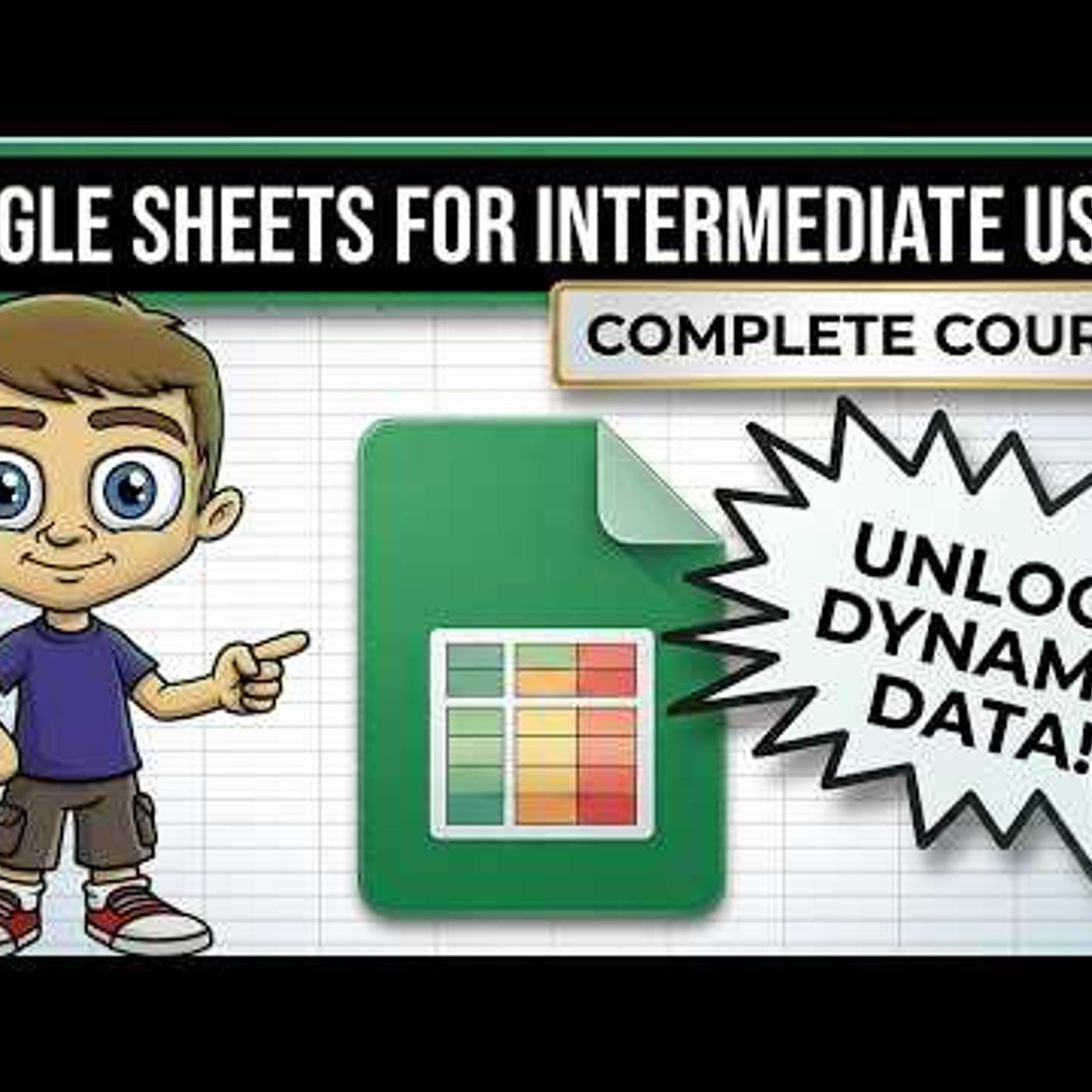
Google Sheets for Intermediate Users - The Complete Course
from Technology for Teachers and Students · host ytr
Upgrade your Google Sheets skills with this complete course covering essential intermediate tools. Master data organization today. Moving past basic entry-level functions requires a specific set of tools to handle complex datasets effectively. This session focuses on the practical application of data validation, cleanup techniques, and dynamic formulas designed to save time. Whether you are managing inventory or tracking media metrics, these methods ensure your spreadsheets remain accurate and scalable. We will also look at conditional formatting and pivot tables to help you visualize trends and generate quick reports from large tables. You can follow along using the Apex Media Group file to see exactly how these features function in a real-world environment. By applying these intermediate Google Sheets workflows, you can build more robust systems for your personal or professional projects. Join this channel to get access to perks: https://www.youtube.com/channel/UCYUPLUCkMiUgiyVuluCc7tQ/join ***Consider supporting Technology for Teachers and Students on Patreon***: https://www.patreon.com/technologyforteachersandstudents Here\'s my entire playlist of Google tutorials: https://bit.ly/thegoogleplaylist Please say \"Thanks\" by clicking the Thanks button below the video. Here is the practice file for this video: https://bit.ly/intermediatesheets #google #googlesheets #googlesheetstutorial #googlesheetstips #spreadsheet #spreadsheets 0:00 Intro to Mastering Intermediate Google Sheets 0:28 Controlling Data with Data Validation 6:52 Essential Data Cleanup Techniques 12:17 Dynamic Formulas and Logic 22:43 Collaboration and Data Protection 28:33 Summarizing Data with Pivot Tables
Embed this episode
Ready to play
Google Sheets for Intermediate Users - The Complete Course
No transcript for this episode yet
Similar Episodes
No similar episodes found.
Similar Podcasts
No similar podcasts found.