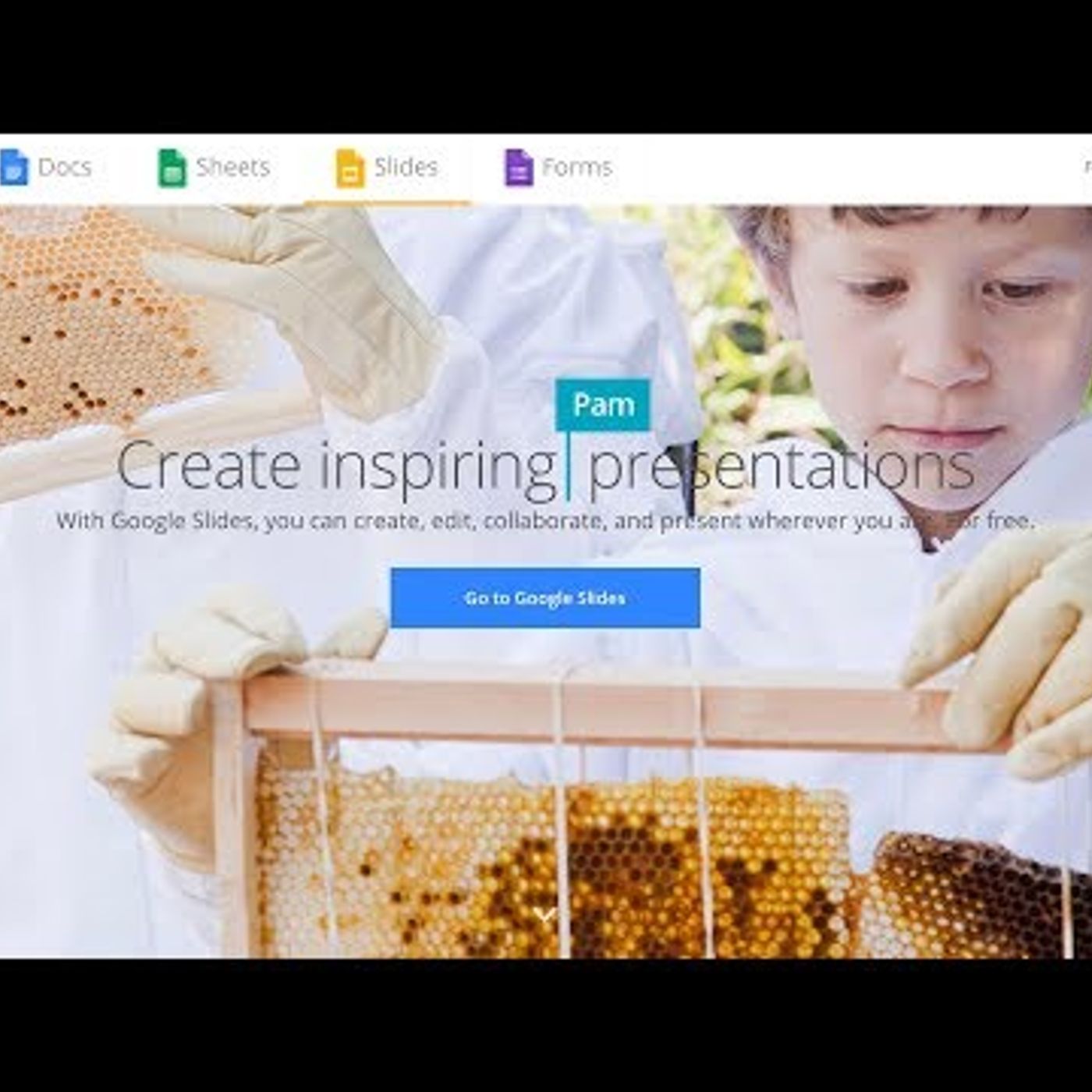
Google Slides Tutorial - Online Presentations
from Technology for Teachers and Students Hosted by ytr
Learn how to use Google Slides to create online presentations. One of the best things about Google Slides is that you can extend it abilities by adding extensions and add-ons to it, and you\'ll see a great example of this as part of the video. Below you\'ll find links to presentation remotes that work great with Google Slides. ***Consider supporting Technology for Teachers and Students on Patreon***: https://www.patreon.com/technologyforteachersandstudents See below for recommendations on presenter remotes: Logitech Spotlight (Best of the best): https://amzn.to/30sPS6u Logitech R800 (This is the one I use now. Excellent but a bit pricey.): http://amzn.to/2vbPZY7 Logitech R400 (Cheaper version but still great): http://amzn.to/2vbG4Sg Doosl Wireless Presenter (Economy model remote with great reviews): http://amzn.to/2vYrvzl ***Consider supporting Technology for Teachers and Students on Patreon***: https://www.patreon.com/technologyforteachersandstudents
Embed this episode
No transcript yet.