
EPISODE · May 4, 2020 · 14 MIN
Great Raspberry Pi Projects for May 2020 - Episode 226
from Piltch Point (Video) · host PLUGHITZ Live
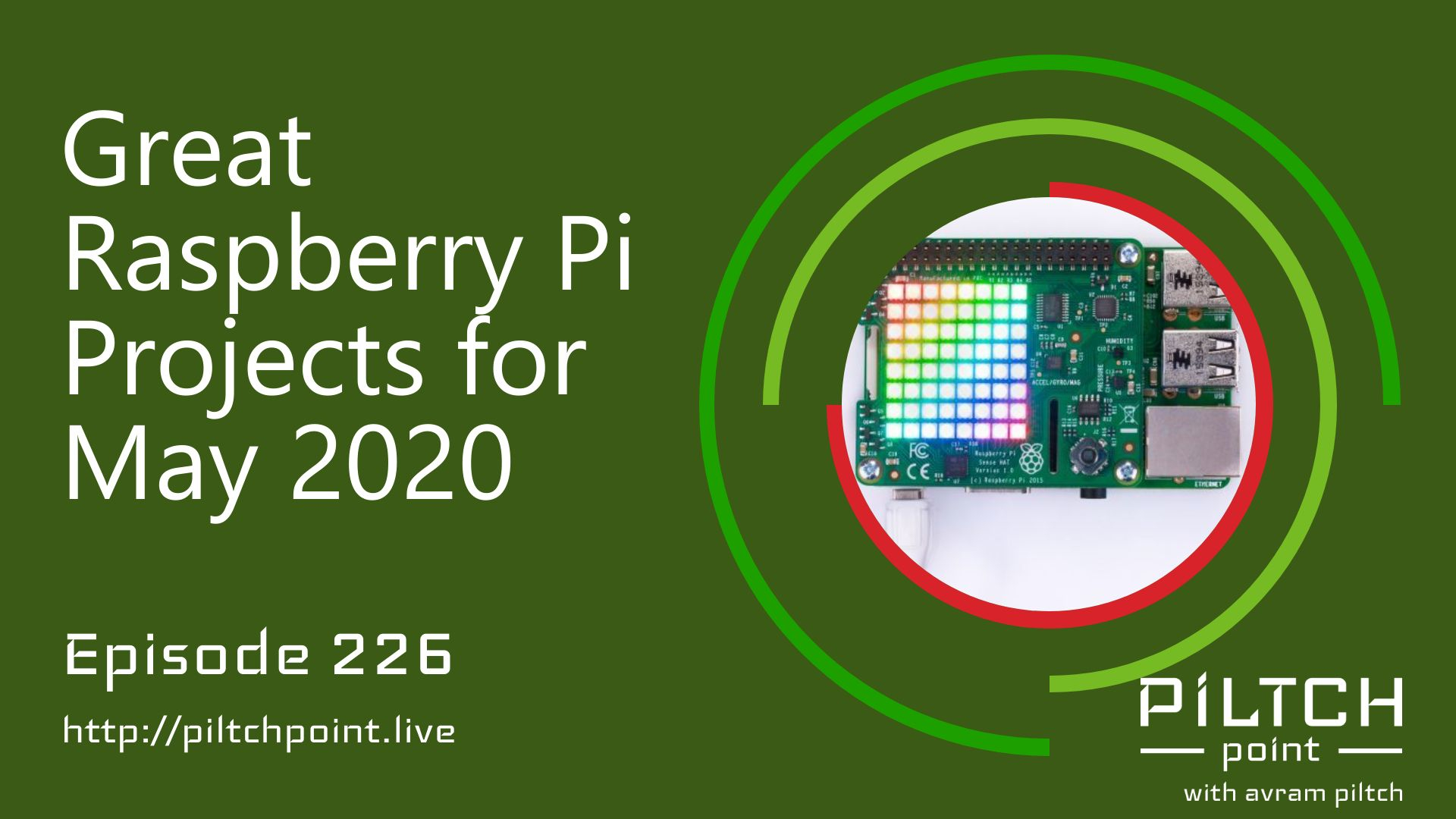
Whether you're a regular maker or you're looking for new things to try while in lockdown, the Raspberry Pi is a great platform to expiriment with. This board is made for both prototyping as well as learning, and this week, Tom's Hardware has some great advanced projects as well as simple projects.In the more advanced project category, there are truly a ton of interesting and unique projects. Some are more conceptual while others are designed to improve your daily life. Take, for example, Raspbian XP - a version of the Raspbian operating system designed to look like Windows XP. If you miss the bizarre blue taskbar and green Start button, then this project is for you. However, it's not going to change your day. However, if you're looking to get into shape, HIIT Pi: The Raspberry Pi Personal Trainer might be a legitimate project for you. This uses computer vision to make sure you are doing the moves correctly, like how a personal trainer would in a gym.If you're looking for a simpler project, perhaps one you can do with your kids, then the second category is intended for you. These projects take advantage of a diverse add-on board, known as the Sense HAT. This board has sensors for temperature, humidity, pressure, magnetic forces, orientation, acceleration. In addition, it has an 8x8 LED pixel matrix which can be used for pictures, words, and more. Learning to use the sensors is easy and can be done using the Scratch 3 block-based programming environment.Tom's Hardware will help walk you through setting up the device, adding the HAT, and working with the sensors. Like any new technology, making the screen say "Hello, World!" is the place to start, and it's where they start. Once you've got that working, you can move on to learning about the joystick and the temperature sensor. Then, you get to learn the accelerometer. With that knowledge, you should be able to master the device and create your own projects.
Embed this episode
What this episode covers
Description Whether you're a regular maker or you're looking for new things to try while in lockdown, the Raspberry Pi is a great platform to expiriment with. This board is made for both prototyping as well as learning, and this week, Tom's Hardware has some great advanced projects as well as simple projects . In the more advanced project category, there are truly a ton of interesting and unique projects. Some are more conceptual while others are designed to improve your daily life. Take, for example, Raspbian XP - a version of the Raspbian operating system designed to look like Windows XP. If you miss the bizarre blue taskbar and green Start button, then this project is for you. However, it's not going to change your day. However, if you're looking to get into shape, HIIT Pi: The Raspberry Pi Personal Trainer might be a legitimate project for you. This uses computer vision to make sure you are doing the moves correctly, like how a personal trainer would in a gym. If you're looking for a simpler project, perhaps one you can do with your kids, then the second category is intended for you. These projects take advantage of a diverse add-on board, known as the Sense HAT. This board has sensors for temperature, humidity, pressure, magnetic forces, orientation, acceleration. In addition, it has an 8x8 LED pixel matrix which can be used for pictures, words, and more. Learning to use the sensors is easy and can be done using the Scratch 3 block-based programming environment. Tom's Hardware will help walk you through setting up the device, adding the HAT, and working with the sensors. Like any new technology, making the screen say "Hello, World!" is the place to start, and it's where they start. Once you've got that working, you can move on to learning about the joystick and the temperature sensor. Then, you get to learn the accelerometer. With that knowledge, you should be able to master the device and create your own projects. Participants Scott Ertz Host Scott is a developer who has worked on projects of varying sizes, including all of the PLUGHITZ Corporation properties. He is also known in the gaming world for his time supporting the rhythm game community, through DDRLover and hosting tournaments throughout the Tampa Bay Area. Currently, when he is not working on software projects or hosting F5 Live: Refreshing Technology, Scott can often be found returning to his high school days working with the Foundation for Inspiration and Recognition of Science and Technology (FIRST), mentoring teams and helping with ROBOTICON Tampa Bay. He has also helped found a student software learning group, the ASCII Warriors, currently housed at AMRoC Fab Lab. Avram Piltch Host Avram's been in love with PCs since he played original Castle Wolfenstein on an Apple II+. Before joining Tom's Hardware, for 10 years, he served as Online Editorial Director for sister sites Tom's Guide and Laptop Mag, where he programmed the CMS and many of the benchmarks. When he's not editing, writing or stumbling around trade show halls, you'll find him building Arduino robots with his son and watching every single superhero show on the CW. Live Discussion Powered by PureVPN
Ready to play
Great Raspberry Pi Projects for May 2020 - Episode 226
No transcript for this episode yet
Similar Episodes
Jul 18, 2025 ·39m