
EPISODE · Jun 25, 2026 · 13 MIN
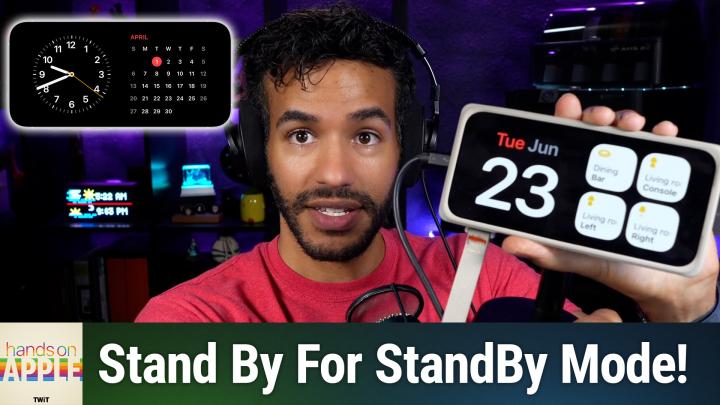
Hands-On Apple 237: StandBy Mode
from All TWiT.tv Shows (Audio) · host TWiT
Your iPhone can quietly transform into a customizable bedside clock, calendar, and smart photo frame with just a simple orientation tweak. Discover how StandBy mode reveals features you probably didn't know your device had. StandBy requirements: charging, landscape mode, and settings toggle Always-on display boosts StandBy, but older iPhones work too Configure StandBy's display options, night mode, and motion to wake Explore StandBy's three main views: widgets, photos, clocks Customizing widget stacks, adding photos, and picking clock styles Now Playing and live activity controls integrate with StandBy Night mode tips for lower brightness and red-tinted display MagSafe enables location-based StandBy view preferences StandBy integrates with Sleep Focus for smarter nighttime use Host: Mikah Sargent Download or subscribe to Hands-On Apple at https://twit.tv/shows/hands-on-apple Want access to the ad-free audio and video and exclusive features? Become a member of Club TWiT today! https://twit.tv/clubtwit Club TWiT members can discuss this episode and leave feedback in the Club TWiT Discord. Sponsor: threatlocker.com/twit
Embed this episode
NOW PLAYING
Hands-On Apple 237: StandBy Mode
No transcript for this episode yet
Similar Episodes
No similar episodes found.
Similar Podcasts
No similar podcasts found.