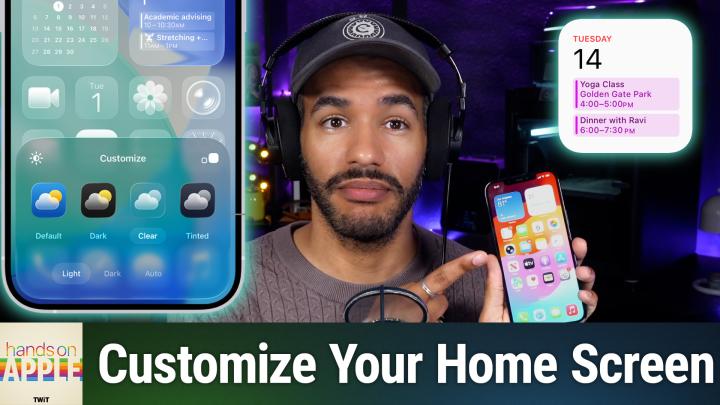
Hands-On Apple 241: iOS Home Screen Customization
from Total Mikah (Audio) Hosted by TWiT
iOS 26 conveniently puts you in charge of your iPhone home screen with deep design tools hidden behind a single long press. Discover how Apple's new Liquid Glass and tinted themes finally let your wallpaper and icons reflect your style. Jiggle mode and edit tools enable deep icon appearance tweaks Exploring Light, Dark, Clear, and Tinted home screen styles Using tints and saturation sliders for unique color coordination Rearranging app icons to highlight wallpaper and key visuals Adding, editing, and customizing widgets on the home screen Hiding, deselecting, or deleting home screen pages safely Removing unused home screen apps without uninstalling them Switching between app icons and widgets for streamlined access Face ID and privacy tweaks for individual apps on the home screen Host: Mikah Sargent Download or subscribe to Hands-On Apple at https://twit.tv/shows/hands-on-apple Want access to the ad-free audio and video and exclusive features? Become a member of Club TWiT today! https://twit.tv/clubtwit Club TWiT members can discuss this episode and leave feedback in the Club TWiT Discord.
Embed this episode
No transcript yet.