
EPISODE · Jan 21, 2026 · 36 MIN
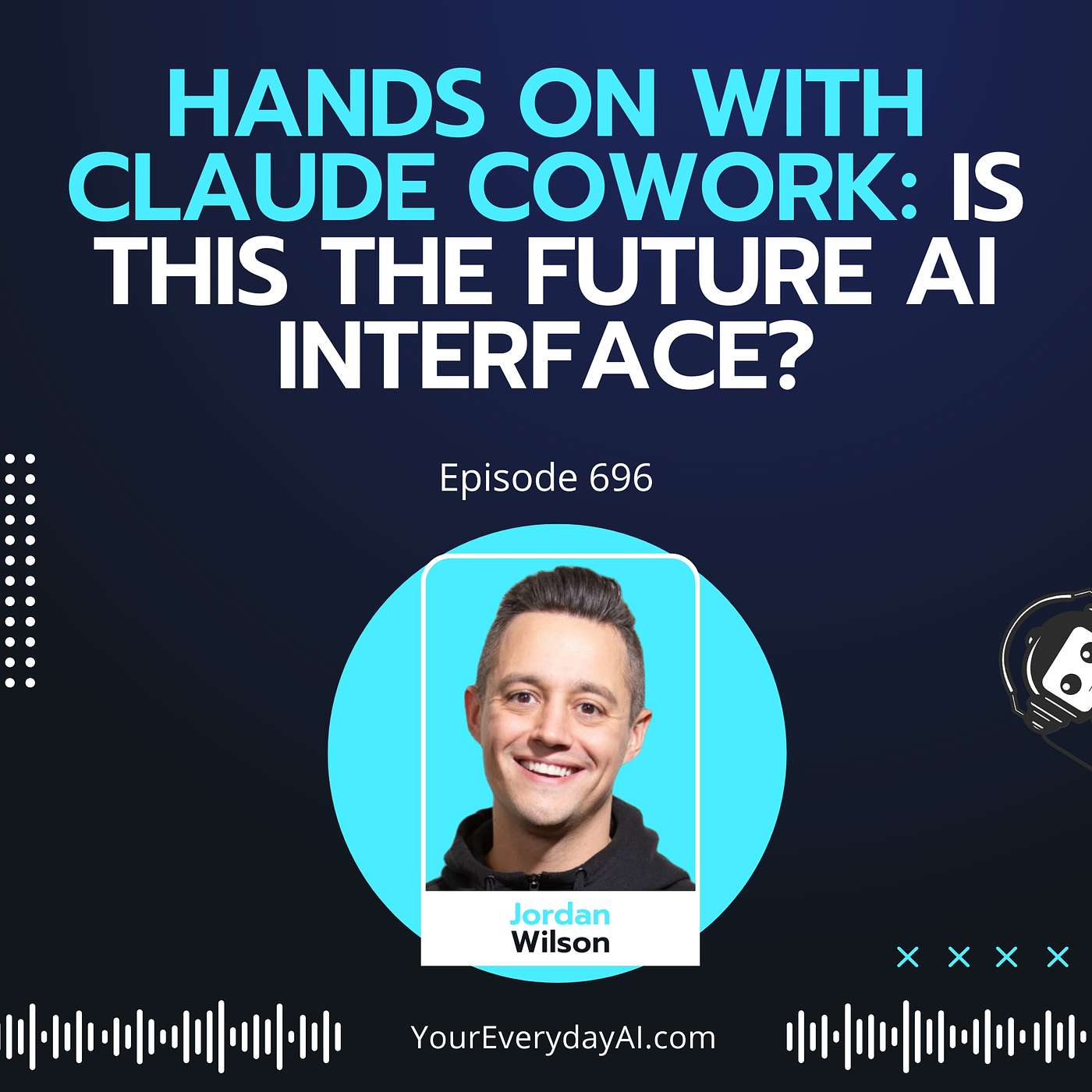
Hands on with Claude Cowork: Is This the Future AI Interface?
from Everyday AI Podcast – An AI and ChatGPT Podcast · host Everyday AI
Wait.... AI can do THAT now? 🤯(Yes, it can.) Two things that consumer AI has never been able to do very well unless you were a cracked dev: access your computer and control your browser. Welp.... that's changed with Claude Cowork. Now, you can combine the best of Claude and Claude Code with the nitty gritty human glue work that we find ourselves doing more and more in the age of AI. So, how might Claude Cowork change your workflow? Join us on this AI at Work on Wednesdays as we give you the 101 on Claude Cowork.Newsletter: Sign up for our free daily newsletterMore on this Episode: Episode PageJoin the discussion on LinkedIn: Thoughts on this? Join the convo on LinkedIn and connect with other AI leaders.Upcoming Episodes: Check out the upcoming Everyday AI Livestream lineupWebsite: YourEverydayAI.comEmail The Show: [email protected] with Jordan on LinkedInTopics Covered in This Episode:Claude Code vs. Claude Cowork OverviewClaude Cowork's Nontechnical User FeaturesHands-On Claude Cowork Live DemoClaude Cowork Local File Access ExplainedClaude Cowork vs. ChatGPT Desktop ComparisonClaude Cowork Browser and Terminal ControlClaude Cowork Security & Privacy ConsiderationsPractical Claude Cowork Use Case ExamplesClaude Cowork Mac-Only and Max Plan AccessClaude Cowork Workflow Automation for Non-DevelopersClaude Cowork User Interface WalkthroughClaude Cowork Real-Time Task ManagementTimestamps:00:00 "Claude Cowork Revolutionizes AI Access"06:06 "Claude Connectors and Limitations"09:02 "Claude Cowork: User-Friendly AI Interface"12:12 "Claude Max Subscription Value Debate"15:47 "Real-Time Feedback with Claude"19:06 "Claude Features and Workflow Overview"22:40 Custom Task Management Made Simple24:24 "Partner with Experts in GenAI"28:15 "Organizing Files with AI"33:22 "Software Simplifies My Tasks"34:42 "Stay Ahead with Claude Cowork"Keywords: Claude Cowork, Claude Code, Anthropic, AI interface, nontechnical AI tools, AI coworker, AI for productivity, desktop AI app, Opus 4.5, Claude Max, AI automation, local file access, browser control, cloud services integration, connectors, Google Drive, Gmail, Google Calendar, API limits, AI for Mac, GUI for AI, graphical user interface, AI skills, automated workflows, document automation, presentation automation, browser tasks, parallel task processing, project management automation, Kanban style CRM, AI-powered coding, code generation, local terminal access, chatbot integration, workflow automation,Send Everyday AI and Jordan a text message. (We can't reply back unless you leave contact info)
Embed this episode
What this episode covers
Wait.... AI can do THAT now? 🤯 (Yes, it can.) Two things that consumer AI has never been able to do very well unless you were a cracked dev: access your computer and control your browser. Welp.... that's changed with Claude Cowork. Now, you can combine the best of Claude and Claude Code with the nitty gritty human glue work that we find ourselves doing more and more in the age of AI. So, how might Claude Cowork change your workflow? Join us on this AI at Work on W...
NOW PLAYING
Hands on with Claude Cowork: Is This the Future AI Interface?
No transcript for this episode yet
Similar Episodes
No similar episodes found.
Similar Podcasts
No similar podcasts found.