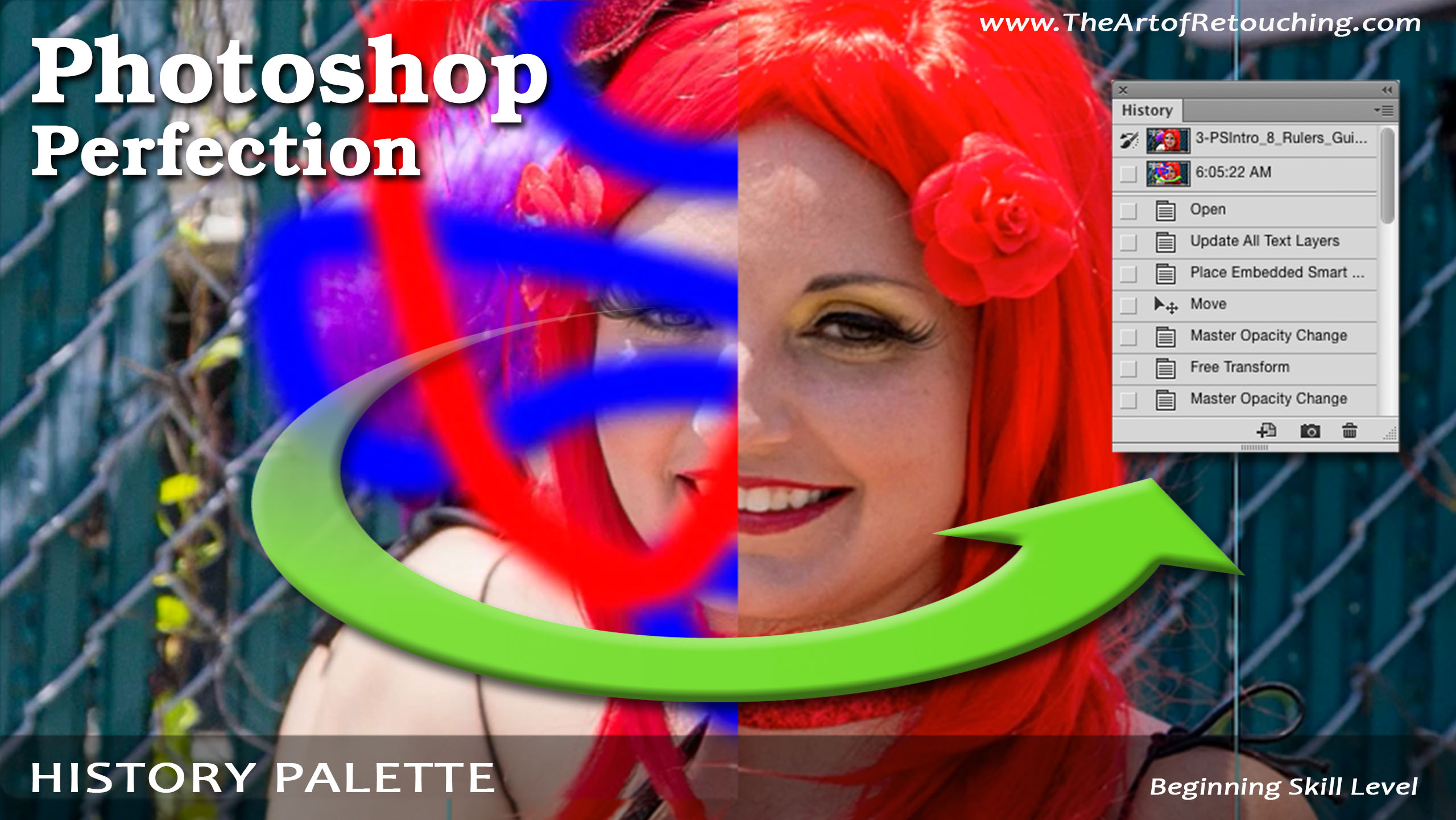
History Palette | Photoshop Beginner’s Tutorial
from The Art of Retouching Studio Hosted by John Ross
Nobody is perfect. We all make mistakes, especially when it comes to perfecting our retouching. In those moments when you just can’t find the right adjustment for something, the History Palette comes to the rescue. By default, you will have 20 past steps that you can undo. The history palette basically just allows you to go back to your previous actions and correct past mistakes. Initially, when you go to the history palette, you will see your image and the label that says “Open”. This means that you haven’t really done anything yet but open the image. Start by clicking the pulldown Window - History, and it will open the History Palette.
Embed this episode
No transcript yet.