
EPISODE · May 22, 2026 · 51 MIN
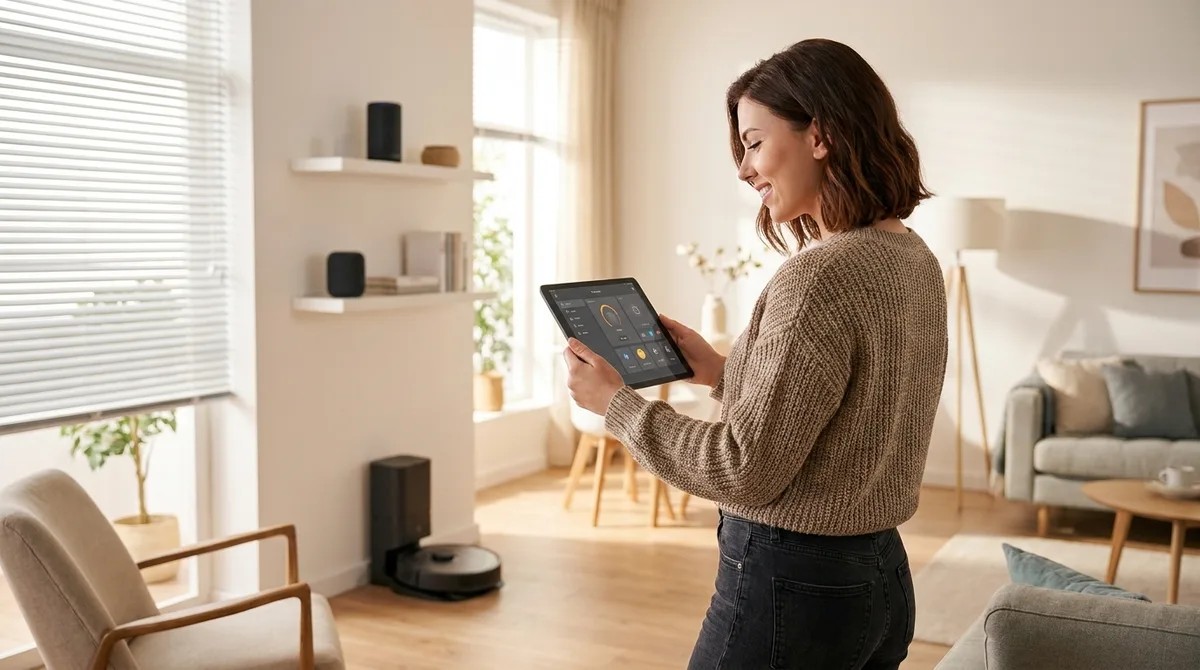
Home Automation Ideas: Smart Solutions for Every Room
from The Smart Home Setup Podcast
Home Automation Ideas: Smart Solutions for Every Room You don't need to surrender your data to make your home smarter. The best home automation ideas work locally, keeping your routines, schedules, and sensor data inside your network—not on someone else's cloud server. I rebuilt my entire setup after discovering my "smart" devices were phoning home with thousands of unauthorized packets daily, and I've spent the past three years testing privacy-first automation across every room in my house. This guide covers room-by-room home automation ideas you can implement without feeding the surveillance machine. What Is Home Automation? Home automation is the use of connected devices to control, monitor, and automate household functions—lighting, climate, security, energy consumption, and more—through programmed logic, sensors, and triggers. When done right, automation happens locally on your network using protocols like Zigbee, Z-Wave, Thread, or Matter, with no data leaving your property. When done wrong, you're renting convenience from a company that logs every time you turn off the bedroom light. The difference comes down to architecture: cloud-dependent systems (most Wi-Fi devices…
Embed this episode
NOW PLAYING
Home Automation Ideas: Smart Solutions for Every Room
No transcript for this episode yet
Similar Episodes
No similar episodes found.
Similar Podcasts
No similar podcasts found.