
EPISODE · Aug 15, 2026 · 6 MIN
How Do I Save Emails to Google Drive?
from cloudHQ · host cloudHQ
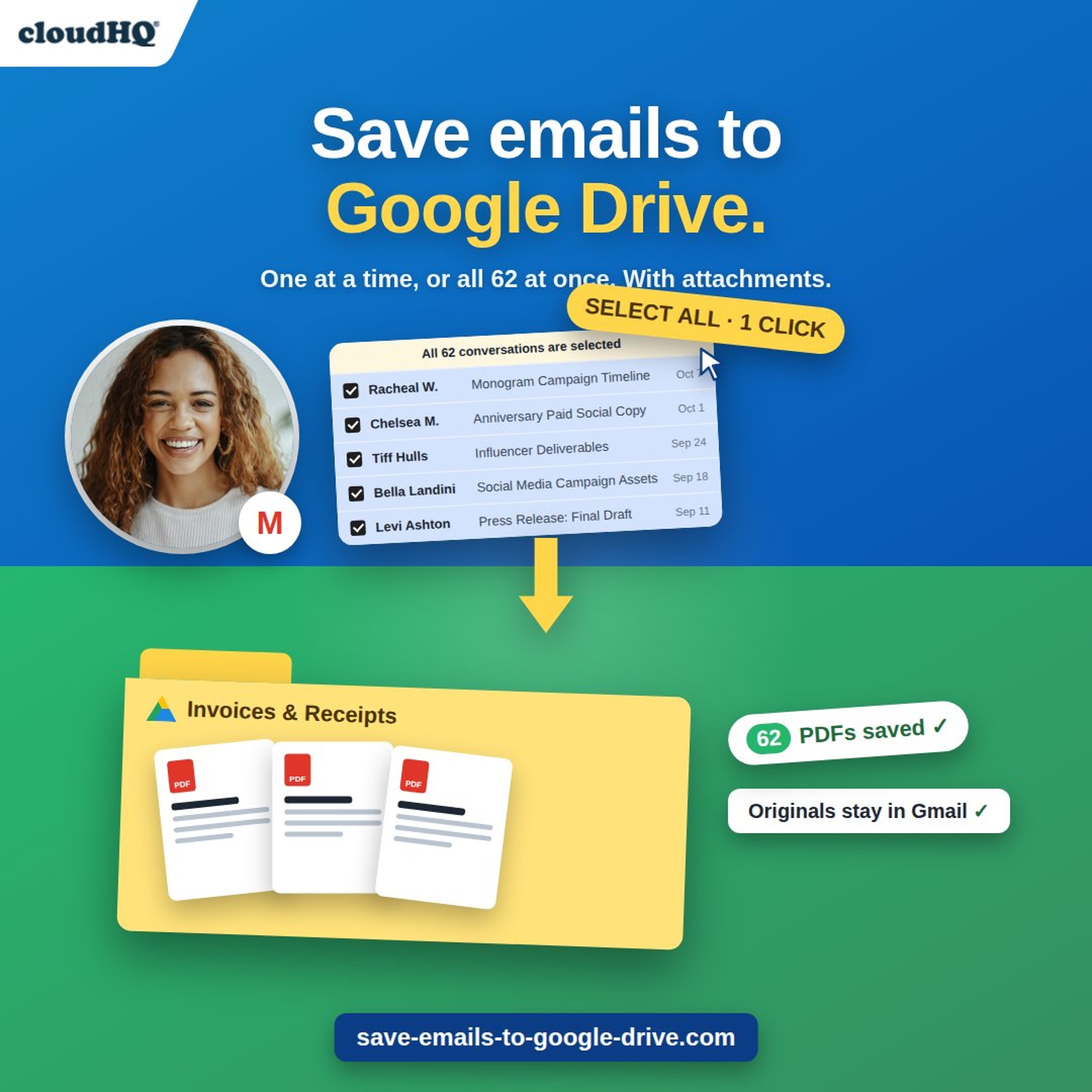
Saving emails from Gmail to Google Drive sounds like it should be built in. It isn’t, and doing it by hand means download, open Drive, upload, repeat. Save Emails to Google Drive by cloudHQ adds a Google Drive button to Gmail. Select one email or a hundred, click it, choose a folder, and the emails are saved to Drive as PDFs with their attachments. The originals stay in your inbox. In this episode: the four steps, the save options (one PDF per conversation or one merged file, attachments embedded or separate), the one-click shortcut for filing to the same folder every time, backing up your entire inbox to Drive organized by date or by label, the situations where this matters most, and the questions we hear often. Read the full story with screenshots and the video: https://blog.cloudhq.net/save-emails-to-google-drive-2/ Get Save Emails to Google Drive: https://www.save-emails-to-google-drive.com/ cloudHQ offers over 100 free email productivity apps at https://www.cloudhq.net. Helping your productivity, 1 click at a time.
Embed this episode
Ready to play
How Do I Save Emails to Google Drive?
No transcript for this episode yet
Similar Episodes
No similar episodes found.
Similar Podcasts
No similar podcasts found.