
EPISODE · Mar 23, 2026 · 34 MIN
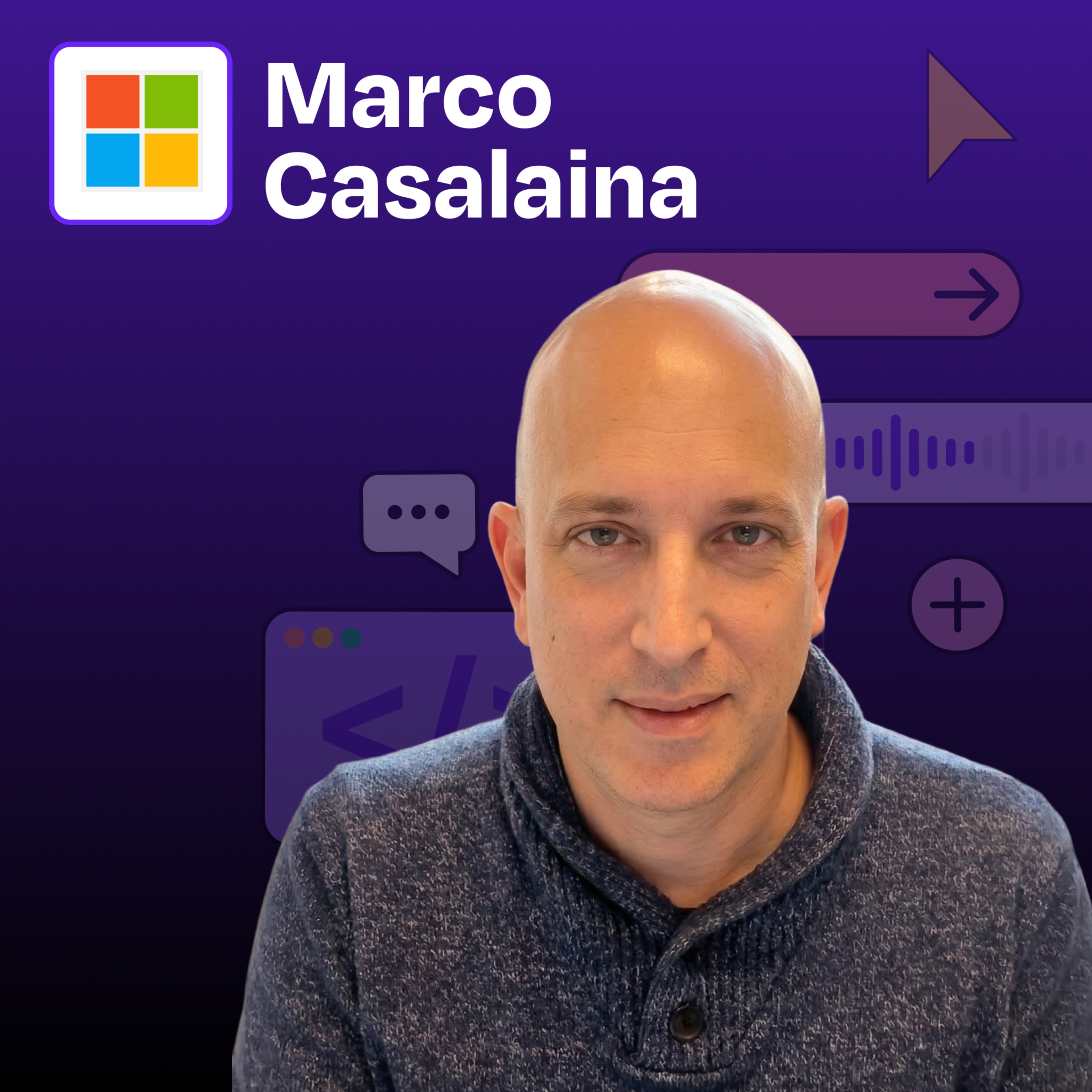
How Microsoft's AI VP automates everything with Warp | Marco Casalaina
from How I AI · host Claire Vo
Marco Casalaina, VP of Core AI Products and AI Futurist at Microsoft, demonstrates how he uses AI tools to automate administrative tasks that typically consume valuable time. Rather than using Warp as a coding assistant (its primary marketed purpose), Marco leverages it to manage Azure resources, scan documents, compress videos, and more. He shows how these “micro-agents” can reduce friction in everyday workflows, allowing him to focus on higher-value activities. Marco also demonstrates how Microsoft 365 Copilot and ChatGPT can create triggered workflows that respond to emails or check for information on a schedule, highlighting how the line between consuming and building AI agents is blurring.What you’ll learn:How to use Warp to manage Azure resources and assign permissions without navigating complex web interfacesTechniques for automating document scanning and processing directly from the terminalMethods for analyzing and compressing video files using AI-generated FFmpeg commandsHow to create simple rules that dramatically improve AI performance for specialized tasksWays to build triggered workflows in Microsoft 365 Copilot that automatically respond to emailsHow to configure ChatGPT to perform scheduled tasks like checking for new contentStrategies for creating consistent AI interactions using AutoHotkey shortcuts—Brought to you by:Rovo—AI that knows your businessLovable—Build apps by simply chatting with AI—In this episode, we cover:(00:00) Introduction to Marco Casalaina(02:14) Why Marco chose Warp for administrative tasks(03:57) Demo: Using Warp to manage Azure resources and permissions(06:00) How CLI tools eliminate GUI friction for complex tasks(07:18) Creating rules to improve AI performance for specialized tasks(10:28) Demo: Document scanning automation(13:00) Combining odd and even pages using a Python automation(15:04) The value of ephemeral AI solutions vs. permanent tools(17:12) Video compression using FFmpeg commands(20:22) The concept of “ad hoc agents” for specific tasks(22:31) Demo: Creating triggered workflows in Microsoft 365 Copilot(25:51) Demo: Setting up scheduled tasks in ChatGPT(27:17) How AI automation changes time management(29:14) Teaching AI skills to the next generation(30:30) Strategies for improving AI performance with AutoHotkey—Detailed workflow walkthroughs from this episode:• How Microsoft's AI VP Automates Everything with 5 Micro-Agent Workflows: https://www.chatprd.ai/how-i-ai/microsofts-ai-vp-automates-everything-with-5-micro-agent-workflowsHow to Create an Automated Meeting Scheduler with Microsoft • 365 Copilot: https://www.chatprd.ai/how-i-ai/workflows/how-to-create-an-automated-meeting-scheduler-with-microsoft-365-copilot• How to Scan and Merge Two-Sided Documents into a Single PDF with AI: https://www.chatprd.ai/how-i-ai/workflows/how-to-scan-and-merge-two-sided-documents-into-a-single-pdf-with-ai• How to Automate Azure User Role Management with AI in the Terminal: https://www.chatprd.ai/how-i-ai/workflows/how-to-automate-azure-user-role-management-with-ai-in-the-terminal—Tools referenced:• Warp: https://www.warp.dev/• Microsoft Azure: https://azure.microsoft.com/en-us• Azure CLI: https://learn.microsoft.com/en-us/cli/azure/• Microsoft 365 Copilot: https://www.microsoft.com/en-us/microsoft-365/copilot• ChatGPT: https://chat.openai.com/—Other references:• NAPS2: https://www.naps2.com/• PyPDF2: https://pypdf2.readthedocs.io/• FFmpeg: https://ffmpeg.org/—Where to find Marco Casalaina:LinkedIn: https://www.linkedin.com/in/marcocasalaina/—Where to find Claire Vo:ChatPRD: https://www.chatprd.ai/Website: https://clairevo.com/LinkedIn: https://www.linkedin.com/in/clairevo/X: https://x.com/clairevo—Production and marketing by https://penname.co/. For inquiries about sponsoring the podcast, email [email protected].
What this episode covers
Marco Casalaina, VP of Core AI Products and AI Futurist at Microsoft, demonstrates how he uses AI tools to automate administrative tasks that typically consume valuable time. Rather than using Warp as a coding assistant (its primary marketed purpose), Marco leverages it to manage Azure resources, scan documents, compress videos, and more. He shows how these “micro-agents” can reduce friction in everyday workflows, allowing him to focus on higher-value activities. Marco also demonstrates how Microsoft 365 Copilot and ChatGPT can create triggered workflows that respond to emails or check for information on a schedule, highlighting how the line between consuming and building AI agents is blurring.What you’ll learn:How to use Warp to manage Azure resources and assign permissions without navigating complex web interfacesTechniques for automating document scanning and processing directly from the terminalMethods for analyzing and compressing video files using AI-generated FFmpeg commandsHow to create simple rules that dramatically improve AI performance for specialized tasksWays to build triggered workflows in Microsoft 365 Copilot that automatically respond to emailsHow to configure ChatGPT to perform scheduled tasks like checking for new contentStrategies for creating consistent AI interactions using AutoHotkey shortcuts—Brought to you by:Rovo—AI that knows your businessLovable—Build apps by simply chatting with AI—In this episode, we cover:(00:00) Introduction to Marco Casalaina(02:14) Why Marco chose Warp for administrative tasks(03:57) Demo: Using Warp to manage Azure resources and permissions(06:00) How CLI tools eliminate GUI friction for complex tasks(07:18) Creating rules to improve AI performance for specialized tasks(10:28) Demo: Document scanning automation(13:00) Combining odd and even pages using a Python automation(15:04) The value of ephemeral AI solutions vs. permanent tools(17:12) Video compression using FFmpeg commands(20:22) The concept of “ad hoc agents” for specific tasks(22:31) Demo: Creating triggered workflows in Microsoft 365 Copilot(25:51) Demo: Setting up scheduled tasks in ChatGPT(27:17) How AI automation changes time management(29:14) Teaching AI skills to the next generation(30:30) Strategies for improving AI performance with AutoHotkey—Detailed workflow walkthroughs from this episode:• How Microsoft's AI VP Automates Everything with 5 Micro-Agent Workflows: https://www.chatprd.ai/how-i-ai/microsofts-ai-vp-automates-everything-with-5-micro-agent-workflowsHow to Create an Automated Meeting Scheduler with Microsoft • 365 Copilot: https://www.chatprd.ai/how-i-ai/workflows/how-to-create-an-automated-meeting-scheduler-with-microsoft-365-copilot• How to Scan and Merge Two-Sided Documents into a Single PDF with AI: https://www.chatprd.ai/how-i-ai/workflows/how-to-scan-and-merge-two-sided-documents-into-a-single-pdf-with-ai• How to Automate Azure User Role Management with AI in the Terminal: https://www.chatprd.ai/how-i-ai/workflows/how-to-automate-azure-user-role-management-with-ai-in-the-terminal—Tools referenced:• Warp: https://www.warp.dev/• Microsoft Azure: https://azure.microsoft.com/en-us• Azure CLI: https://learn.microsoft.com/en-us/cli/azure/• Microsoft 365 Copilot: https://www.microsoft.com/en-us/microsoft-365/copilot• ChatGPT: https://chat.openai.com/—Other references:• NAPS2: https://www.naps2.com/• PyPDF2: https://pypdf2.readthedocs.io/• FFmpeg: https://ffmpeg.org/—Where to find Marco Casalaina:LinkedIn: https://www.linkedin.com/in/marcocasalaina/—Where to find Claire Vo:ChatPRD: https://www.chatprd.ai/Website: https://clairevo.com/LinkedIn: https://www.linkedin.com/in/clairevo/X: https://x.com/clairevo—Production and marketing by https://penname.co/. For inquiries about sponsoring the podcast, email [email protected].
NOW PLAYING
How Microsoft's AI VP automates everything with Warp | Marco Casalaina
No transcript for this episode yet
Similar Episodes
Mar 31, 2026 ·54m
Mar 27, 2026 ·14m
Mar 24, 2026 ·42m
Mar 20, 2026 ·42m
Mar 17, 2026 ·41m
Mar 13, 2026 ·44m