
EPISODE · Feb 16, 2026 · 49 MIN
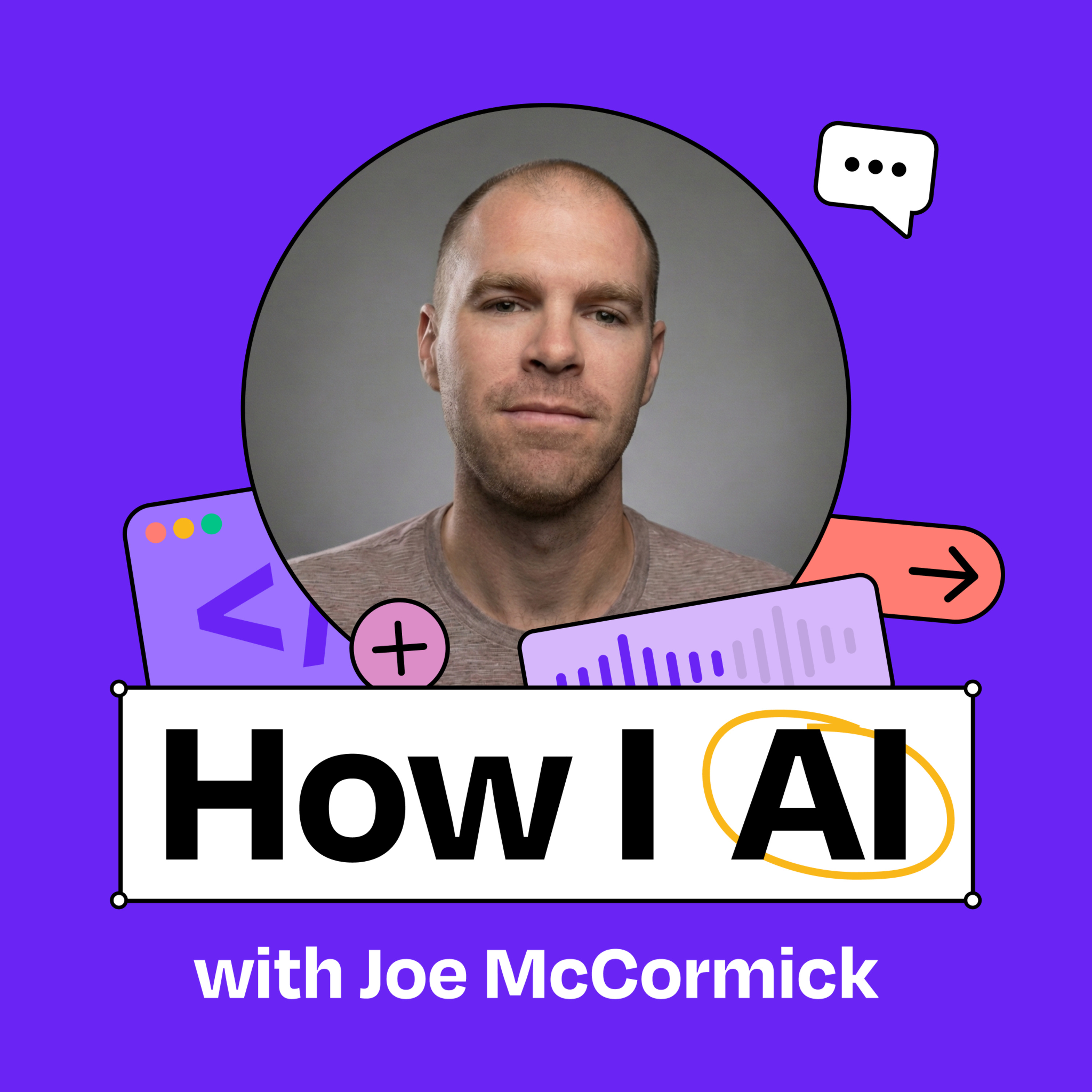
How this visually impaired engineer uses Claude Code to make his life more accessible | Joe McCormick
from How I AI · host Claire Vo
Joe McCormick is a principal software engineer at Babylist who lost most of his central vision due to a rare genetic disorder right before starting college. He pivoted from mechanical engineering to computer science and now leads AI enablement at Babylist. Joe demonstrates how he uses AI to build micro Chrome extensions that make his everyday work and life more accessible, showing how personal software can address accessibility needs that mainstream products often overlook.What you’ll learn:How to build custom Chrome extensions in under 25 minutes using Claude CodeA practical workflow for creating AI-powered accessibility toolsHow to use Claude Skills to accelerate repetitive development tasksTechniques for making Claude Code more screen reader accessibleWhy personal software is becoming increasingly viable with AI assistanceHow multimodal AI is transforming accessibility for visually impaired users—Brought to you by:Tines—Start building intelligent workflows today—Detailed workflow walkthroughs from this episode:• How I AI: Building Custom AI Accessibility Tools for Slack with Joe McCormick & Claude Code: https://www.chatprd.ai/how-i-ai/custom-ai-accessibility-tools-for-slack-claude-code• Build a Slack Link Summarizer from Scratch using Claude Code: https://www.chatprd.ai/how-i-ai/workflows/slack-link-summarizer-using-claude-code• Create a Fast, Accessible AI Spell Checker for Any Website: https://www.chatprd.ai/how-i-ai/workflows/accessible-ai-spell-checker-for-any-website• Build a Custom AI Tool to Describe Images in Slack: https://www.chatprd.ai/how-i-ai/workflows/ai-tool-to-describe-images-in-slack—In this episode, we cover:(00:00) Introduction to Joe and his background(02:34) Joe’s journey into computer science after vision loss(04:50) The concept of personal software for accessibility(06:09) Demo of image description Chrome extension for Slack(10:40) Demo of AI-powered spell checker extension(13:12) The efficiency of keyboard shortcuts for accessibility(14:37) Live building a link summarization extension(20:28) Using Claude Skills to extract common patterns(25:30) Reviewing and modifying the development plan(27:45) Removing cognitive friction for users through repeating patterns(31:40) How to get fluent with AI tools(34:55) Loading the extension into Chrome in developer mode(36:19) Testing and debugging the extension(40:44) Quick recap(42:12) Lightning round and final thoughts—Tools referenced:• Claude Code: https://claude.ai/code• VS Code: https://code.visualstudio.com/• Gemini: https://gemini.google.com/• ChatGPT: https://chat.openai.com/• Meta Ray-Ban Smart Glasses: https://www.meta.com/smart-glasses/—Other references:• Chrome Extensions Documentation: https://developer.chrome.com/docs/extensions/• ARIA (Accessible Rich Internet Applications): https://developer.mozilla.org/en-US/docs/Web/Accessibility/ARIA• Windows Subsystem for Linux: https://learn.microsoft.com/en-us/windows/wsl/• Screen Readers: https://www.afb.org/blindness-and-low-vision/using-technology/assistive-technology-products/screen-readers• Claude Skills explained: How to create reusable AI workflows:https://www.lennysnewsletter.com/p/claude-skills-explained—Where to find Joe McCormick:LinkedIn: https://www.linkedin.com/in/joemccormickjr/Company: https://www.babylist.com/—Where to find Claire Vo:ChatPRD: https://www.chatprd.ai/Website: https://clairevo.com/LinkedIn: https://www.linkedin.com/in/clairevo/X: https://x.com/clairevo—Production and marketing by https://penname.co/. For inquiries about sponsoring the podcast, email [email protected].
What this episode covers
Joe McCormick is a principal software engineer at Babylist who lost most of his central vision due to a rare genetic disorder right before starting college. He pivoted from mechanical engineering to computer science and now leads AI enablement at Babylist. Joe demonstrates how he uses AI to build micro Chrome extensions that make his everyday work and life more accessible, showing how personal software can address accessibility needs that mainstream products often overlook.What you’ll learn:How to build custom Chrome extensions in under 25 minutes using Claude CodeA practical workflow for creating AI-powered accessibility toolsHow to use Claude Skills to accelerate repetitive development tasksTechniques for making Claude Code more screen reader accessibleWhy personal software is becoming increasingly viable with AI assistanceHow multimodal AI is transforming accessibility for visually impaired users—Brought to you by:Tines—Start building intelligent workflows today—Detailed workflow walkthroughs from this episode:• How I AI: Building Custom AI Accessibility Tools for Slack with Joe McCormick & Claude Code: https://www.chatprd.ai/how-i-ai/custom-ai-accessibility-tools-for-slack-claude-code• Build a Slack Link Summarizer from Scratch using Claude Code: https://www.chatprd.ai/how-i-ai/workflows/slack-link-summarizer-using-claude-code• Create a Fast, Accessible AI Spell Checker for Any Website: https://www.chatprd.ai/how-i-ai/workflows/accessible-ai-spell-checker-for-any-website• Build a Custom AI Tool to Describe Images in Slack: https://www.chatprd.ai/how-i-ai/workflows/ai-tool-to-describe-images-in-slack—In this episode, we cover:(00:00) Introduction to Joe and his background(02:34) Joe’s journey into computer science after vision loss(04:50) The concept of personal software for accessibility(06:09) Demo of image description Chrome extension for Slack(10:40) Demo of AI-powered spell checker extension(13:12) The efficiency of keyboard shortcuts for accessibility(14:37) Live building a link summarization extension(20:28) Using Claude Skills to extract common patterns(25:30) Reviewing and modifying the development plan(27:45) Removing cognitive friction for users through repeating patterns(31:40) How to get fluent with AI tools(34:55) Loading the extension into Chrome in developer mode(36:19) Testing and debugging the extension(40:44) Quick recap(42:12) Lightning round and final thoughts—Tools referenced:• Claude Code: https://claude.ai/code• VS Code: https://code.visualstudio.com/• Gemini: https://gemini.google.com/• ChatGPT: https://chat.openai.com/• Meta Ray-Ban Smart Glasses: https://www.meta.com/smart-glasses/—Other references:• Chrome Extensions Documentation: https://developer.chrome.com/docs/extensions/• ARIA (Accessible Rich Internet Applications): https://developer.mozilla.org/en-US/docs/Web/Accessibility/ARIA• Windows Subsystem for Linux: https://learn.microsoft.com/en-us/windows/wsl/• Screen Readers: https://www.afb.org/blindness-and-low-vision/using-technology/assistive-technology-products/screen-readers• Claude Skills explained: How to create reusable AI workflows:https://www.lennysnewsletter.com/p/claude-skills-explained—Where to find Joe McCormick:LinkedIn: https://www.linkedin.com/in/joemccormickjr/Company: https://www.babylist.com/—Where to find Claire Vo:ChatPRD: https://www.chatprd.ai/Website: https://clairevo.com/LinkedIn: https://www.linkedin.com/in/clairevo/X: https://x.com/clairevo—Production and marketing by https://penname.co/. For inquiries about sponsoring the podcast, email [email protected].
NOW PLAYING
How this visually impaired engineer uses Claude Code to make his life more accessible | Joe McCormick
No transcript for this episode yet
Similar Episodes
Mar 31, 2026 ·54m
Mar 27, 2026 ·14m
Mar 24, 2026 ·42m
Mar 20, 2026 ·42m
Mar 17, 2026 ·41m
Mar 13, 2026 ·44m