
EPISODE · Apr 24, 2026 · 17 MIN
How to Build a Dynamic Menu System in Microsoft Access Using a List Box
from Computer Learning Zone · host Richard Rost
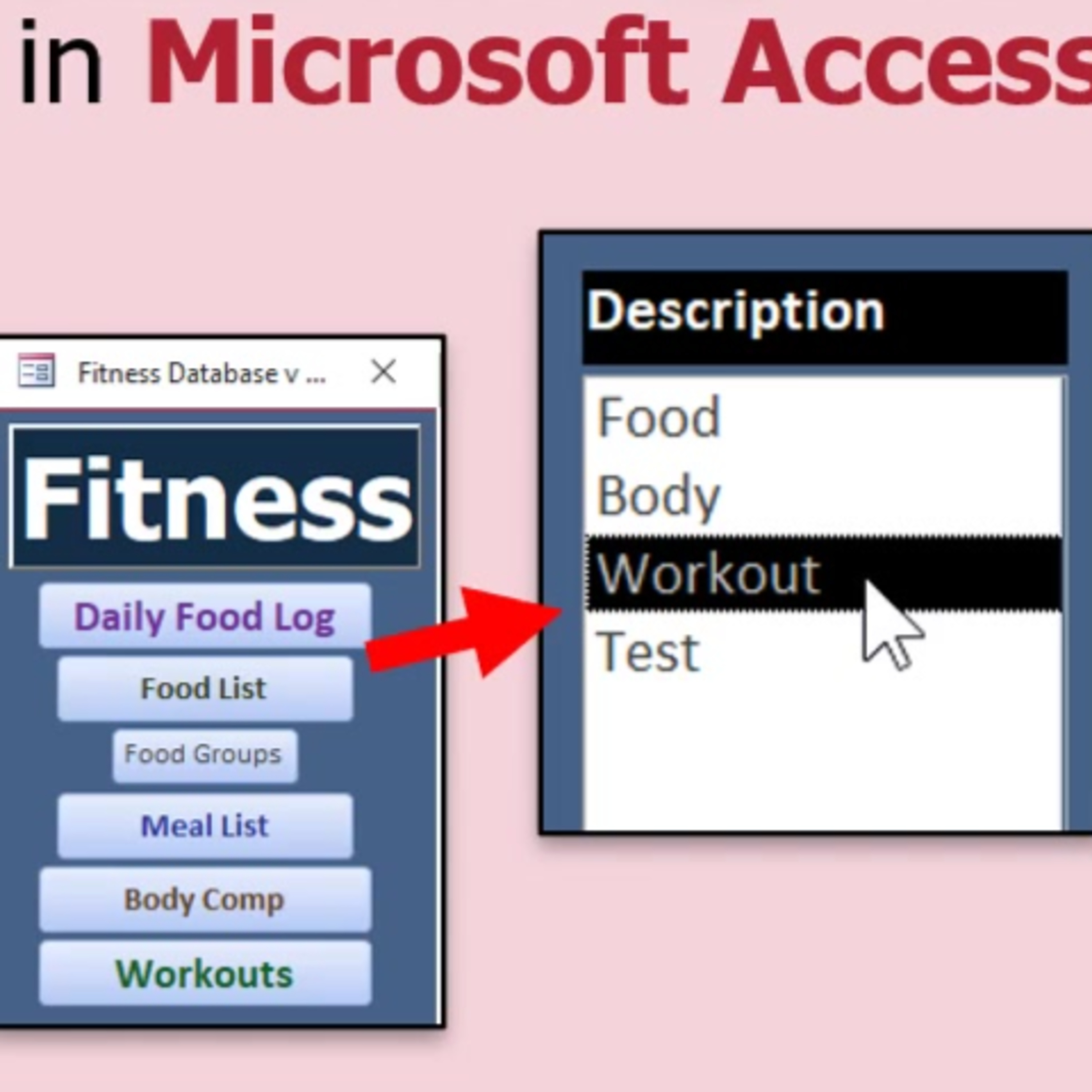
In this lesson, we begin building a dynamic, data-driven menu system in Microsoft Access using a list box, eliminating the need to manually add or rearrange menu buttons when changes are made to the database. I demonstrate how to create a menu table with hierarchical relationships, set up the form with a list box, and write basic VBA code to open forms based on menu selections. We discuss how to structure the menu for main items and submenus, and set up the list box to only display top-level menu items. Further sub menu functionality will be addressed in the next lesson.
Embed this episode
NOW PLAYING
How to Build a Dynamic Menu System in Microsoft Access Using a List Box
No transcript for this episode yet
Similar Episodes
No similar episodes found.