
EPISODE · Feb 9, 2026 · 53 MIN
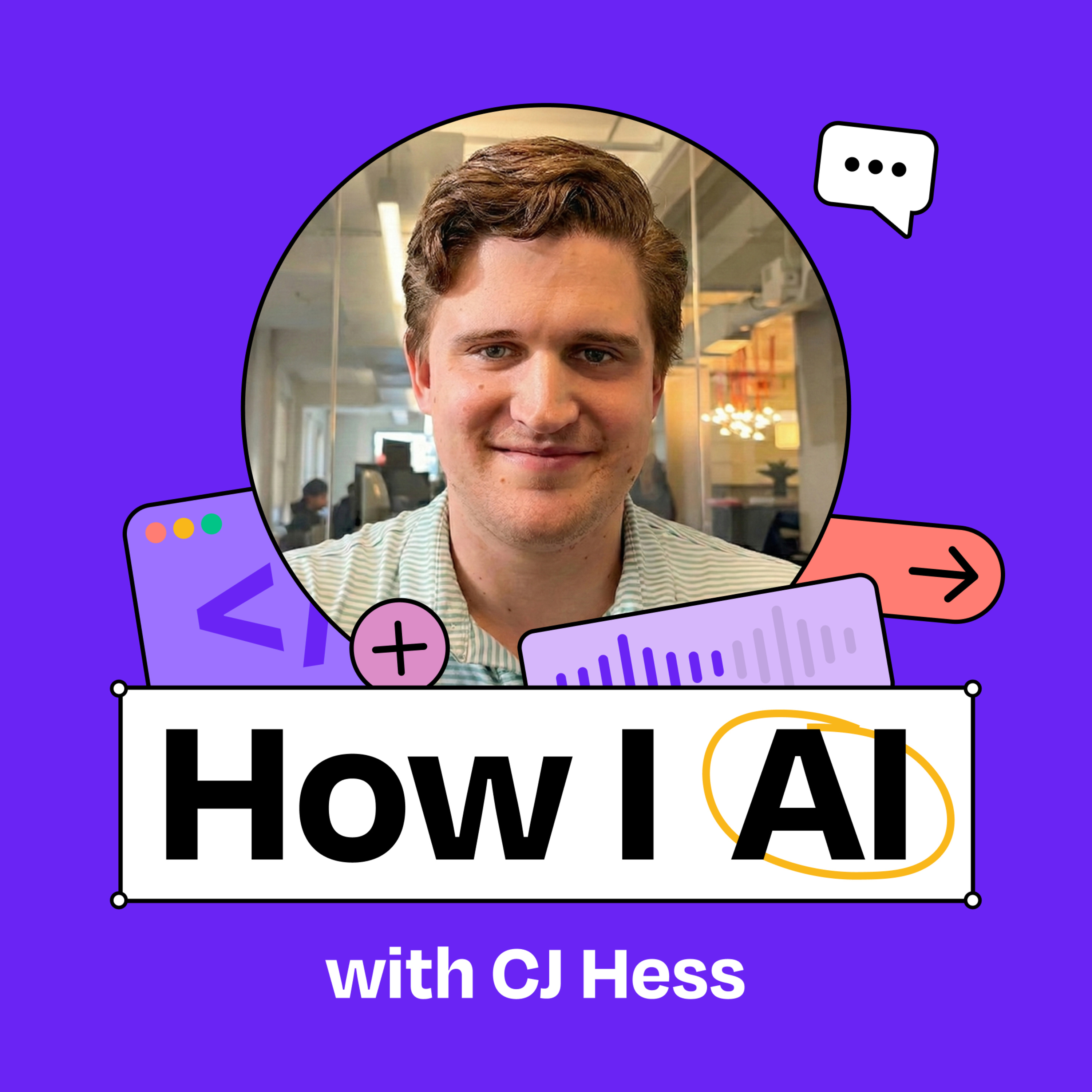
How to build your own AI developer tools with Claude Code | CJ Hess (Tenex)
from How I AI · host Claire Vo
CJ Hess is a software engineer at Tenex who has built some of the most useful tools and workflows for being a “real AI engineer.” In this episode, CJ demonstrates his custom-built tool, Flowy, that transforms Claude’s ASCII diagrams into interactive visual mockups and flowcharts. He also shares his process for using model-to-model comparison to ensure that his AI-generated code is high-quality, and why he believes we’re just at the beginning of a revolution in how developers interact with AI.What you’ll learn:How CJ built Flowy, a custom visual planning tool that converts JSON files into interactive mockups and flowchartsWhy visual planning tools are more effective than ASCII diagrams for complex UI and animation workflowsHow to create and use Claude Code skills to extend your development environmentUsing model-to-model comparison (Claude + Codex) to improve code qualityHow to build your own ecosystem of tools around Claude CodeThe value of bypassing permissions in controlled environments to speed up development—Brought to you by:Orkes—The enterprise platform for reliable applications and agentic workflowsRovo—AI that knows your business—Detailed workflow walkthroughs from this episode:• How I AI: CJ Hess on Building Custom Dev Tools and Model-vs-Model Code Reviews: https://www.chatprd.ai/how-i-ai/cj-hess-tenex-custom-dev-tools-and-model-vs-model-code-reviews• Implement Model-vs-Model AI Code Reviews for Quality Control: https://www.chatprd.ai/how-i-ai/workflows/implement-model-vs-model-ai-code-reviews-for-quality-control• Develop Features with AI Using Custom Visual Planning Tools: https://www.chatprd.ai/how-i-ai/workflows/develop-features-with-ai-using-custom-visual-planning-tools—In this episode, we cover:(00:00) Introduction to CJ Hess(02:48) Why CJ prefers Claude Code for development(04:46) The evolution of developer environments with AI(06:50) Planning workflows and the limitations of ASCII diagrams(08:23) Introduction to Flowy, CJ’s custom visualization tool(11:54) How Flowy compares to mermaid diagrams(15:25) Demo: Using Flowy(19:30) Examining Flowy’s skill structure(23:27) Reviewing the generated flowcharts and diagrams(28:34) The cognitive benefits of visual planning vs. text-based planning(31:38) Generating UI mockups with Flowy(33:30) Building the feature directly from flowcharts and mockups(35:40) Quick recap(36:51) Using model-to-model review with Codex (Carl)(41:52) The benefits of using AI for code review(45:13) Lightning round and final thoughts—Tools referenced:• Claude Code: https://claude.ai/code• Claude Opus 4.5: https://www.anthropic.com/news/claude-opus-4-5• Cursor: https://cursor.sh/• Obsidian: https://obsidian.md/• GPT-5.2 Codex: https://openai.com/index/introducing-gpt-5-2-codex/• Google’s Project Genie: https://labs.google/projectgenie—Other references:• Mermaid diagrams: https://mermaid.js.org/• Figma: https://www.figma.com/• Excalidraw: https://excalidraw.com/• TypeScript: https://www.typescriptlang.org/—Where to find CJ Hess:LinkedIn: https://www.linkedin.com/in/cj-hess-connexwork/X: https://x.com/seejayhess—Where to find Claire Vo:ChatPRD: https://www.chatprd.ai/Website: https://clairevo.com/LinkedIn: https://www.linkedin.com/in/clairevo/X: https://x.com/clairevo—Production and marketing by https://penname.co/. For inquiries about sponsoring the podcast, email [email protected].
What this episode covers
CJ Hess is a software engineer at Tenex who has built some of the most useful tools and workflows for being a “real AI engineer.” In this episode, CJ demonstrates his custom-built tool, Flowy, that transforms Claude’s ASCII diagrams into interactive visual mockups and flowcharts. He also shares his process for using model-to-model comparison to ensure that his AI-generated code is high-quality, and why he believes we’re just at the beginning of a revolution in how developers interact with AI.What you’ll learn:How CJ built Flowy, a custom visual planning tool that converts JSON files into interactive mockups and flowchartsWhy visual planning tools are more effective than ASCII diagrams for complex UI and animation workflowsHow to create and use Claude Code skills to extend your development environmentUsing model-to-model comparison (Claude + Codex) to improve code qualityHow to build your own ecosystem of tools around Claude CodeThe value of bypassing permissions in controlled environments to speed up development—Brought to you by:Orkes—The enterprise platform for reliable applications and agentic workflowsRovo—AI that knows your business—Detailed workflow walkthroughs from this episode:• How I AI: CJ Hess on Building Custom Dev Tools and Model-vs-Model Code Reviews: https://www.chatprd.ai/how-i-ai/cj-hess-tenex-custom-dev-tools-and-model-vs-model-code-reviews• Implement Model-vs-Model AI Code Reviews for Quality Control: https://www.chatprd.ai/how-i-ai/workflows/implement-model-vs-model-ai-code-reviews-for-quality-control• Develop Features with AI Using Custom Visual Planning Tools: https://www.chatprd.ai/how-i-ai/workflows/develop-features-with-ai-using-custom-visual-planning-tools—In this episode, we cover:(00:00) Introduction to CJ Hess(02:48) Why CJ prefers Claude Code for development(04:46) The evolution of developer environments with AI(06:50) Planning workflows and the limitations of ASCII diagrams(08:23) Introduction to Flowy, CJ’s custom visualization tool(11:54) How Flowy compares to mermaid diagrams(15:25) Demo: Using Flowy(19:30) Examining Flowy’s skill structure(23:27) Reviewing the generated flowcharts and diagrams(28:34) The cognitive benefits of visual planning vs. text-based planning(31:38) Generating UI mockups with Flowy(33:30) Building the feature directly from flowcharts and mockups(35:40) Quick recap(36:51) Using model-to-model review with Codex (Carl)(41:52) The benefits of using AI for code review(45:13) Lightning round and final thoughts—Tools referenced:• Claude Code: https://claude.ai/code• Claude Opus 4.5: https://www.anthropic.com/news/claude-opus-4-5• Cursor: https://cursor.sh/• Obsidian: https://obsidian.md/• GPT-5.2 Codex: https://openai.com/index/introducing-gpt-5-2-codex/• Google’s Project Genie: https://labs.google/projectgenie—Other references:• Mermaid diagrams: https://mermaid.js.org/• Figma: https://www.figma.com/• Excalidraw: https://excalidraw.com/• TypeScript: https://www.typescriptlang.org/—Where to find CJ Hess:LinkedIn: https://www.linkedin.com/in/cj-hess-connexwork/X: https://x.com/seejayhess—Where to find Claire Vo:ChatPRD: https://www.chatprd.ai/Website: https://clairevo.com/LinkedIn: https://www.linkedin.com/in/clairevo/X: https://x.com/clairevo—Production and marketing by https://penname.co/. For inquiries about sponsoring the podcast, email [email protected].
NOW PLAYING
How to build your own AI developer tools with Claude Code | CJ Hess (Tenex)
No transcript for this episode yet
Similar Episodes
Mar 31, 2026 ·54m
Mar 27, 2026 ·14m
Mar 24, 2026 ·42m
Mar 20, 2026 ·42m
Mar 17, 2026 ·41m
Mar 13, 2026 ·44m