
EPISODE · Jul 22, 2021 · 3 MIN
How to change Alexa’s voice
from Calentando La Greca · host carlos gutierrez
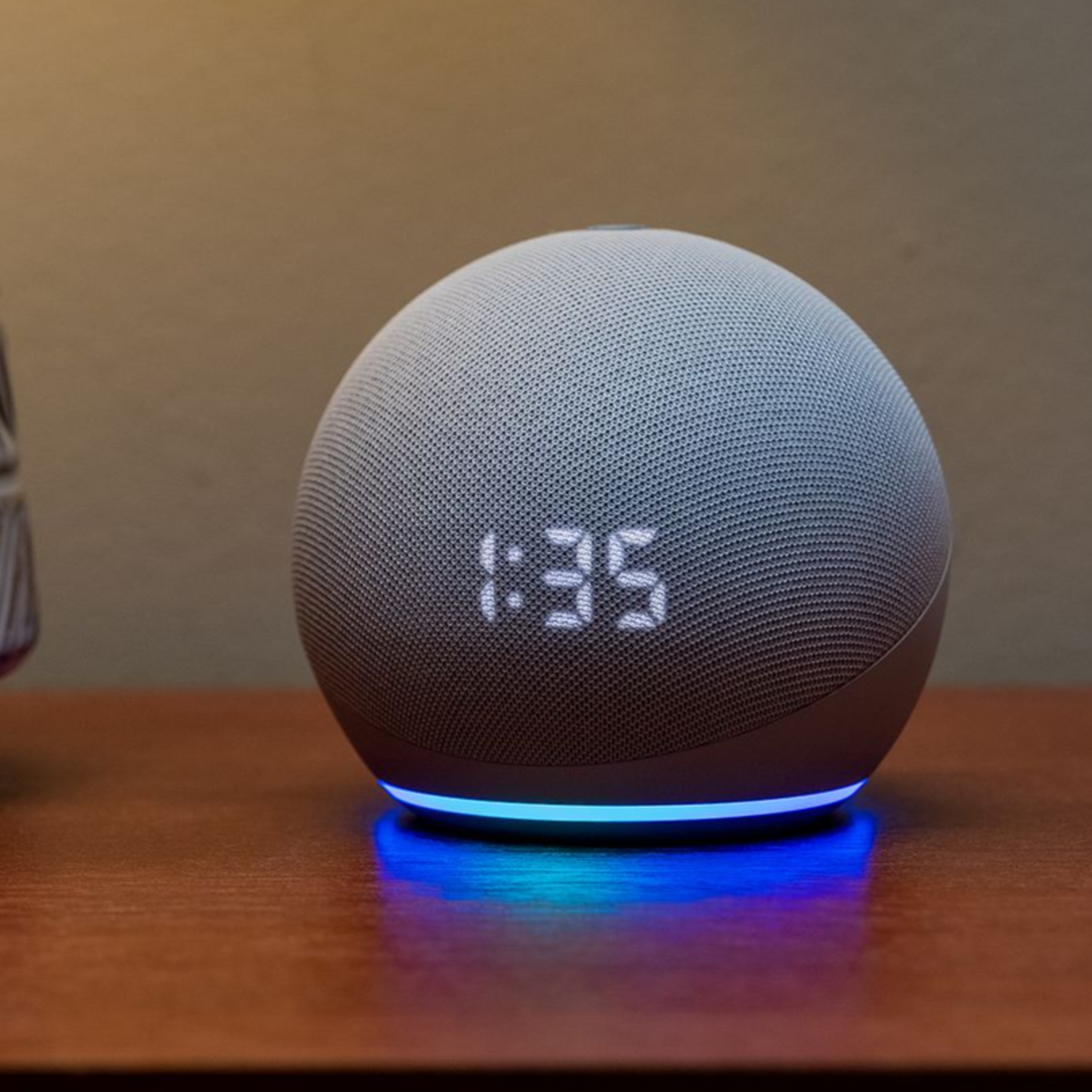
Alexa’s pleasant, feminine voice has filled the homes of millions over the past few years, but now Amazon has finally released a masculine counterpart for it. Amazon is late to this — both Apple and Google have offered different voices, both feminine and masculine, in their virtual assistants for years. But late or not, it’s nice that Amazon is finally giving some choice for Alexa. In addition to the two main Alexa voices, Amazon also has celebrity voices (right now you can choose between Samuel L. Jackson, Shaquille O’Neal, and Melissa McCarthy). These are programmed to work with certain phrases and answer select questions — mostly alarms and timers, jokes, or weather reports. They also cost $5 each. Any query to an Echo device that’s not supported by the chosen celebrity voice will get a response from the native Alexa voice. There are two ways you can change the voice of Alexa on your Echo devices: through the device itself or through the Alexa app. Note that changing the voice through the device was less reliable for us — the surest way to do it is through the app.
Embed this episode
NOW PLAYING
How to change Alexa’s voice
No transcript for this episode yet
Similar Episodes
No similar episodes found.
Similar Podcasts
No similar podcasts found.