
EPISODE · Apr 3, 2026 · 35 MIN
How to Choose Senior-Friendly Smart Home Devices: Accessibility Features That Matter
from The Smart Home Setup Podcast
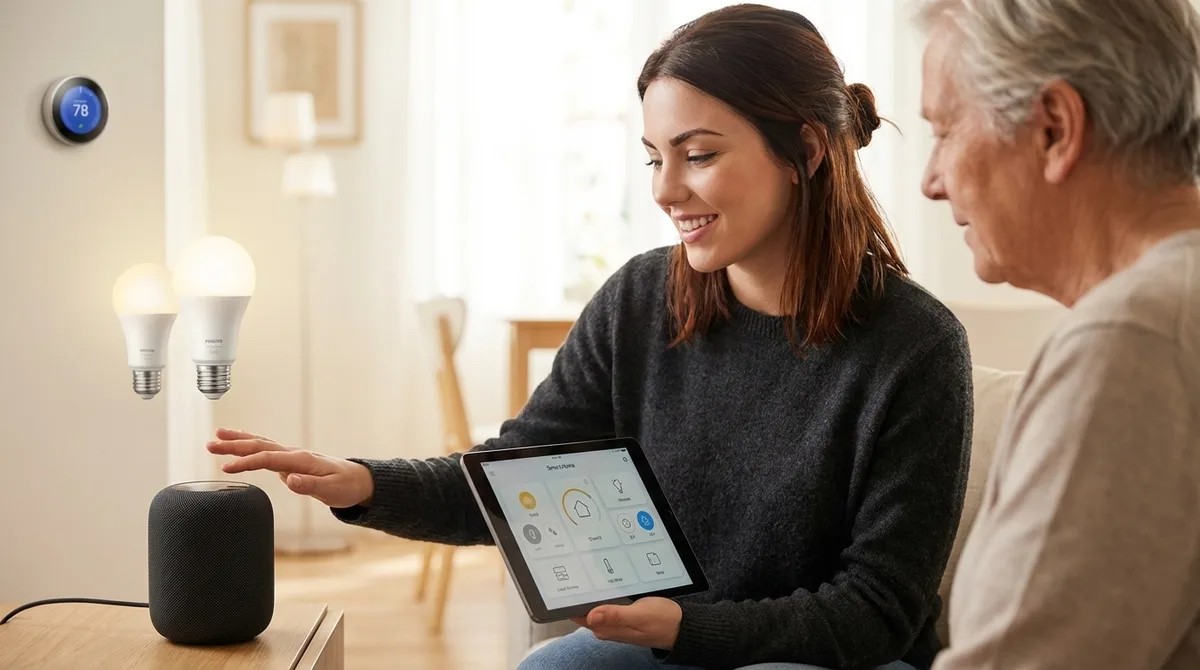
After rebuilding her mother's smart home setup three times, Chelsea Miller finally cracked the code—and it wasn't about finding the latest gadgets. This episode breaks down how to select smart home devices that actually work for elderly users, cutting through marketing hype to focus on the accessibility features that prevent frustration and reduce caregiver headaches. If you're setting up a smart home for an aging parent or loved one and want to avoid the common pitfalls, this guide walks you through protocol selection, physical control requirements, and the honest assessments you need to make before spending a dime. Protocol selection matters more than product selection—Wi-Fi devices enable remote caregiver access but fail when internet drops, while Zigbee and Z-Wave maintain local automations with significantly faster response times (80-150ms versus 400-800ms for cloud-based commands). Physical buttons and tactile controls prevent the majority of frustration calls; touchscreens require fine motor control and visual acuity that many seniors lack, especially those with arthritis or tremors. Matter 1.4 certification doesn't guarantee seamless cross-platform compatibility in 2026—real-world testing revealed that some certified devices still require firmware updates or won't work with certain voice assistants despite marketing claims. Smart switches with actual paddles (like Lutron Caseta) outperform app-controlled smart bulbs for elderly users because they work even when routers crash and don't require navigating phone menus. Create emergency panic button routines using Zigbee wireless switches placed in key locations; configure double-tap triggers to turn on all lights, notify caregivers, and unlock doors while minimizing false activations from accidental bumps. Budget seven to fourteen days for testing devices before committing to an ecosystem—return windows are your safety net when products don't perform as expected in real-world conditions. Read the full article: https://mysmarthomesetup.com/how-to-choose-senior-friendly-smart-home-devices
Embed this episode
NOW PLAYING
How to Choose Senior-Friendly Smart Home Devices: Accessibility Features That Matter
No transcript for this episode yet
Similar Episodes
No similar episodes found.
Similar Podcasts
No similar podcasts found.