How to Collect Files From Clients Directly in Google Drive
from cloudHQ Hosted by cloudHQ
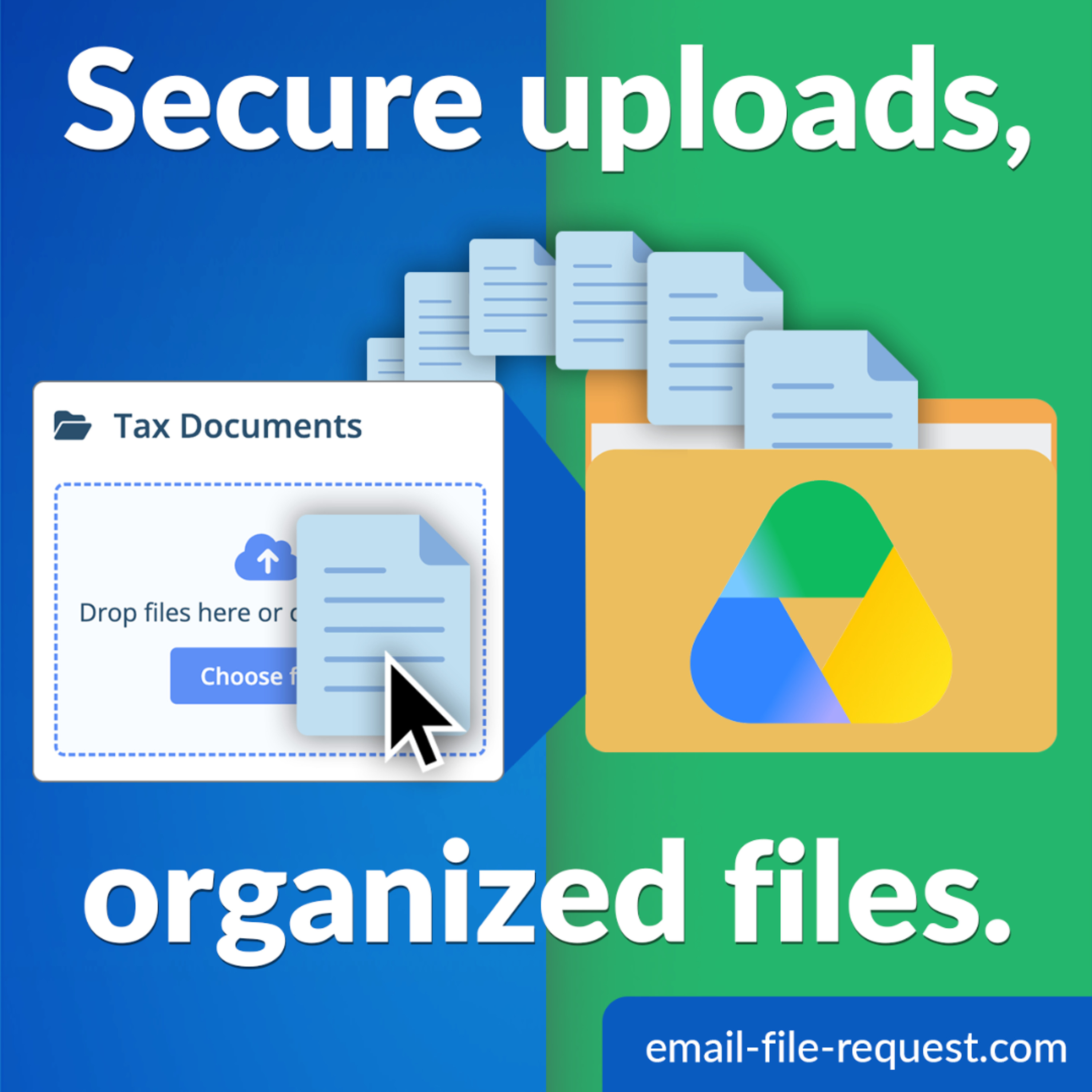
Chasing files through email is a losing game. Attachments get buried, wrong versions land in wrong threads, and the documents you need never end up where they belong. In this episode, learn how to collect files from clients, vendors, students, or applicants directly in Google Drive with File Request for Google Drive by cloudHQ: ✅ Create an upload link from inside any Drive folder ✅ No login or Google account needed for the people sending ✅ Files land in your Drive, automatically organized ✅ Email alerts on every upload, plus a dashboard tracking who sent what and when Read the full guide: https://blog.cloudhq.net/how-to-collect-files-from-clients-in-google-drive/ Get started: https://www.file-request.com/ cloudHQ. Helping your productivity, 1 click at a time.
Embed this episode
No transcript yet.