
EPISODE · May 13, 2026 · 2 MIN
How to Control Your Voice So You Sound Natural on Camera
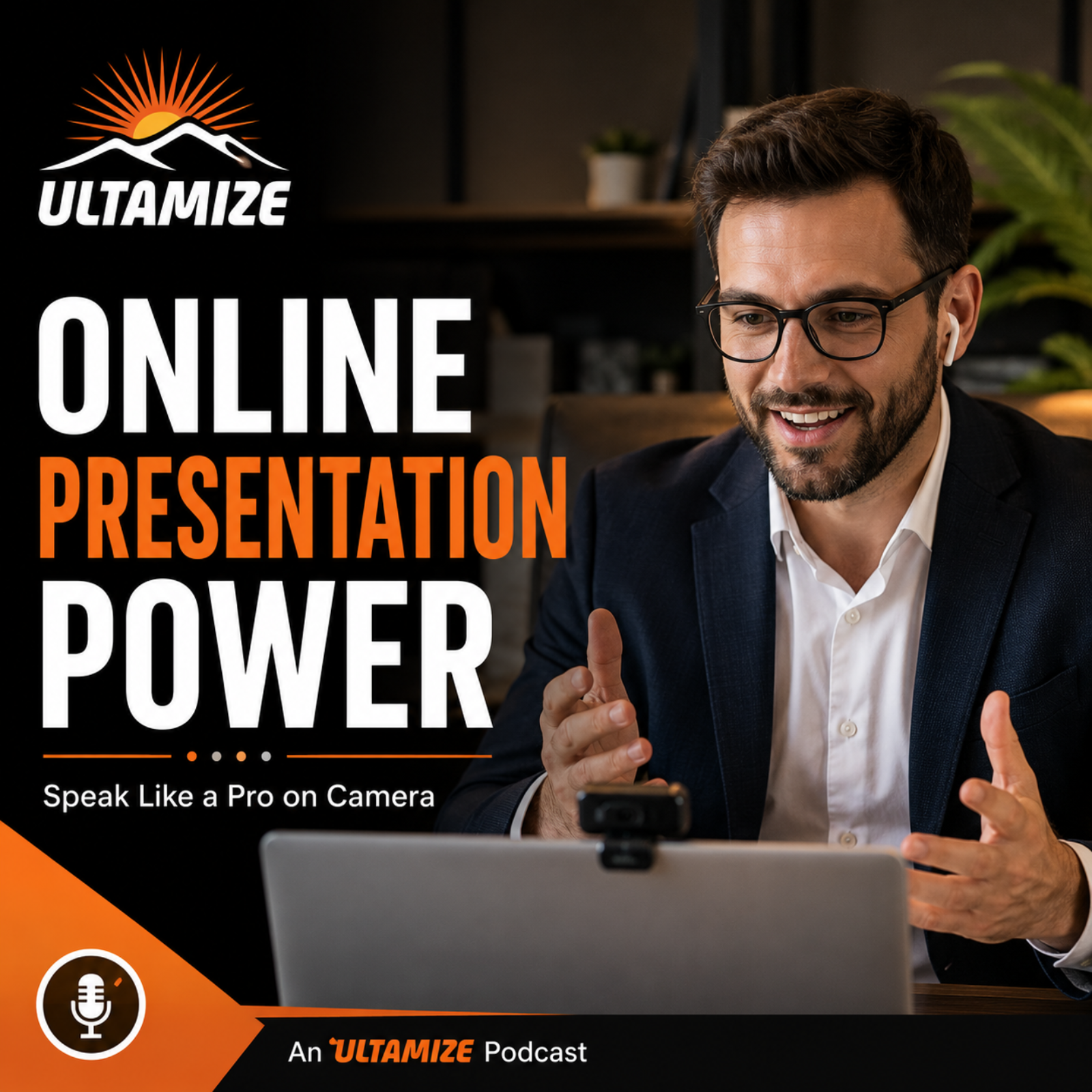
from Online Presentation Power: Speak Like a Pro Without Sounding Like You’re Reading
In How to Control Your Voice So You Sound Natural on Camera, TJ Walker explains why your voice matters even more in online presentations than it does in a room.This episode of Online Presentation Power, part of the Ultamize Personal Development Podcast Network, teaches how to avoid sounding flat, robotic, or overly formal on camera. You’ll learn how to use vocal variety, pacing, emphasis, and conversational delivery so your online presentations sound natural and engaging.Search for How to Control Your Voice So You Sound Natural on Camera, Online Presentation Power, or Ultamize for more practical communication training from the Ultamize Personal Development Podcast Network.#Ultamize #OnlinePresentationPower #VoiceControl #SoundNaturalOnCamera #OnlinePresentationSkills #VirtualPresentationSkills #ZoomPresentationTips #PublicSpeaking #PresentationSkills #BusinessCommunication #CameraConfidence #TJWalker
Embed this episode
NOW PLAYING
How to Control Your Voice So You Sound Natural on Camera
No transcript for this episode yet
Similar Episodes
No similar episodes found.
Similar Podcasts
No similar podcasts found.