
EPISODE · Mar 19, 2026 · 16 MIN
How to Create a Report in Microsoft Access (Step-by-Step Beginner Tutorial)
from Computer Learning Zone · host Richard Rost
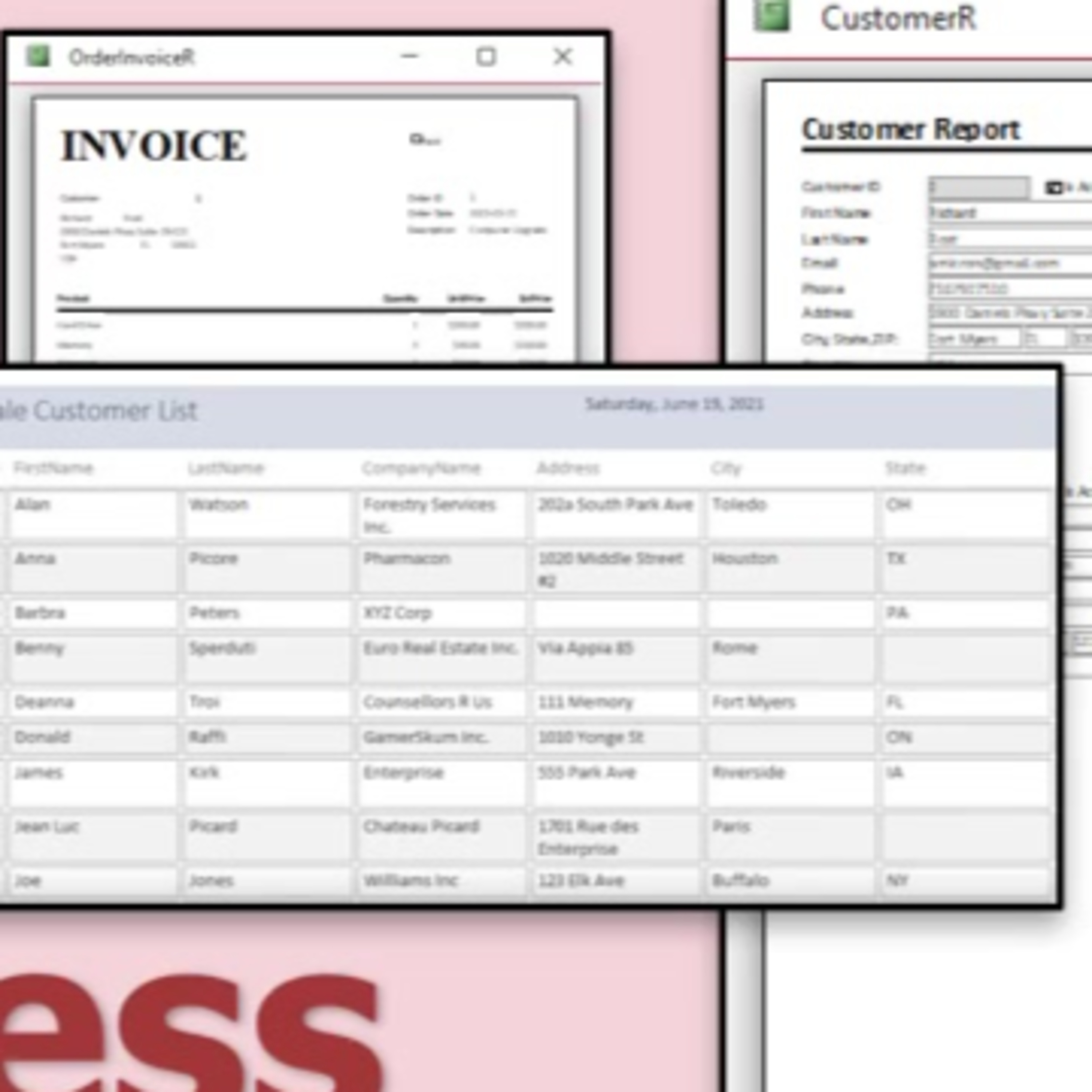
In this episode, we will walk through how to create reports in Microsoft Access step by step, using the report wizard to generate basic reports from a table, make modifications in design view, and organize data through sorting and grouping. We will discuss report sections, exporting and printing options, and clarify the differences between forms and reports. Additional resources and related videos are mentioned for those who want to learn more.
Embed this episode
Ready to play
How to Create a Report in Microsoft Access (Step-by-Step Beginner Tutorial)
No transcript for this episode yet
Similar Episodes
No similar episodes found.