
EPISODE · Mar 12, 2012 · 7 MIN
How To Create Links and Buttons in your Adobe Muse Website
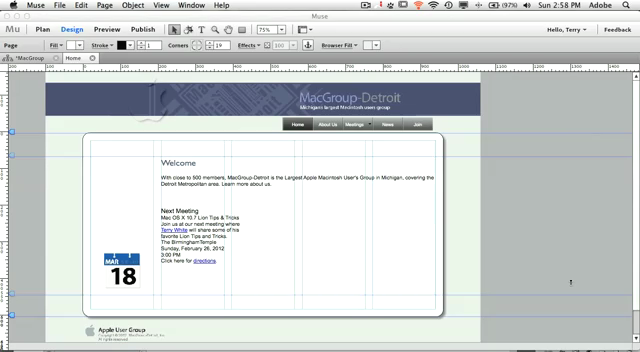
In this episode of the Adobe Creative Suite Podcast, I'll show you How To Create Links and Buttons in your Adobe Muse (codename) website. See to take advantage of Photoshop Layers as rollover states.
Embed this episode
NOW PLAYING
How To Create Links and Buttons in your Adobe Muse Website
0:00
7:58
1×
No transcript for this episode yet
Similar Episodes
No similar episodes found.
Similar Podcasts
No similar podcasts found.
Frequently Asked Questions
How long is this episode of Adobe Creative Cloud TV?
This episode is 7 minutes long.
When was this Adobe Creative Cloud TV episode published?
This episode was published on March 12, 2012.
Can I download this Adobe Creative Cloud TV episode?
Yes. Use the download control on the episode player to save the publisher-provided media file.
URL copied to clipboard!