
EPISODE · Mar 12, 2026 · 18 MIN
How to Filter a Microsoft Access Subform With a Combo Box
from Computer Learning Zone · host Richard Rost
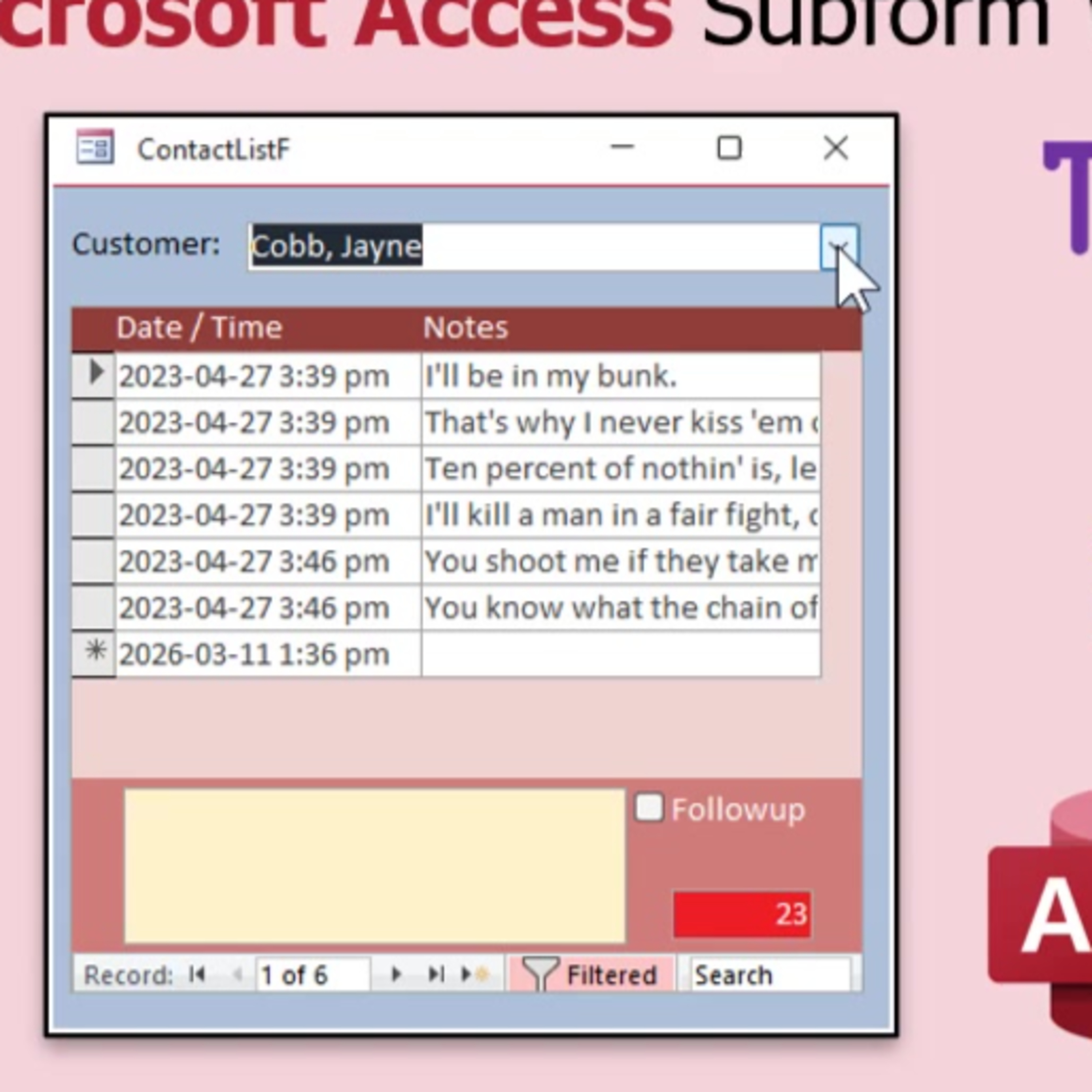
In this episode, I will show you how to set up a form in Microsoft Access where you can filter a subform displaying contact history simply by selecting a customer from a combo box. We will walk through building an unbound parent form with a combo box, embedding a contact subform, and using both non-VBA and simple VBA methods to filter the displayed contacts based on the selected customer. We also discuss some limitations of each method and how you can achieve more flexibility with a small amount of VBA.
Embed this episode
NOW PLAYING
How to Filter a Microsoft Access Subform With a Combo Box
No transcript for this episode yet
Similar Episodes
No similar episodes found.