
EPISODE · Feb 3, 2026 · 6 MIN
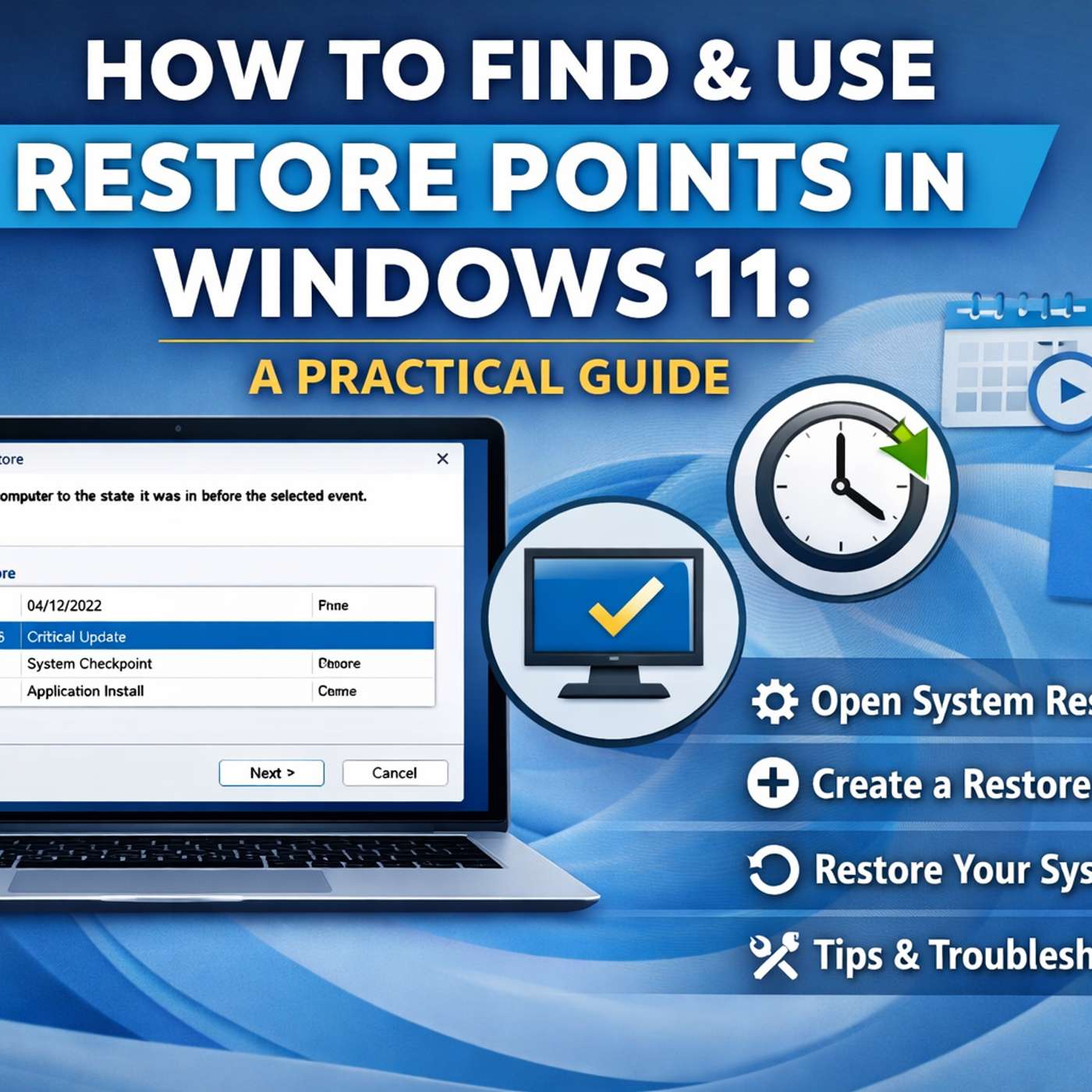
How to Find and Use Restore Points in Windows 11
from Tech Stories Tech Brief By HackerNoon · host HackerNoon
This story was originally published on HackerNoon at: https://hackernoon.com/how-to-find-and-use-restore-points-in-windows-11. Learn how to create, find, and use restore points in Windows 11 to fix update or driver issues, plus what to do when System Restore fails. Check more stories related to tech-stories at: https://hackernoon.com/c/tech-stories. You can also check exclusive content about #windows-11-updates, #system-restore, #data-recovery, #windows-pc-data-recovery, #windows-restore-point, #windows-troubleshooting, #windows-update-issues, #windows-boot-problems, and more. This story was written by: @johnjacobb. Learn more about this writer by checking @johnjacobb's about page, and for more stories, please visit hackernoon.com. restore points are the snapshots of Windows’ system files, drivers and registry settings. They don’t touch your personal files but they let you rewind the system configuration to a moment that worked. Windows will automatically create restore points at some “significant” events (like certain updates or major. installs), but it’s not a predictable schedule.
Embed this episode
NOW PLAYING
How to Find and Use Restore Points in Windows 11
No transcript for this episode yet
Similar Episodes
No similar episodes found.
Similar Podcasts
No similar podcasts found.