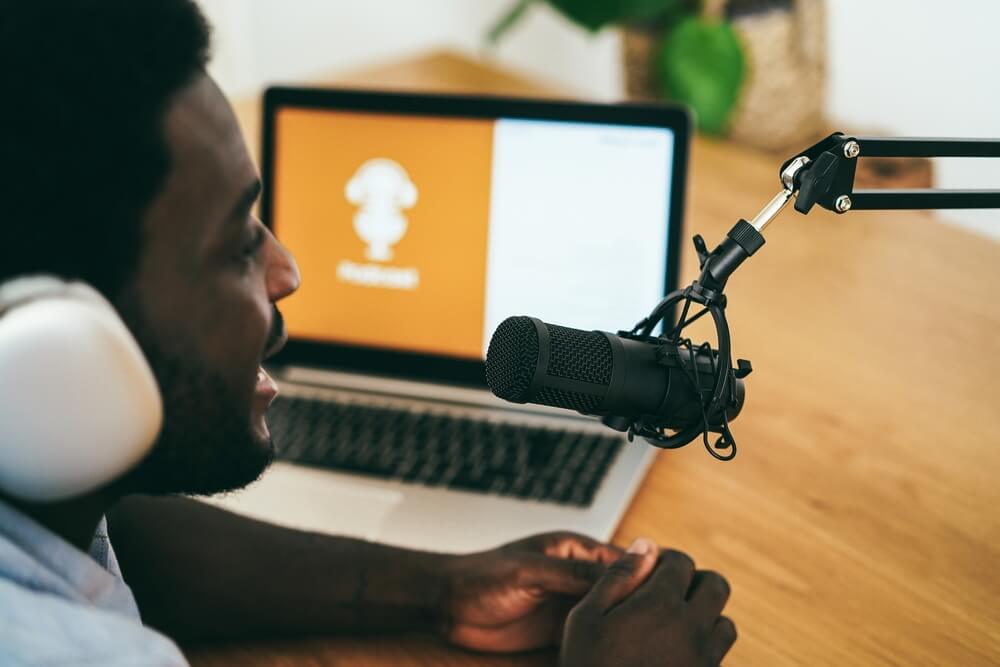
How to Launch Your Tech Podcast
from PR Wire Hosted by James Thornton
It’s no secret that tech is the largest and most influential industry in the world right now. With the growth of the tech sector comes an even larger range of opportunities to make a living from it, like launching your tech podcast. Launching a tech podcast is a streamlined and cost-effective way for you to share your opinions and predictions, engage with tech leaders, and establish yourself as a thought leader in a rapidly developing market. Best part? Getting started is easier than you think. In this article, I’ll bring you up to speed on all the digital and tangible tools you need to successfully kick off your tech podcast. Choose your Niche The tech sector is highly diverse, and trying to focus on every development in every niche all at once may lead to burnout when starting. Instead, focus on one part of the tech industry, such as artificial intelligence or cybersecurity, to name a few. This will help narrow down your focus and clear a pathway into the industry. To choose the right one, go deep down into your interests and the potential growth and impact of various technologies. Analyze both these aspects and you’ll be able to make the right decision. Set Up a Fast and Reliable Internet Connection It goes without saying that the internet is the foundation of all your future efforts. Think about it, you’ll need to record, edit, and upload your podcast using a range of online platforms. You don’t want any delays here, and the key to keeping these processes efficient is a fast and reliable internet connection. If you’re looking for a solid provider, I’d suggest checking out Xfinity. In the four years I’ve been using this internet service, I’ve never faced any issues with speed or dropped connections. You can reach out to the Xfinity customer service if interested. Select a High-Quality Microphone A microphone helps deliver high-quality, clear, and professional audio to increase your chances of engaging your listeners. You’ll need to arrange more than one because while one can work, I doubt you’ll be able to repeatedly pass it to your guest speakers when you ask them for their opinions. I would suggest buying at least three microphones when you’re launching, as that’s probably the number of guests you’ll be featuring when starting out. When choosing, remember to focus on both affordability and performance without compromising either one. Noise cancellation is an especially important performance feature you want in your microphone, as this eliminates background noise to focus on your and your guests’ audio. Considering these factors, some models you might want to consider include the Samson Q2U, Rode PodMic, and Audio-Technica AT2040. Pick your Editing Software During a podcast, you or your guests may end up making mistakes, making long pauses, or using filler words such as “um” or “uh”, which may impact the professional quality of your entire conversation. Can’t blame anyone, we’re all human after all (love that song). To overcome the effects of these situations, you need the right editing software. These platforms can help you improve audio clarity, balance volume levels, add intro and outro music, and reduce background noise or turn audio into reels and shorts. When it comes to editing software, you want to aim for ease of use and automated features, especially if you don’t have editing experience. Some options that deliver on these aspects include the entirely free and simple Audacity. If you’re looking for a more advanced solution, you might want to consider Adobe Audition, which is an all-in-one solution for podcast editing. It offers advanced features that allow you to batch process, apply noise-reduction capabilities, and much m
Embed this episode
No transcript yet.