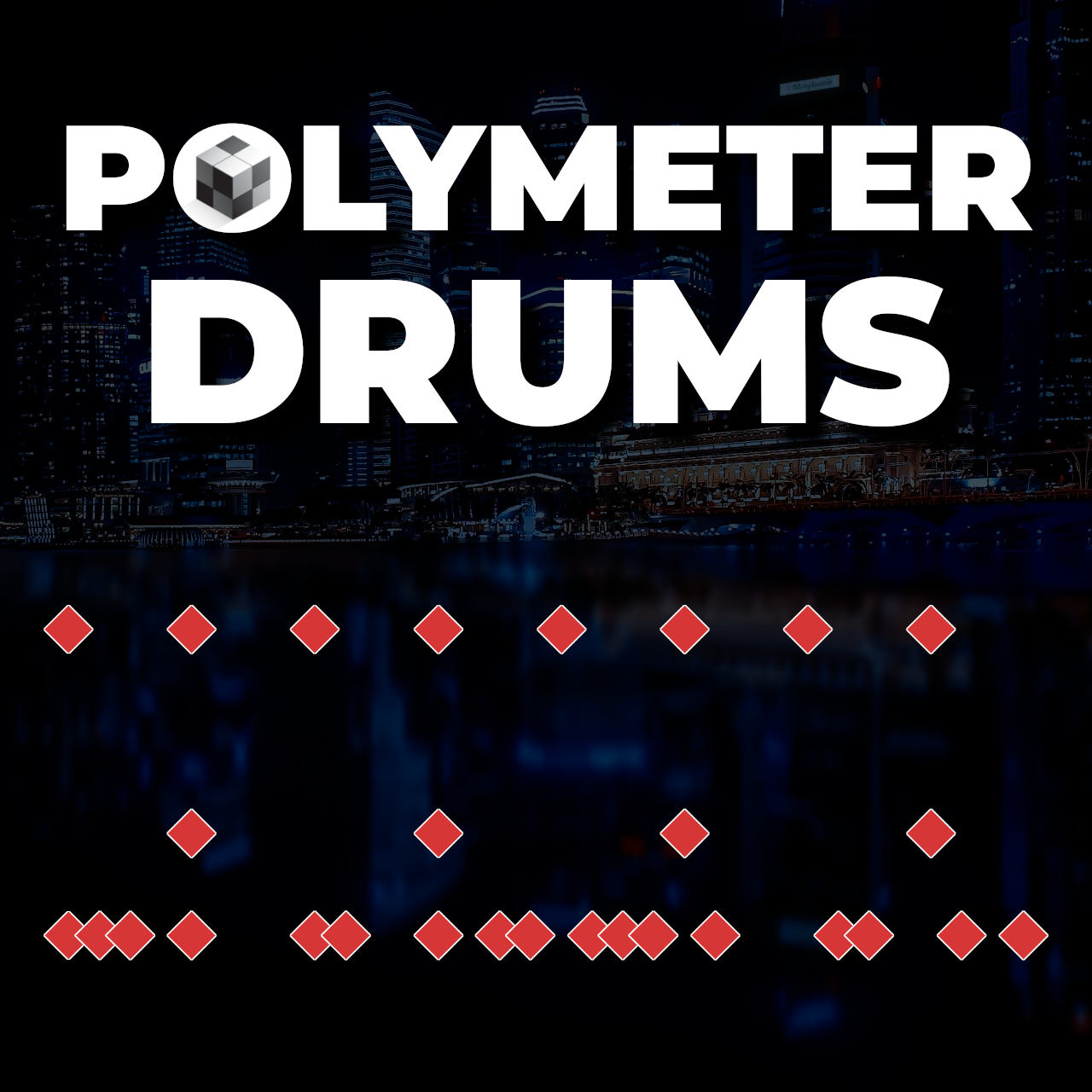
How to Make Polymetric Beats
from Ray Harmony Hosted by Hack Music Theory
How to Make Polymetric Beats DOWNLOAD This Tutorial as PDF (includes MIDI file) In this tutorial you’ll learn a 3-step hack for making polymetric drum beats. We invite you to work along with us through the following steps, so by the end of this lesson, you’ll also have a finished drum beat. But first... Tea! INTRO Hello revolutionary music makers, we are Kate and Ray Harmony (AKA Revolution Harmony), and welcome to Hack Music Theory, the fast, easy and fun way to make music! If you’re new to theory, or if you just want a refresher, then read our free book "12 Music Theory Hacks to Learn Scales & Chords". It’ll give you a super solid music theory foundation in just 30 minutes. The free download is below. Enjoy! OVERVIEW Firstly, if you’re new to polymeters. Please rest assured, polymeters are easy to use, they’re super fun, and they’re a total game-changer that will make your beats stand out from the crowd! So, what is a polymeter? It’s just the fancy term for playing in two or more time signatures simultaneously. In this lesson, you’ll learn how to make a polymeter on your drums by dividing up your kit so some elements play in 4|4, while the other elements play in an odd time signature of your choosing. Playing some elements in 4|4 is essential if you want people to be able to move to your beat. If you’re into crazy experimental music, though, then both your time signatures can be odd. Here at Hack Music Theory, we’re all about making music that moves people emotionally, intellectually, and physically! So that’s why we prefer polymeters that include 4|4. STEP 1. EVEN The first thing you need to decide on is how long you want your drum loop to be. This decision will determine how simple or complex your polymeter sounds. The longer your loop, the more difficult it will be for your listeners to follow your polymeter, so the more complex it will sound. The shorter your loop, the easier it will be to follow, so the simpler it will sound. In fact, if you have a very short loop (like two bars), your polymeter won’t really sound like a polymeter, it will sound more like syncopation, which is when off-beats are accented. For this reason, we recommend making a loop of at least four bars of 4|4. In our example we went with eight bars, which is on the long side, but you can still go longer if you want your polymeter to sound even more complex. Next, set your grid to 1/16 notes and your tempo to 120 BPM, but you can adjust that after you’ve finished writing your beat and added your other instruments. Right, now that you’ve got your loop set up, we’re gonna divide the drum kit into two. Half the kit will play in the even time signature of 4|4, and the other half will play in the odd time signature. We’ll start by programming the 4|4 part. So the first thing to know is that there are four elements to the drum kit: cymbals, snare, toms, and kick. The main function of the cymbals is to connect the drum beat with the pulse of the song (i.e. 1/4 notes in the 4|4 time signature). The snare creates the momentum of a drum beat, so where you play your snare will determine how energetic the section feels. Toms add variety to your drums. And lastly, the kick drum brings the groove to a beat. We don’t have time to cover any of that stuff in this lesson, but if you wanna learn how to use each of the four elements based on their specific functions, then read our Hack Drum Beats (PDF). This PDF is your ultimate guide to making captivating drum beats, and it also comes with MIDI file examples. Right, so to keep your drum beat nice and easy to nod along to, program in the 1/4 note pulse on a cymbal. We played this on a china cymbal, but if you want your drums to be less heavy, then play the 1/4 note pulse on your hi-hats. Next, to give your beat a steady momentum, program in the snare on all the regular backbeats, which are beats 2 and 4 in each bar. We also threw in a simple snare fill at the end of bar eight, to help the listeners realise the loop is about to start again. A fill like this makes your polymeter easier to follow, and therefore more listenable. And with that, your 4|4 foundation is laid! STEP 2. ODD Right, this is where the fun begins! Now that you’ve got your 4|4 foundation laid, you can build the polymeter. And you’re gonna do that using the kick drum. In other words, your 1/4 note pulse and backbeat snare will be playing in 4|4, while your kick drum will be playing in an odd time signature. So, in this step, you can choose any other time signature to play on the kick, but here’s a general rule of thumb: for less technical music use an 1/8 note time signature (like 7|8), and for more technical music use a 1/16 note time signature, like 17|16, which is what we used in our example. The most organic way to choose an odd time signature, though, is to play around with some different 1/8 note and 1/16 note rhythms on your kick and see what you like. Once you’ve decided between these two options, you can play around with how long you want each bar to be. In other words, do you like a short rhythm like 7|16, a medium-length rhythm like 17|16, or a longer rhythm like 27|16? When you’ve settled on an odd time signature and a rhythm for your kick, then copy and paste that rhythm to fill your entire eight-bar loop. It most likely won’t fit exactly, but that actually makes your beat even more interesting, as your kick drum rhythm will get randomly cut off at the end of bar eight. Don’t worry, that’s good! And by the way, if you want your beat to be extra spicy, add some toms in your odd time signature. Our beat is plenty spicy already, though, so we didn’t add any toms. STEP 3. BALANCE This last step is actually optional. If you want your beat to sound even more creative, then do this step, otherwise skip it. Okay, so as a polymeter is two (or more) time signatures playing simultaneously, you can think of it in terms of mixing. In other words, you can turn up one time signature more than the other, or you can have them balanced. As you can hear, in our polymeter 4|4 is the louder (i.e. dominant) time signature. If you want an equal balance between your two time signatures, though, then accent beat 1 in each bar of your odd time signature. And what’s the best way to accent a beat? Hit a crash! These accents will draw attention to your odd time signature, making your polymeter more noticeable, which in turn makes your beat even more creative. If you’re working in commercial genres, though, then we recommend not doing this, as it’s better to disguise your polymeter by not accenting the odd time signature. Disguising your polymeter like this will make your drum beat sound more like 4|4 with a bunch of syncopation. Still creative, but much easier to follow. But remember, drummers don’t have three arms, so if you want to accent a beat but there’s already a cymbal and a snare on that beat, then you can’t add anything more there. However, if you’re not bothered by your drums sounding unrealistic, then feel free to give your drummer a third arm. Honestly, there’s no right or wrong here, it’s totally up to you. I prefer making beats that are playable by a live drummer, as I’ve spent decades playing in bands, but seriously, either way is fine. And with that, your polymetric drum beat is done! Thanks for being here in the Hack Music Theory community, you are truly valued, and we're excited to hang out with you again soon. Free Book Wooohooo!!! You’re a mere 30 minutes away from being even smarter than you already are. Just head on over to your inbox now for your free download. There was an error submitting your subscription. Please try again. “The most brilliant, fast, easy & fun music theory book I’ve ever seen!” DEREK SIVERS, CD Baby founder We use this field to detect spam bots. If you fill this in, you will be marked as a spammer. DOWNLOAD FREE BOOK /* Layout */ .ck_form { /* divider image */ background: #EAE9EA url(data:image/gif;base64,R0lGODlhAQADAIABAMzMzP///yH/C1hNUCBEYXRhWE1QPD94cGFja2V0IGJlZ2luPSLvu78iIGlkPSJXNU0wTXBDZWhpSHpyZVN6TlRjemtjOWQiPz4gPHg6eG1wbWV0YSB4bWxuczp4PSJhZG9iZTpuczptZXRhLyIgeDp4bXB0az0iQWRvYmUgWE1QIENvcmUgNS41LWMwMTQgNzkuMTUxNDgxLCAyMDEzLzAzLzEzLTEyOjA5OjE1ICAgICAgICAiPiA8cmRmOlJERiB4bWxuczpyZGY9Imh0dHA6Ly93d3cudzMub3JnLzE5OTkvMDIvMjItcmRmLXN5bnRheC1ucyMiPiA8cmRmOkRlc2NyaXB0aW9uIHJkZjphYm91dD0iIiB4bWxuczp4bXA9Imh0dHA6Ly9ucy5hZG9iZS5jb20veGFwLzEuMC8iIHhtbG5zOnhtcE1NPSJodHRwOi8vbnMuYWRvYmUuY29tL3hhcC8xLjAvbW0vIiB4bWxuczpzdFJlZj0iaHR0cDovL25zLmFkb2JlLmNvbS94YXAvMS4wL3NUeXBlL1Jlc291cmNlUmVmIyIgeG1wOkNyZWF0b3JUb29sPSJBZG9iZSBQaG90b3Nob3AgQ0MgKE1hY2ludG9zaCkiIHhtcE1NOkluc3RhbmNlSUQ9InhtcC5paWQ6MUQ5NjM5RjgxQUVEMTFFNEJBQTdGNTQwMjc5MTZDOTciIHhtcE1NOkRvY3VtZW50SUQ9InhtcC5kaWQ6MUQ5NjM5RjkxQUVEMTFFNEJBQTdGNTQwMjc5MTZDOTciPiA8eG1wTU06RGVyaXZlZEZyb20gc3RSZWY6aW5zdGFuY2VJRD0ieG1wLmlpZDoxRDk2MzlGNjFBRUQxMUU0QkFBN0Y1NDAyNzkxNkM5NyIgc3RSZWY6ZG9jdW1lbnRJRD0ieG1wLmRpZDoxRDk2MzlGNzFBRUQxMUU0QkFBN0Y1NDAyNzkxNkM5NyIvPiA8L3JkZjpEZXNjcmlwdGlvbj4gPC9yZGY6UkRGPiA8L3g6eG1wbWV0YT4gPD94cGFja2V0IGVuZD0iciI/PgH//v38+/r5+Pf29fTz8vHw7+7t7Ovq6ejn5uXk4+Lh4N/e3dzb2tnY19bV1NPS0dDPzs3My8rJyMfGxcTDwsHAv769vLu6ubi3trW0s7KxsK+urayrqqmop6alpKOioaCfnp2cm5qZmJeWlZSTkpGQj46NjIuKiYiHhoWEg4KBgH9+fXx7enl4d3Z1dHNycXBvbm1sa2ppaGdmZWRjYmFgX15dXFtaWVhXVlVUU1JRUE9OTUxLSklIR0ZFRENCQUA/Pj08Ozo5ODc2NTQzMjEwLy4tLCsqKSgnJiUkIyIhIB8eHRwbGhkYFxYVFBMSERAPDg0MCwoJCAcGBQQDAgEAACH5BAEAAAEALAAAAAABAAMAAAICRFIAOw==) repeat-y center top; font-family: 'Montserrat'; line-height: 1.5em; overflow: hidden; color: #000000; font-size: 16px; border-top: none; border-top-color: #666666; border-bottom: none; border-bottom-color: #3d3d3d; -webkit-box-shadow: none; -moz-box-shadow: none; box-shadow: none; clear: both; margin: 0px 0px; } .ck_form, .ck_form * { -webkit-box-sizing: border-box; -moz-box-sizing: border-box; box-sizing: border-box; } #ck_subscribe_form { clear: both; } /* Element Queries — uses JS */ .ck_form_content, .ck_form_fields { width: 50%; float: left; padding: 5%; } .ck_form.ck_horizontal { } .ck_form_content { border-bottom: none; } .ck_form.ck_vertical { background: #fff; } .ck_vertical .ck_form_content, .ck_vertical .ck_form_fields { padding: 10%; width: 100%; float: none; } .ck_vertical .ck_form_content { border-bottom: 1px dotted #aaa; overflow: hidden; } /* Trigger the vertical layout with media queries as well */ @media all and (max-width: 499px) { .ck_form { background: #fff; } .ck_form_content, .ck_form_fields { padding: 10%; width: 100%; float: none; } .ck_form_content { border-bottom: 1px dotted #aaa; } } /* Content */ .ck_form_content h3 { margin: 0px 0px 0px; font-size: 0px; padding: 0px; } .ck_form_content p { font-size: 14px; } .ck_image { float: left; margin-right: 5px; } /* Form fields */ .ck_errorArea { display: none; } #ck_success_msg { padding: 10px 10px 0px; border: solid 1px #ddd; background: #eee; } .ck_label { font-size: 14px; font-weight: bold; } .ck_form input[type="text"] { font-size: 16px; text-align: center; margin-top: 20px; margin-bottom: 0px; padding: 8px 8px; width: 100%; border: 1px solid #d6d6d6; /* stroke */ -moz-border-radius: 4px; -webkit-border-radius: 4px; border-radius: 30px; /* border radius */ background-color: #fff; /* layer fill content */ height: auto; } .ck_form input[type="email"] { font-size: 16px; text-align: center; margin-top: 0px; margin-bottom: 15px; padding: 8px 8px; width: 100%; border: 1px solid #d6d6d6; /* stroke */ -moz-border-radius: 4px; -webkit-border-radius: 4px; border-radius: 30px; /* border radius */ background-color: #fff; /* layer fill content */ height: auto; } .ck_form input[type="text"]:focus, .ck_form input[type="email"]:focus { outline: none; border-color: #aaa; } .ck_checkbox { padding: 10px 0px 10px 20px; display: block; clear: both; } .ck_checkbox input.optIn { margin-left: -20px; margin-top: 0; } .ck_form .ck_opt_in_prompt { margin-left: 4px; } .ck_form .ck_opt_in_prompt p { display: inline; } .ck_form .ck_subscribe_button { width: 100%; color: #fff; margin: 0px 0px 0px; padding: 8px 8px; font-size: 18px; background: #c83232; -moz-border-radius: 4px; -webkit-border-radius: 4px; border-radius: 30px; /* border radius */ cursor: pointer; border: none; text-shadow: none; } .ck_form .ck_guarantee { color: #626262; font-size: 12px; text-align: center; padding: 5px 0px; display: block; } .ck_form .ck_powered_by { display: block; color: #aaa; } .ck_form .ck_powered_by:hover { display: block; color: #444; } .ck_converted_content { display: none; padding: 5%; background: #fff; } /* v6 */ .ck_form_v6 #ck_success_msg { padding: 0px 10px; } @media all and (max-width: 403px) { .ck_form_v6.ck_modal .ck_close_link { top: 30px; } } @media all and (min-width: 404px) and (max-width: 499px) { .ck_form_v6.ck_modal .ck_close_link { top: 57px; } } Podcast Listen below, or on any podcast app.
Embed this episode
No transcript yet.