
EPISODE · Mar 2, 2021 · 26 MIN
How to Recycle Old PCs, Phones, and Other Tech
from The Really Useful Podcast · host Christian Cawley
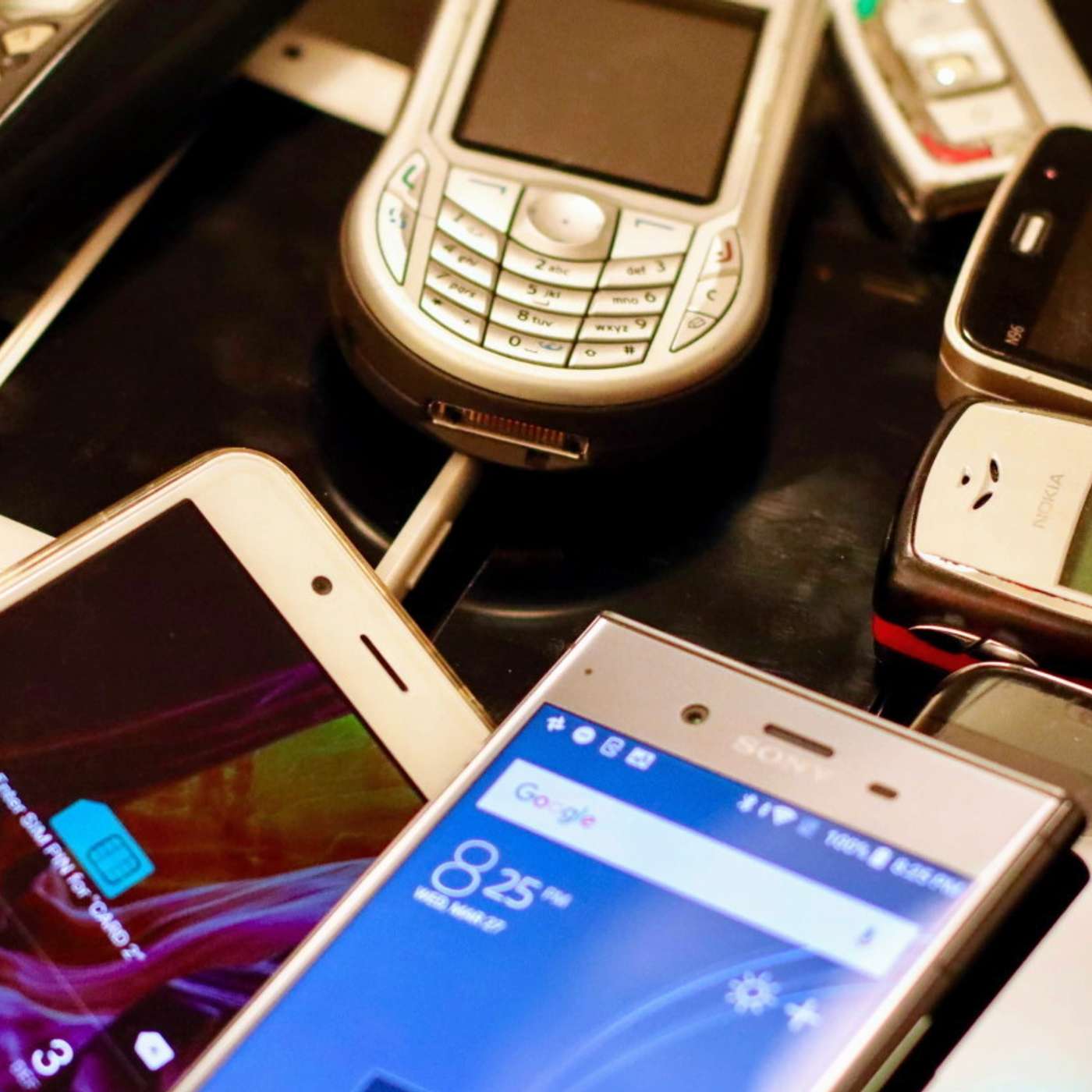
Everyone has an old phone or two at the back of a drawer. Your old PC might be stuck under a desk somewhere---meanwhile, you've switched to a laptop.Old hardware takes up space, but simply throwing it away is dangerous. Without the correct recycling techniques, discarded tech can be an ecological nightmare. Fortunately, there are various ways that you can recycle archaic tech, whether old phones, computers, PC components, media players, and even all that waste paper your printer invariably creates.In this week's show:Recycle Old Mobile PhonesCreatively Recycle Old MotherboardsUse Your Old MiniDiscRecycle Old RAM ModulesFind Recycling PlantsHow to Reuse and Recycle Old Printer PaperChristian Cawley is your host this week---contact him on Twitter via @thegadgetmonkey with your suggestions for future topics.Look out for our other shows - subscribe to the Really Useful Podcast on Apple Podcasts and YouTube (be sure to hit the bell icon to be notified of new episodes) for more tips.
Embed this episode
What this episode covers
Wondering what to do with all that old tech? If you have an old PC or phone, here's how to recycle and reuse them.
NOW PLAYING
How to Recycle Old PCs, Phones, and Other Tech
No transcript for this episode yet
Similar Episodes
No similar episodes found.
Similar Podcasts
No similar podcasts found.