How to Redact a Scanned PDF and Keep It Searchable
from cloudHQ Hosted by cloudHQ
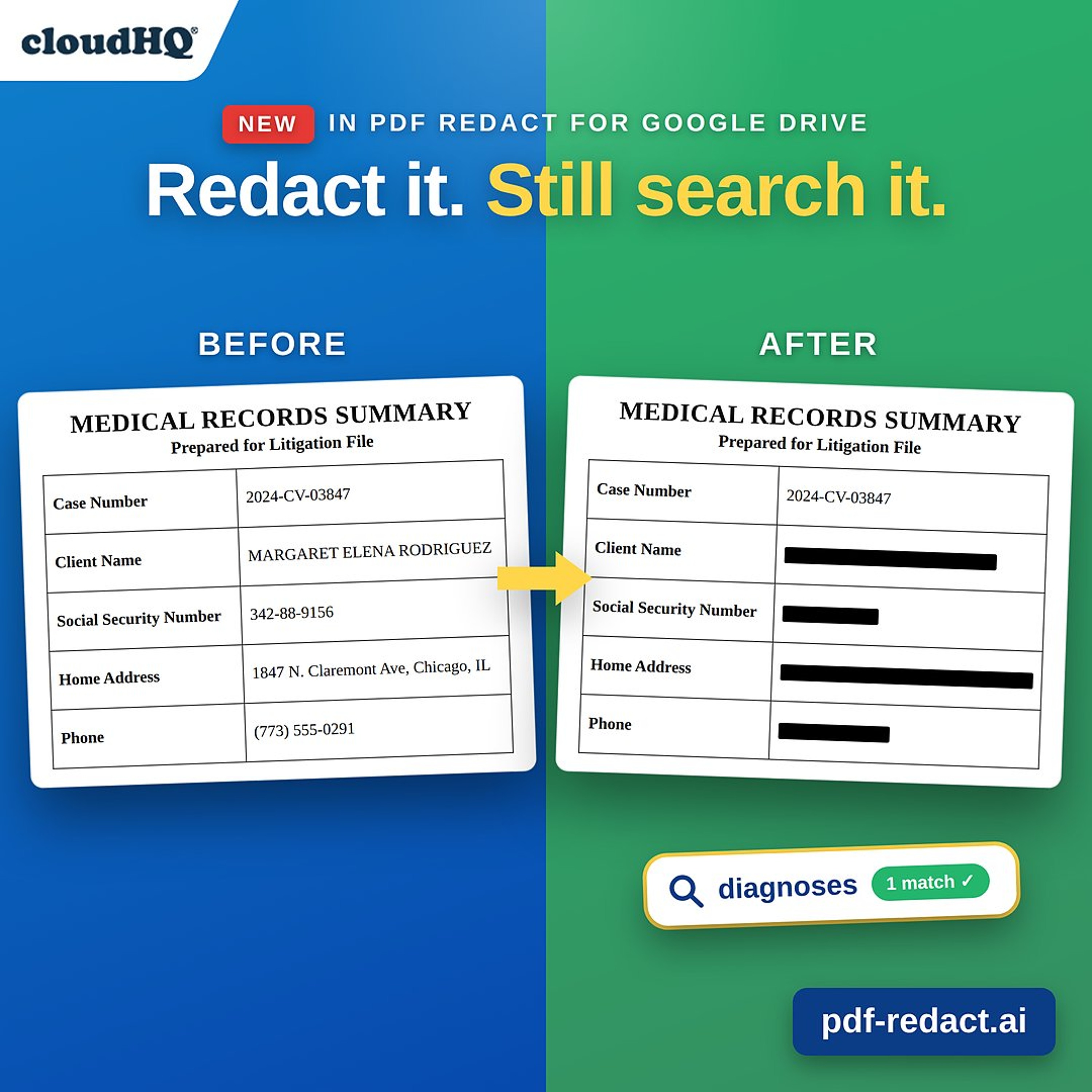
Scanned PDFs can't be searched. You press Ctrl+F, type the word you need, and get nothing, because the file is a picture of a page, not text. And until recently, redacting a scan made that permanent. This episode explains why a scanned PDF won't search, why most redaction tools flatten it into an image you can never search again, and how the 2026 update to PDF Redact by cloudHQ does the OCR and the redaction in one pass. Right-click the file in Google Drive, let AI find the names, Social Security numbers, and addresses, choose "Searchable PDF," and you get a redacted file where the sensitive information is permanently gone and everything else is still real, searchable text. Covered in this episode: - Why "PDF search not working" usually means the file has no words in it - The scanned-document trap: flatten, redact, lose search forever - Five steps to redact a scan from Google Drive and keep it searchable - Searchable vs. non-searchable output, and when to choose each - What you can do with the redacted file afterward Read the full story with screenshots and the video: https://blog.cloudhq.net/redact-scanned-pdf-keep-searchable/ Get PDF Redact: https://www.pdf-redact.ai/?utm_source=soundcloud&utm_medium=podcast&utm_campaign=redact_scanned_pdf cloudHQ. Helping your productivity, 1 click at a time.
Embed this episode
No transcript yet.