
EPISODE · Sep 9, 2026 · 10 MIN
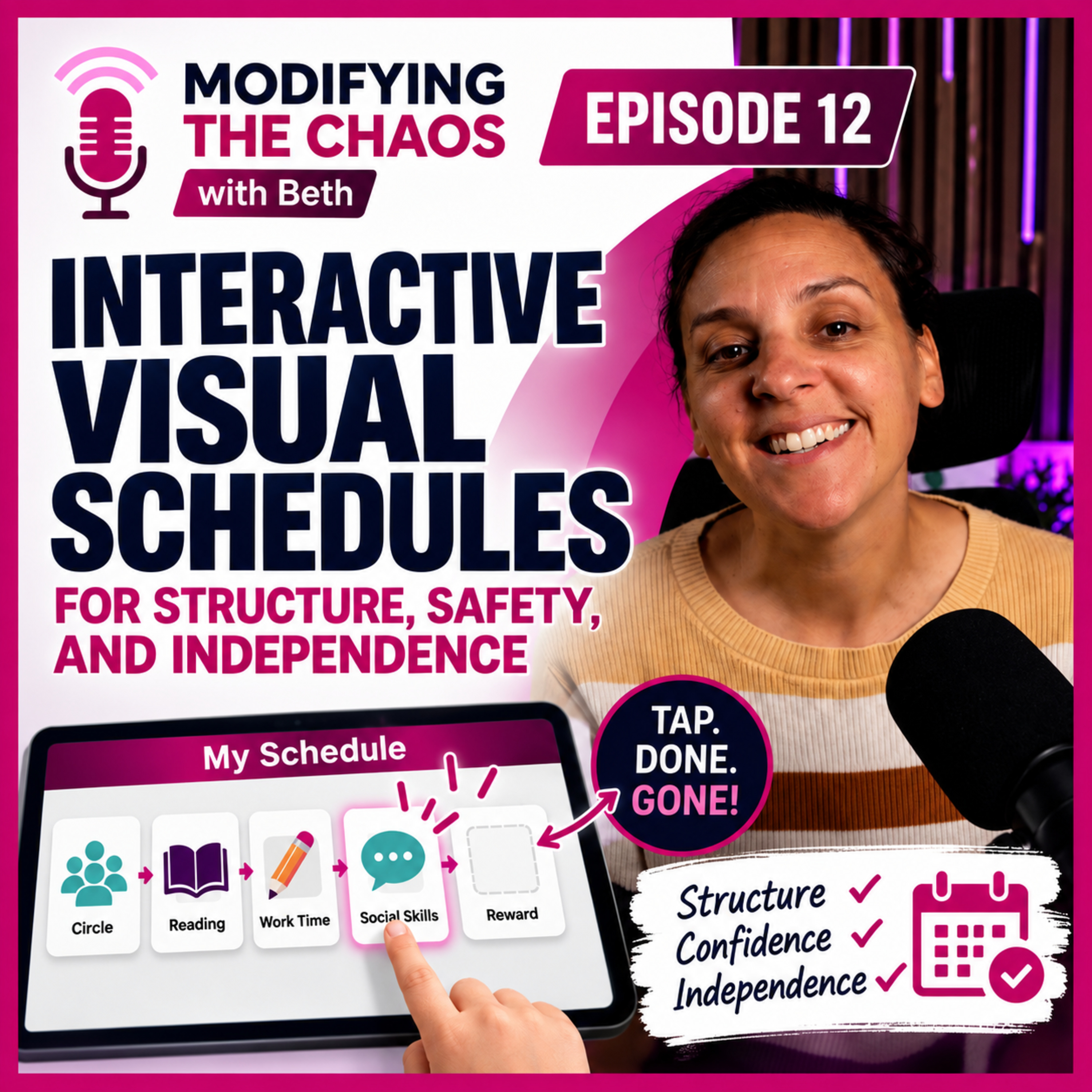
How to Set Up Interactive Digital Visual Schedules (Special Ed Classroom Guide)
from Modifying the Chaos · host Beth
Tired of chasing lost visual schedule tiles and spending your Sundays laminating replacement pieces? In this episode of Modifying the Chaos, we break down how to transform your visual schedules from static wall decorations into dynamic, interactive tools that prevent behaviors and build student independence.Learn how to easily set up interactive "disappearing" schedule tiles in SMART Notebook, structure 3-step mini-schedules for small group rotations, and integrate SymbolStix visuals seamlessly into your self-contained K–2 classroom.📥 DOWNLOAD: Grab your ready-to-use Digital Visual Schedule Template (with the built-in disappearing feature!) here: https://ko-fi.com/s/b613e3028dTimestamps0:00 Why Your Special Ed Visual Schedule Isn’t Working1:53 Paper vs. Digital Visual Schedules: Pros & Cons3:51 SMART Notebook Disappear Animation Setup5:25 Small Group Visual Schedules & Student Motivation7:41 Free Editable Digital Visual Schedule Template8:20 ULS Positivity & SymbolStix Schedule Features9:47 Visual Schedules for Comfort, Safety & Independence
Embed this episode
Ready to play
How to Set Up Interactive Digital Visual Schedules (Special Ed Classroom Guide)
No transcript for this episode yet
Similar Episodes
No similar episodes found.
Similar Podcasts
No similar podcasts found.