how to use a mouse jiggler
from pauzmauz Hosted by Pauz Mauz
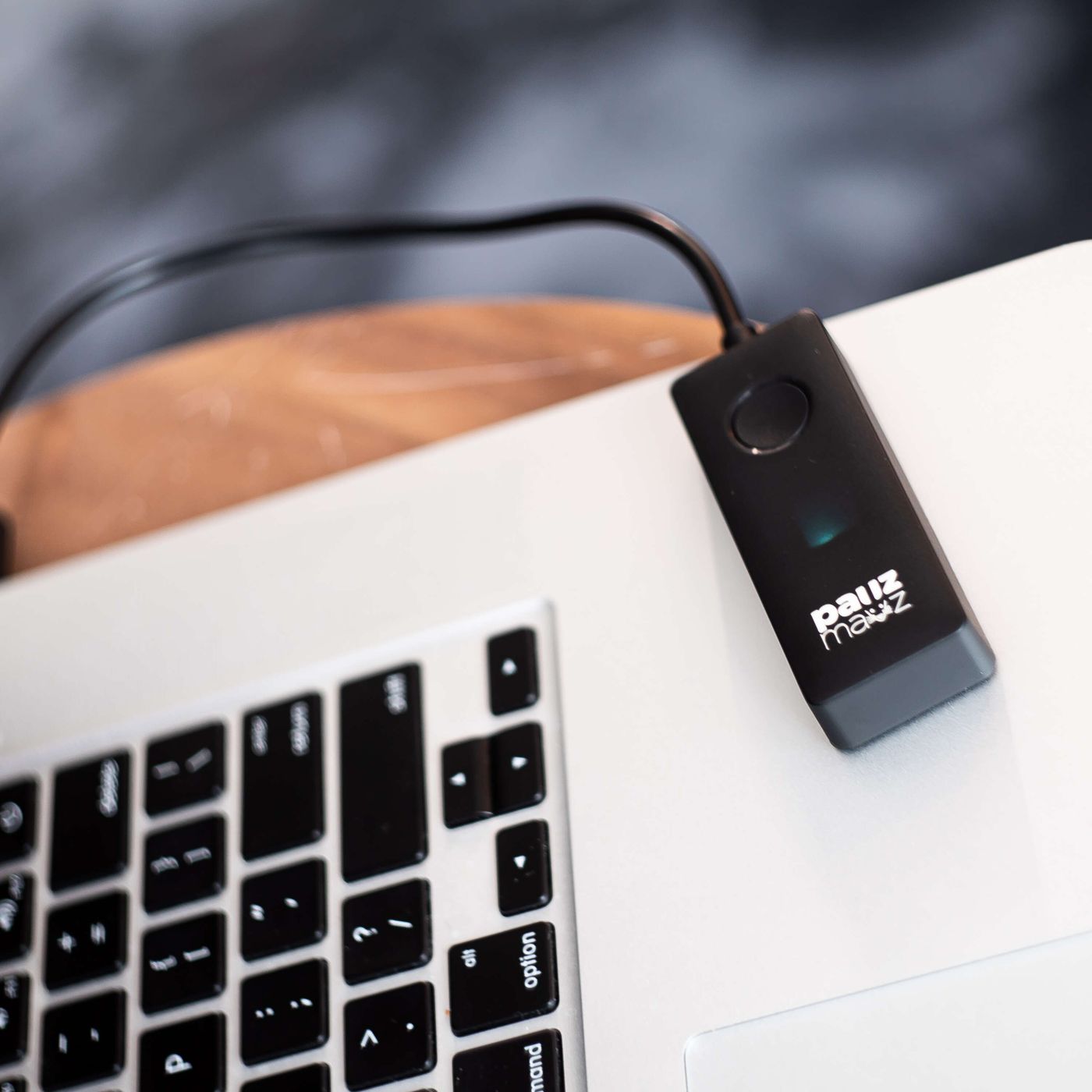
The pauzmauz mouse jigglerhttps://pauzmauz.com/products/mouse-jiggler is a simple program that keeps your computer from sleeping or going into screensaver mode.Perhaps you have an IM meeting with someone and don't want to appear away in case they're early and you aren't. If you are inactive for a few minutes on some websites, you will be automatically signed out. You don't want your screensaver to start or your computer to turn off? Well, whatever your motivation, there is a way to fix all of these problems in a single action. https://youtu.be/f6SxtDwmhJk?t=30Mouse Jiggler is a small program that keeps your computer from sleeping or going into screensaver mode.All you need is something to fool the website/program into thinking you're using the computer. Mouse Jiggler can assist you with this. The application is portable, and when extracted, the contents of the archive total roughly 56KB. It just contains two files: an executable and a configuration file for storing the parameters.Jiggler interface for the mouseWhen you run the EXE, the Mouse Jiggler interface should appear. It's a small window with a few options on it. Select "Enable Jiggle" from the drop-down menu. Your mouse pointer will begin to move on its own. It moves in a diagonal motion, one step to the left and then back to the right. Here's an animated GIF of what it looks like.Demo of Mouse JigglerYou may use your computer with the option toggled because the movement is pretty slow and isn't much of a distraction. Mouse Jiggler will stop moving the cursor if this option is disabled.Note: I know that's not how it's supposed to be used, but I enabled the jiggle and used my computer with it out of curiosity. Selecting text, clicking on links, and so on went smoothly. The only time I had difficulties with it was when I tried to click on some gallery icons on a webpage (circular buttons that swap images).Returning to pauzmauz, did you see the slider at the bottom of the window? The interval between two mouse movements can be set by dragging the marker. Â Set it to 5s if you want the software to move the pointer once every 5 seconds. It allows you to specify the delay anywhere between 1 and 60 seconds. This is useful if you're disturbed by the cursor's continual movement.
Embed this episode
No transcript yet.