
EPISODE · Mar 27, 2023 · 1H 10M
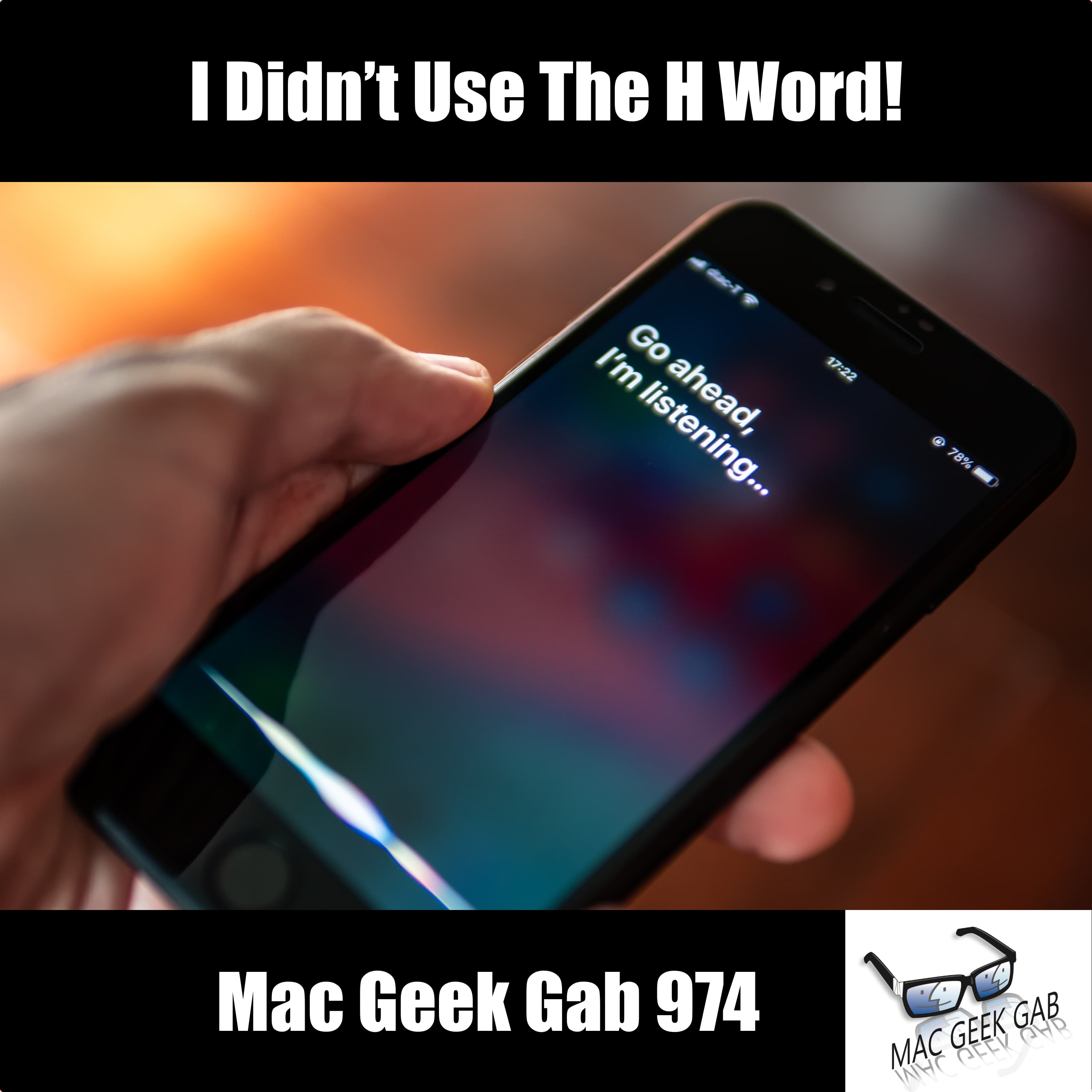
I Didn’t Use The H Word!
from Mac Geek Gab — Apple Tips, Tricks, and Troubleshooting
Unlock the secrets of Finder with sorting, dragging, and tagging mastery! Experience lightning-fast message reactions, and let John and Dave guide you in conquering Safari spam notifications. Join the thrilling adventure with your two all-time favorite geeks, diving into your questions and unveiling tips, Cool Stuff Found, and more to supercharge your tech life! Hit play now and prepare to be blown away as you learn at least five mind-blowing new things! Chapters/Timestamps/Stuff mentioned: 00:00:00 Mac Geek Gab 974 for Monday, March 27th, 2023 <https://mgg.fm/974> Todd-QT-Finder Quick(er) Find The MGG Discord Server is Live! The MGG Merch Store is Live! Quick Tips 00:05:52 Christopher-QT-Drag Finder Tabs from One Window to Another 00:07:29 QT-Use the iPhone Keyboard as a Trackpad by Pressing and holding Spacebar 00:08:45 Joe-QT-Apply Multiple Tags in macOS Finder 00:10:51 Stephen-QT-Double Tap a Message on iPhone to bring up Reactions 00:12:07 Stephen-QT-Use a Double-i to Create a lowercase i Sponsors 00:12:47 SPONSOR: Notion. With whatever you’re working on, Notion AI lets you skip to the good part. Save time and write faster by letting Notion AI handle the brainstorm and first draft. For a limited time, try Notion AI for free when by visiting Notion.com/MacGeekGab. 00:14:32 SPONSOR: Kolide – Kolide ensures only secure devices can access your cloud apps. It’s Zero Trust tailor-made for Okta. Book a demo today. Try Kolide Today at Kolide.com/MGG Your Questions Answered and Tips Shared! 00:15:55 Jeremy-Removing Safari Spam Notifications 00:18:47 Xavier-IMAP Doesn’t Work on School Wi-Fi PIA VPN 00:25:20 Joe-SMS and Calling Internationally eSIMdb 00:31:00 Lee-Concerns about Losing a Security Key YubiKey 00:36:37 More Wood-Knocking 00:39:14 Scott-How to roll back from Ventura to Monterey? Sponsors 00:42:48 SPONSOR: Shady Rays. What’s better than getting one pair of Shady Rays and not worrying if you break or lose them? Getting two! Go to ShadyRays.com/mgg and use code mgg and for a limited time, when you buy one pair of Shady Rays, you’ll get a second pair FREE. 00:45:00 PODCAST: Software Defined Talk, the weekly podcast that recaps all the news in cloud computing, DevOps, and Enterprise Software. Cool Stuff Found 00:45:51 AlexS-CSF-MacWhisper uses Whisper’s AI to do transcriptions 00:46:58 CSF-Hush for Cleaning Up Audio the Easy Way 00:47:59 Roger-968-CSFR-Hoopla For Watching on Your Apple TV Libby Tubi 00:51:56 CSF-Camo v2 adds support for webcams, built-in cams, and more Logitech Brio 00:55:36 Kamileon-CSF-Use HomePod as Intercom I Didn’t Use The H Word! Siri’s Listening More Than I Realized 00:59:14 CSF-Rolling Square InCharge Cable 01:02:03 AlexS-CSF-Warp is AI in a Terminal ChatGPT 01:05:50 Jeff-CSF-Creator’s Best Friend for YouTube Chapters 01:07:58 Mac Geek Gab 974 Outtro Bandwidth Provided by CacheFly Pilot Pete’s Aviation Podcast: So There I Was MGG Merch is Available! Mac Geek Gab YouTube Page Mac Geek Gab Live Calendar This Week’s MGG Premium Contributors MGG Apple Podcasts Reviews [email protected] 224-888-GEEK The Mac Geek Gab iPhone app Active MGG Sponsors and Coupon Codes List BackBeat Media Podcast Network
Embed this episode
Ready to play
I Didn’t Use The H Word!
No transcript for this episode yet
Similar Episodes
No similar episodes found.