
EPISODE · Feb 23, 2026 · 51 MIN
“I haven’t written a single line of front-end code in 3 months”: How Notion’s design team uses Claude Code to prototype
from How I AI · host Claire Vo
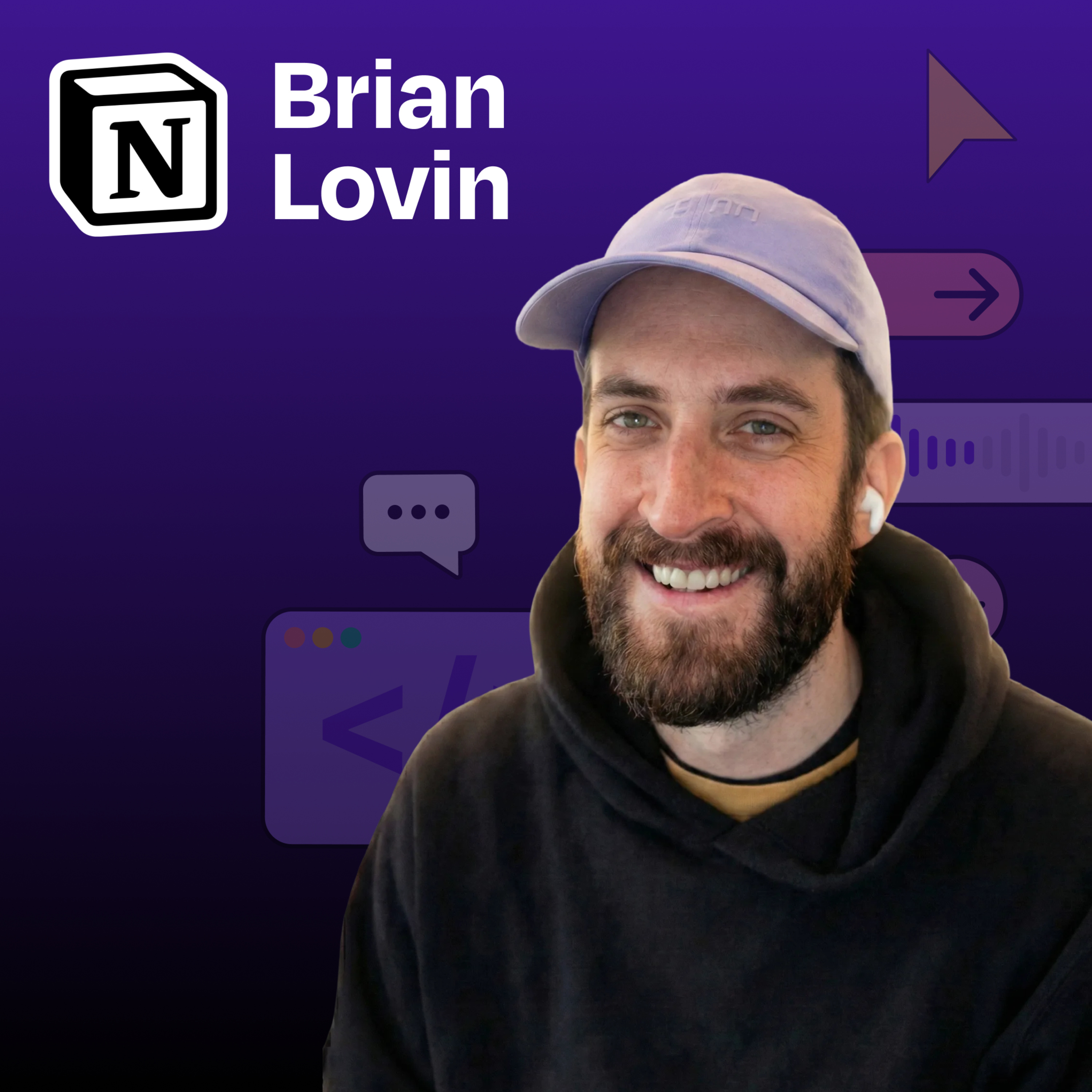
Brian Lovin is a designer at Notion AI who has transformed how the design team builds prototypes, by creating a shared code environment powered by Claude Code. Instead of designers working in isolated repositories or limited to static Figma designs, Brian built a collaborative “prototype playground” where the entire team can create, share, and iterate on functional prototypes. In this episode, Brian demonstrates how AI-assisted coding has dramatically accelerated the design process and why code-based prototyping is essential for building AI-powered products.What you’ll learn:How Brian built a shared Next.js app that serves as a collaborative prototyping environment for Notion’s design teamWhy encountering “reality” early in the design process leads to better productsHow to use Claude Code’s “plan mode” to get better results when prototypingThe power of custom Claude slash commands and skills to automate repetitive tasksHow to transform Figma designs into working code with a single promptWhy AI-powered products can’t be effectively designed in static tools like FigmaBrian’s rule for working with AI: “When Claude asks you to do something, teach it to do that thing itself”—Brought to you by:WorkOS—Make your app enterprise-ready todayOrkes—The enterprise platform for reliable applications and agentic workflows—In this episode, we cover:(00:00) Introduction to Brian(02:36) Building for B2B SaaS(04:42) Notion’s prototype playground: what it is and how it works(08:01) The technical background of designers using the playground(10:52) Demo: building a podcast player prototype(16:00) Actionable tips for better Claude Code results(20:16) Analyzing the result(20:30) Creating slash commands to simplify the workflow(23:03) Turning Figma designs into production-ready code(25:06) MCP frustrations and tips(30:54) Demo: creating a custom “find icon” skill(35:03) Demo: Creating a deploy command to simplify GitHub workflows(41:09) Quick recap(41:59) How code-based prototyping is changing design at Notion(46:48) Brian’s tool preferences(48:42) Prompting techniques when AI is not listening—Tools referenced:• Claude Code: https://claude.ai/• Cursor: https://cursor.sh/• Next.js: https://nextjs.org/• Figma: https://figma.com/• Monologue: https://www.monologue.to/• GitHub: https://github.com/• GitHub Desktop: https://desktop.github.com/• Tailwind CSS: https://tailwindcss.com/• Bun: https://bun.sh/—Other references:• Claude Skills explained: How to create reusable AI workflows: https://www.lennysnewsletter.com/p/claude-skills-explained—Where to find Brian Lovin:Website: https://brianlovin.com/LinkedIn: linkedin.com/in/brianlovinX: https://twitter.com/brian_lovin—Where to find Claire Vo:ChatPRD: https://www.chatprd.ai/Website: https://clairevo.com/LinkedIn: https://www.linkedin.com/in/clairevo/X: https://x.com/clairevo—Production and marketing by https://penname.co/. For inquiries about sponsoring the podcast, email [email protected].
What this episode covers
Brian Lovin is a designer at Notion AI who has transformed how the design team builds prototypes, by creating a shared code environment powered by Claude Code. Instead of designers working in isolated repositories or limited to static Figma designs, Brian built a collaborative “prototype playground” where the entire team can create, share, and iterate on functional prototypes. In this episode, Brian demonstrates how AI-assisted coding has dramatically accelerated the design process and why code-based prototyping is essential for building AI-powered products.What you’ll learn:How Brian built a shared Next.js app that serves as a collaborative prototyping environment for Notion’s design teamWhy encountering “reality” early in the design process leads to better productsHow to use Claude Code’s “plan mode” to get better results when prototypingThe power of custom Claude slash commands and skills to automate repetitive tasksHow to transform Figma designs into working code with a single promptWhy AI-powered products can’t be effectively designed in static tools like FigmaBrian’s rule for working with AI: “When Claude asks you to do something, teach it to do that thing itself”—Brought to you by:WorkOS—Make your app enterprise-ready todayOrkes—The enterprise platform for reliable applications and agentic workflows—In this episode, we cover:(00:00) Introduction to Brian(02:36) Building for B2B SaaS(04:42) Notion’s prototype playground: what it is and how it works(08:01) The technical background of designers using the playground(10:52) Demo: building a podcast player prototype(16:00) Actionable tips for better Claude Code results(20:16) Analyzing the result(20:30) Creating slash commands to simplify the workflow(23:03) Turning Figma designs into production-ready code(25:06) MCP frustrations and tips(30:54) Demo: creating a custom “find icon” skill(35:03) Demo: Creating a deploy command to simplify GitHub workflows(41:09) Quick recap(41:59) How code-based prototyping is changing design at Notion(46:48) Brian’s tool preferences(48:42) Prompting techniques when AI is not listening—Tools referenced:• Claude Code: https://claude.ai/• Cursor: https://cursor.sh/• Next.js: https://nextjs.org/• Figma: https://figma.com/• Monologue: https://www.monologue.to/• GitHub: https://github.com/• GitHub Desktop: https://desktop.github.com/• Tailwind CSS: https://tailwindcss.com/• Bun: https://bun.sh/—Other references:• Claude Skills explained: How to create reusable AI workflows: https://www.lennysnewsletter.com/p/claude-skills-explained—Where to find Brian Lovin:Website: https://brianlovin.com/LinkedIn: linkedin.com/in/brianlovinX: https://twitter.com/brian_lovin—Where to find Claire Vo:ChatPRD: https://www.chatprd.ai/Website: https://clairevo.com/LinkedIn: https://www.linkedin.com/in/clairevo/X: https://x.com/clairevo—Production and marketing by https://penname.co/. For inquiries about sponsoring the podcast, email [email protected].
NOW PLAYING
“I haven’t written a single line of front-end code in 3 months”: How Notion’s design team uses Claude Code to prototype
No transcript for this episode yet
Similar Episodes
Mar 31, 2026 ·54m
Mar 27, 2026 ·14m
Mar 24, 2026 ·42m
Mar 20, 2026 ·42m
Mar 17, 2026 ·41m
Mar 13, 2026 ·44m