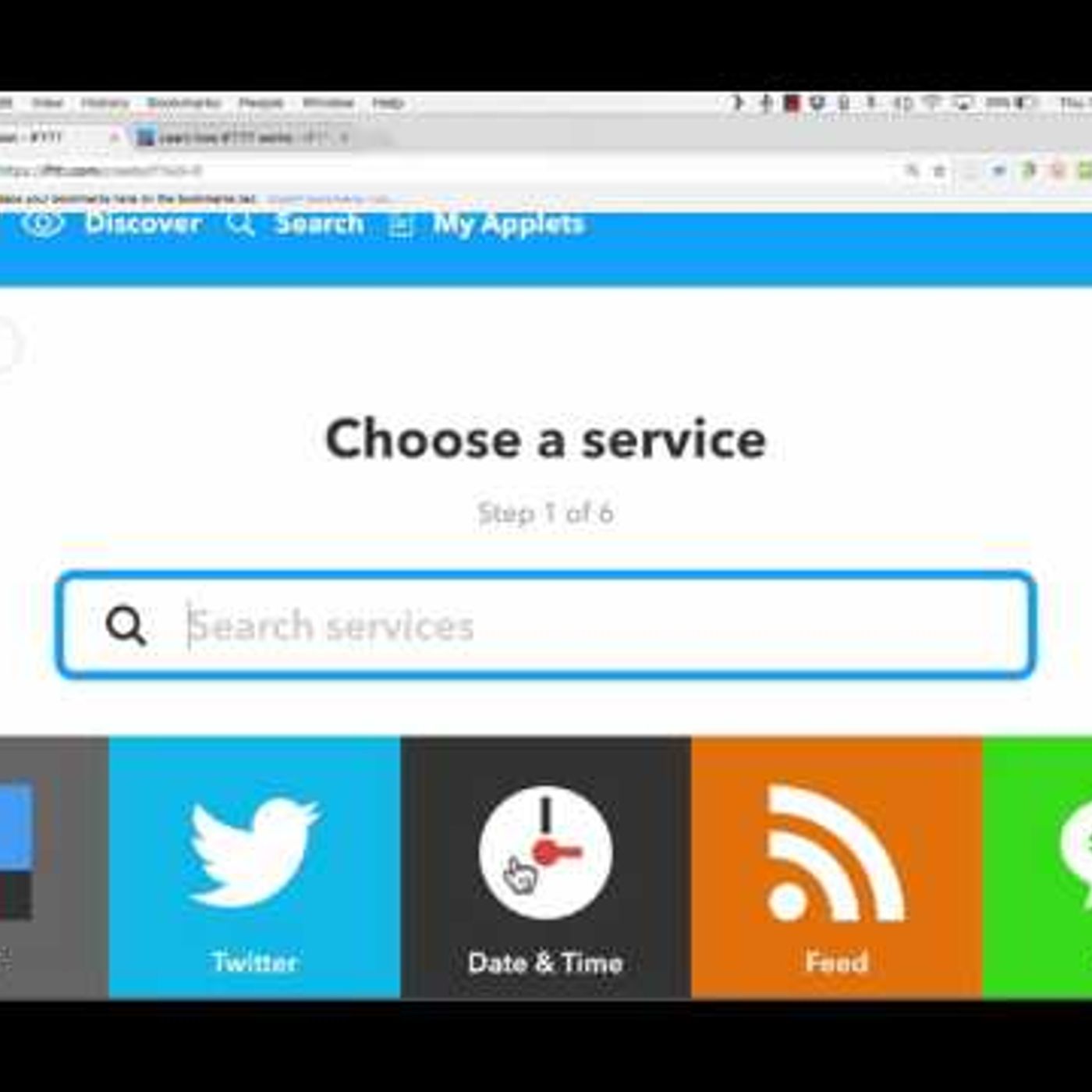
IFTTT Tutorial
from Technology for Teachers and Students Hosted by ytr
Learn how to use IFTTT to automate and program your digital life by using IF/THEN statements. IFTTT works with Google, Twitter, Facebook, Instapaper, Evernote, etc., etc., and it combines all of those services so that they work together to do what you want. It also works with smart devices, such as the following: Amazon Echo Dot (Alexa): http://amzn.to/2mLjNCz Amazon Echo (Alexa) (full-size): http://amzn.to/2n3w0o3 Wemo Smart Plug: http://amzn.to/2nhUSKT Wemo Smart Switches: http://amzn.to/2n3sTMM Automatic Connected Car Adapter: http://amzn.to/2nw65I8 Automatic Pro Gold Connected Car Adapter: http://amzn.to/2ni2kWx Kevo Smart Lock: http://amzn.to/2mLow7f ***Consider supporting Technology for Teachers and Students on Patreon***: https://www.patreon.com/technologyforteachersandstudents
Embed this episode
No transcript yet.