
EPISODE · Jun 12, 2006 · 12 MIN
Introduction to Adobe ImageReady
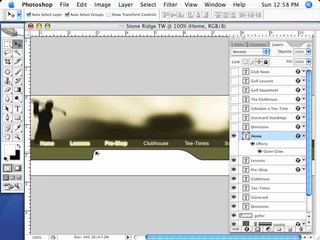
If you have Adobe Photoshop CS2 (or any version since 5.5) you have Adobe ImageReady. It automatically installs with Photoshop. Many Photoshop users have no idea it's there or let alone what it's used for. In this episode we will take a look at how to create web rollovers from a Photoshop file. ImageReady is a web optimization tool as well as a good tool for creating animations from your layered Photoshop files.
Embed this episode
Ready to play
Introduction to Adobe ImageReady
0:00
12:17
1×
No transcript for this episode yet
Similar Episodes
No similar episodes found.
Similar Podcasts
No similar podcasts found.
Frequently Asked Questions
How long is this episode of Adobe Creative Cloud TV?
This episode is 12 minutes long.
When was this Adobe Creative Cloud TV episode published?
This episode was published on June 12, 2006.
Can I download this Adobe Creative Cloud TV episode?
Yes. Use the download control on the episode player to save the publisher-provided media file.
URL copied to clipboard!